Top 10 Graphic Design apps for iOS (for Eastern Europe)
Updated: 15.05.2026
Some of the most popular graphic design apps for iPhone and iPad are mentioned below.
Users that searched for Top 10 Graphic Design apps for iOS (for Eastern Europe) then also viewed the following software:
See also: Top 10: Onilne Graphic Design Software for Eastern Europe
Users that searched for Top 10 Graphic Design apps for iOS (for Eastern Europe) then also viewed the following software:
See also: Top 10: Onilne Graphic Design Software for Eastern Europe
2025. Adobe released free Photoshop for iPhone.
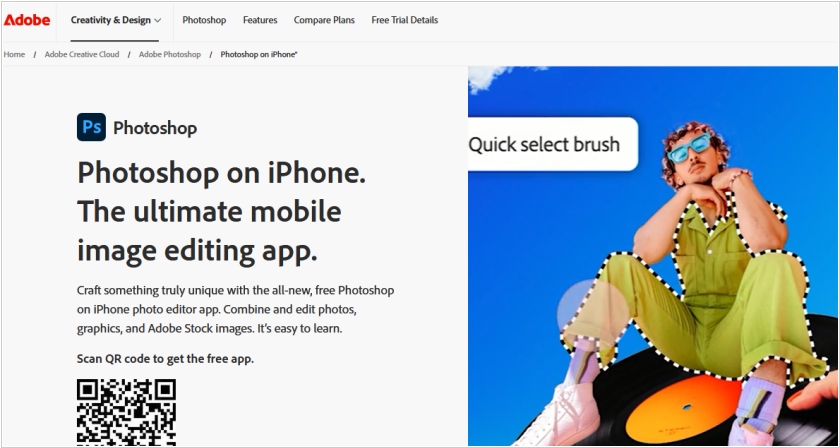
Adobe has unveiled a new free mobile version of its graphics editor Photoshop, which is already available for iPhone and will soon be available for Android. The decision to release Photoshop for smartphones is due to competition from Apple and Google, which have integrated a number of image editing features into their mobile operating systems. Even in the free version, users can layer photos, work with masks, and add text. This allows users to create covers for podcasts, playlists, or YouTube videos. The company also launched a subscription to the premium version of Photoshop for $7.99 per month, the lowest subscription price ever. Previously, the most affordable plan cost $9.99 per month and was only available for iPad.
2024. Microsoft’s AI-powered, Canva-like Designer app lands on iOS and Android
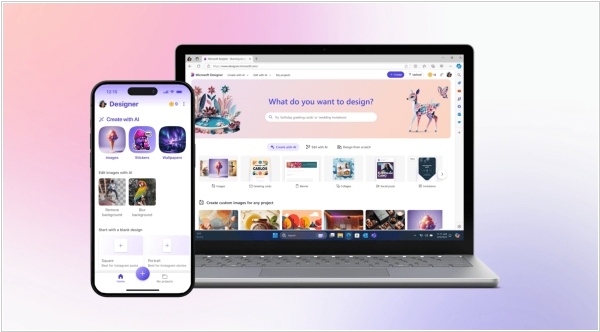
In a move that feels suspiciously like the universe trying to impress us with its digital dexterity, Microsoft’s AI-powered Designer app has finally decided to grace all iOS and Android users with its full, non-previewed presence. Picture it as Canva but with a dash more AI sorcery, allowing users to conjure up images and designs from mere text prompts—be it stickers, greeting cards, or collages, as though that’s just how the universe operates. Available in over 80 languages (because why should Earth get all the fun?) and also free on the web, mobile and Windows, Designer comes equipped with “prompt templates” to nudge you into creative brilliance. But it doesn’t stop there—oh no—you can also craft emojis, avatars, monograms, wallpapers and even give your selfies a galactic makeover. Why anyone would ever return to basic, non-AI-powered tools after this is anyone’s guess.
2024. Adobe Express mobile app now features AI tools
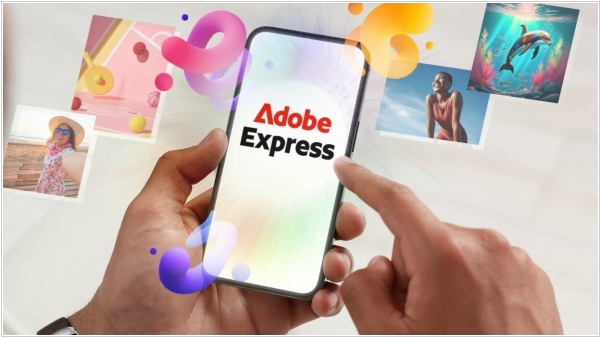
Adobe has added Firefly, an AI-powered image generator, to the Express app for Android and iOS. This significantly expands the capabilities of image creation and editing while away from a desktop. Adobe Express users can create images based on text queries and similarly add, delete, and move individual image elements. The app allows you to apply edits, remove backgrounds, and resize images with a single tap. Adobe Creative Cloud subscribers can import and edit projects from Illustrator and Photoshop in Express.
2021. Procreate - the best graphics editor for iPad
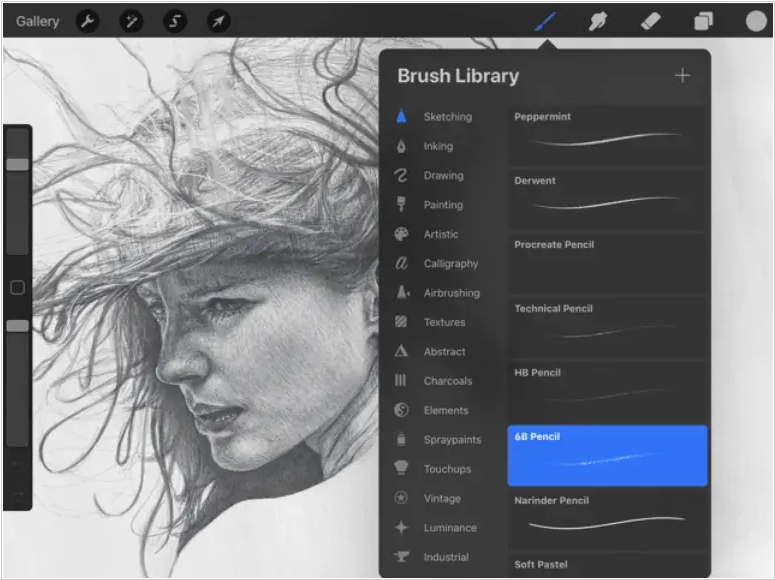
Procreate is like Photoshop, only on the iPad. A raster behemoth in the world of drawing apps, it offers literally everything imaginable. It features a proprietary graphics engine, hundreds of hand-crafted brushes, the revolutionary QuickShape, keyboard support, and even 16k canvases. At first glance, the app may seem too complex and difficult for a beginner to get started. But once you get a handle on the basic tools and features, you'll find yourself hooked. The app costs $9.99.
2019. Adobe Photoshop arrives on the iPad
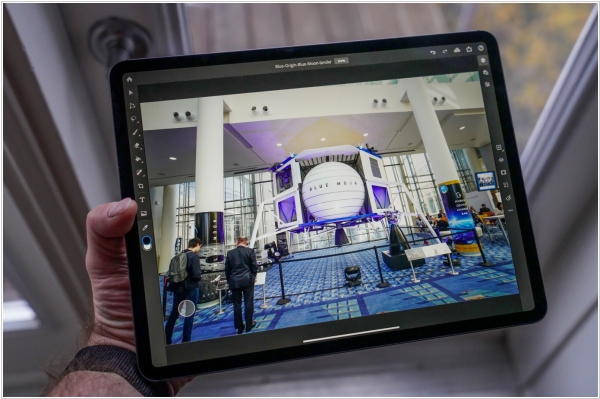
At last Adobe has released Photoshop for the iPad. It costs $9.99 per month for use of just the app, or included as part of an Adobe Creative Cloud subscription. This initial version of Photoshop for the iPad isn’t at feature-parity with its desktop editing software. It does, however, support Apple Pencil for iPad Pro and more recent iPad models, and it allows editing of PSD files. There are features like spot healing and clone stamp that can be highly useful for refining edits on the go available right now. A workflow that incorporates Lightroom on iPad can probably serve pros looking to maximize portability decently well, even if it can’t match the sheer range of things you can do on the desktop just yet. Plus, PSDs you store in Creative Cloud will be available to edit right where you left off everywhere.
2018. Autodesk unveiled free design app for iPad – SketchBook
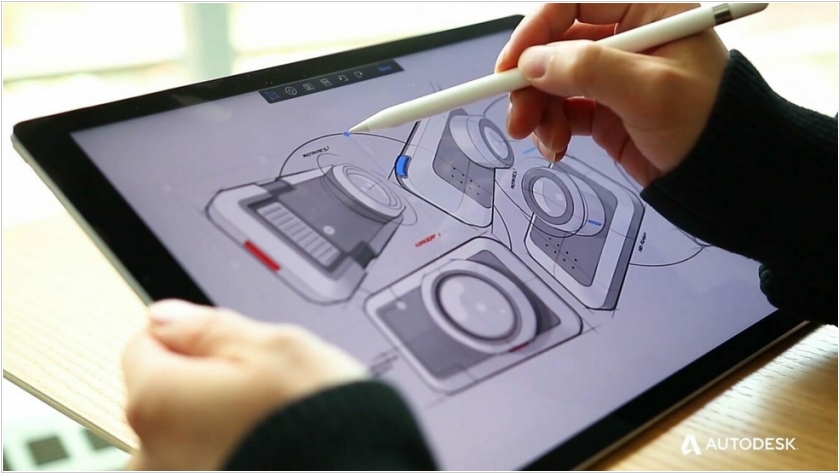
Autodesk has released a mobile version of its graphic editor SketchBook for iPad. As is typical of other editors of this type, it features a huge number of brushes, accessed through a simple interface and the ability to pin your favorite tools to a panel. With Dropbox integration and the ability to import and export Photoshop-friendly files, it's a great solution for working on the go.