Top 10 iOS Video Editors for Eastern Europe
Updated: 15.05.2026
Some of the most popular video editing apps for iPhone and iPad are mentioned below.
Users that searched for Top 10 iOS Video Editors for Eastern Europe then also viewed the following software:
See also: Top 10: Online Video Editors for Eastern Europe
Users that searched for Top 10 iOS Video Editors for Eastern Europe then also viewed the following software:
See also: Top 10: Online Video Editors for Eastern Europe
2026. CapCut added new video model Dreamina Seedance 2.0
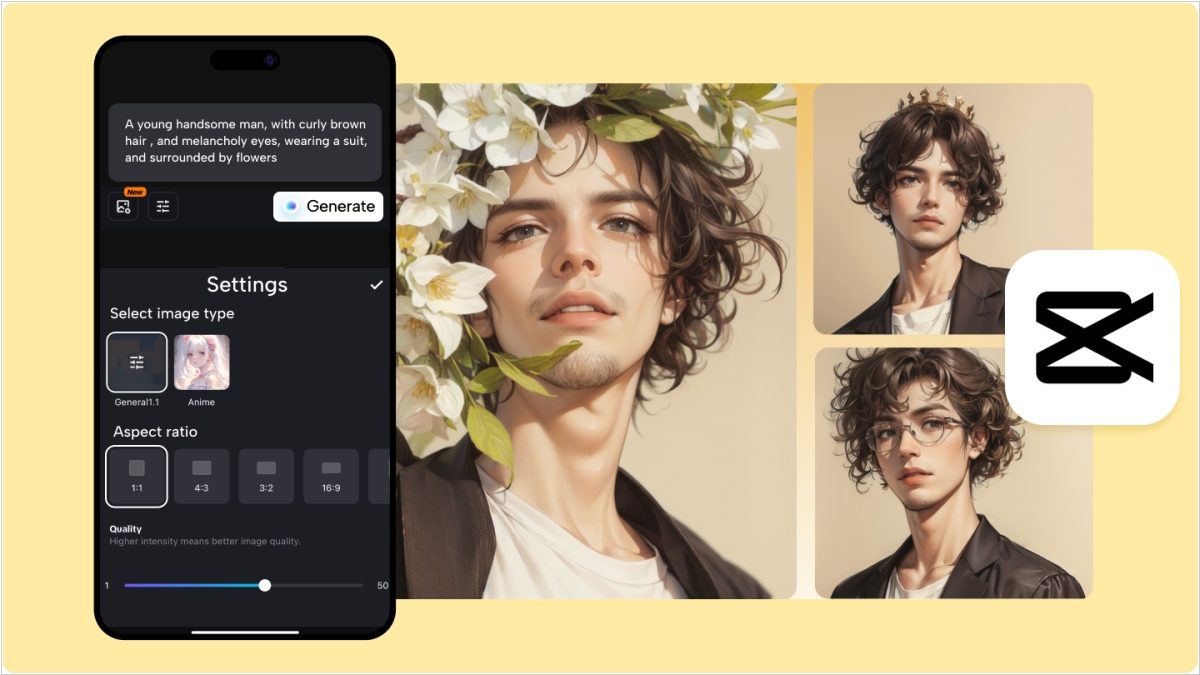
ByteDance announced that its new audio and video generation model, Dreamina Seedance 2.0, is now available in its video editing app, CapCut. ByteDance says the model allows creators to create, edit, and synchronize video and audio content using text prompts, images, or reference videos. News of the CapCut launch comes after a recent announcement that the model's global rollout would be paused while the company works to resolve intellectual property issues that have drawn criticism from Hollywood for alleged copyright infringement.
2025. Adobe released Premiere app for iOS
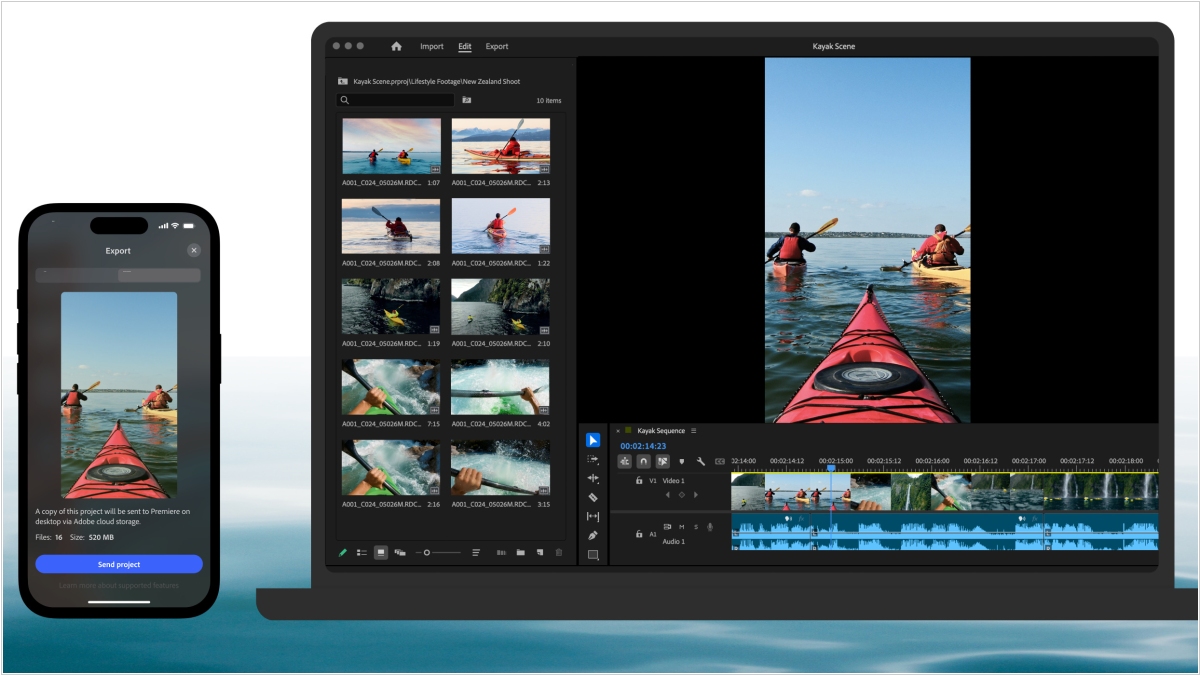
The renowned video editor Adobe Premiere is now available on iPhone and iPad. It's marketed as a professional mobile video editor with a multi-track timeline and AI tools. It's free, and there are no ads or watermarks when exporting. You only pay for Firefly AI credits and cloud storage, if you use them at all. The app offers advanced video editing tools and is a great alternative to TikTok-owned CapCut. Desktop Premiere users are said to feel right at home with this app. The older, simplified video editing app, Adobe Premiere Rush, will soon be discontinued.
2025. Meta unveiled Edits - video creation app, alternative to CapCut
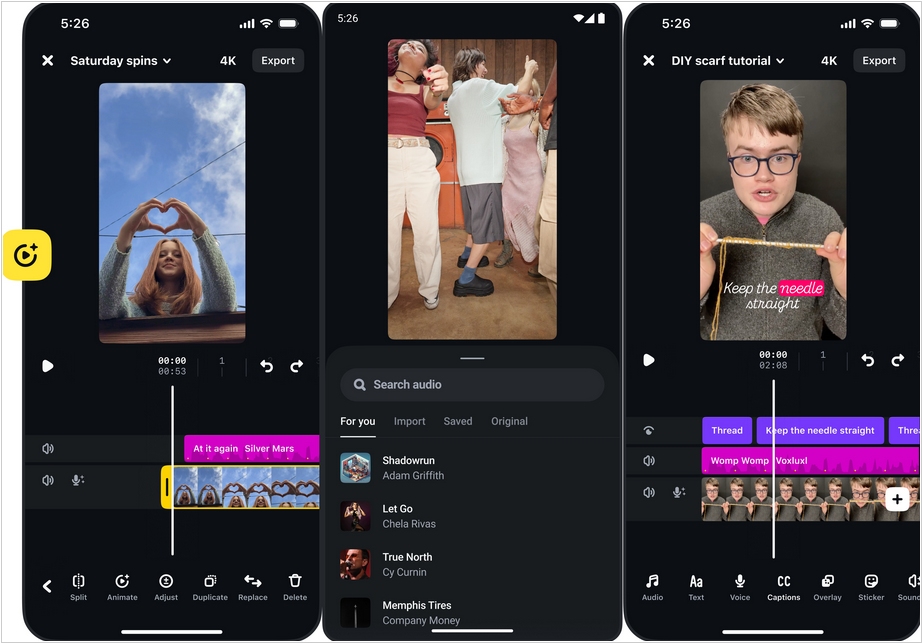
Meta has released free video editing app Edits just after ByteDance's CapCut app was removed from the Apple App Store and Google Play Store as part of the TikTok ban. Naturally, the app's primary purpose is to create reels for Instagram, so it has several integrations, such as allowing you to see Instagram video view statistics. Otherwise, it's a fairly standard mobile video editor with a frame scale and features for trimming, adding sounds, adjusting volume, speed, filters, voice effects, audio extraction, and panning. Users can record videos directly in the app. After finishing shooting, users can simply drag them into a project to start editing immediately. Future features include keyframes, AI-powered editing, collaboration, and expanded creative options.
2023. YouTube created new app YouTube Create for editing videos
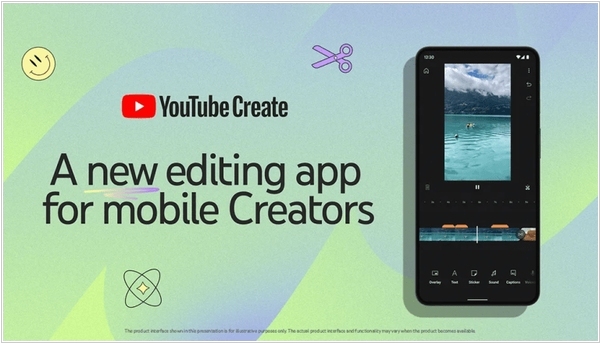
In a move that only a mildly sane universe could have come up with, YouTube has proudly rolled out an innovative tool for content creators with the distinctly modest name, YouTube Create. This entirely cost-free app brings an exuberantly comprehensive set of tools right into the hands of anyone ambitious enough to craft either the briefest of Shorts or, for those with slightly more stamina, longer video epics. Naturally, the purpose of this tool is to untangle the tangled, calm the chaotic and generally simplify the existence of creators who frequently find themselves in a seemingly perpetual state of editing purgatory. Armed with the simple act of uploading clips, creators are guided through a labyrinth of options for stickers, GIFs and effects that teeter on the edge of artistic brilliance and absolute nonsense. Previews, trimmings, assemblies—everything a creator might need is meticulously tucked away in this app, which has enough digital gewgaws to keep even the most frenzied editor blissfully entertained for hours.
2014. Adobe Voice - mobile app for easily creating video presentations

Creating videos for small businesses is still a hot topic. That's why the world's leading developer of multimedia software, Adobe, continues to explore new opportunities in this area. They recently released a free iPad app, Adobe Voice, which allows any beginner (small business owner) to create a video about their company or products and post it on their website. As the name of the app suggests, you use your voice to create a video. You record short phrases and create dynamic slides for them. It's quite simple, as the app provides a large library of backgrounds, fonts, clip art, images, and effects. And, of course, you can add your own photos.
2013. Videolicious allows to create business videos using your iPhone
You already understand that creating videos is very useful for marketing and employee development, but you think it's very difficult and expensive? Actually, no. Videolicious allows you to create videos without video editing software or a video editor. All you need is an iPhone (and to get started, you don't even need money). Videolicious is very simple. You shoot video scenes about your company, products, projects, and employees. Then you film yourself talking about the topic of the video. Then, in the Videolicious app, you select the filmed scenes, music, and press the button. In a few seconds – voila – the video is ready. You can publish it on Twitter, Facebook, YouTube, or your intranet.