Top 10 Free Video Editors for Eastern Europe
Updated: 15.05.2026
Some of the most popular free video editors are mentioned below.
Users that searched for Top 10 Free Video Editors for Eastern Europe then also viewed the following software:
See also: Top 10: Online Video Editors for Eastern Europe
Users that searched for Top 10 Free Video Editors for Eastern Europe then also viewed the following software:
See also: Top 10: Online Video Editors for Eastern Europe
2026. Ubuntu Studio updated sound settings module
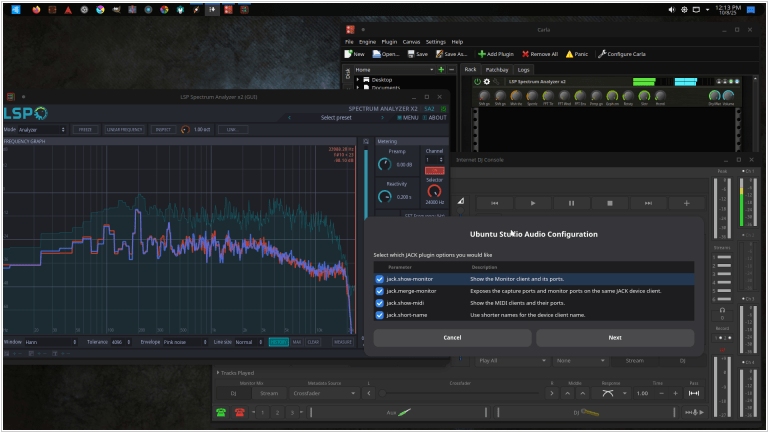
A new version of the design program Ubuntu Studio has been released. It features a completely rewritten sound settings module that is now using two interface backends: GTK4 and Qt6. The application automatically detects your desktop environment and launches the corresponding interface. Both tools now support internationalization with translation into 21 languages. FFADO support has been implemented for FireWire audio devices, and PipeWire buffer/sample rate settings can be configured via drop-down menus instead of text input. A new Borealis sound theme has also been added, replacing the previous Ocean sound theme. Furthermore, the program has a new wallpaper for the Resolute Raccoon cycle with an updated visual style across all themes. The screensaver and lock screen are now disabled for the entire session, which fixes a long-standing issue where the screen would lock and request a non-existent password.
2025. Adobe Firefly now allows to edit videos using prompts
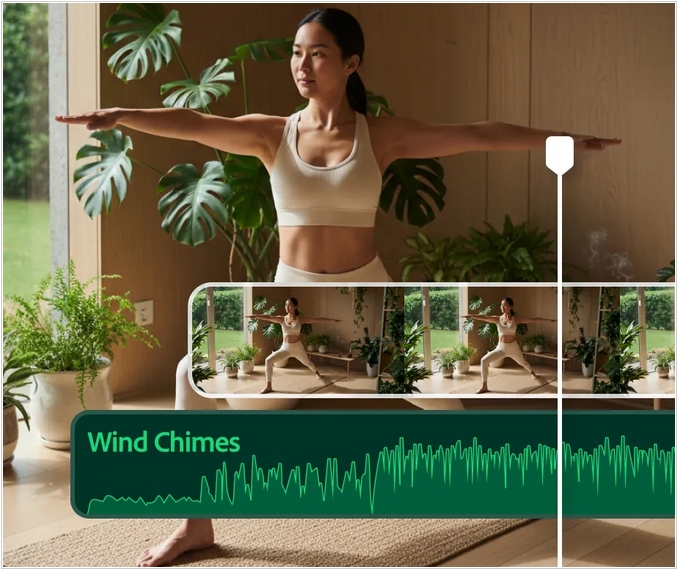
Adobe has updated its AI-powered graphics tool, Firefly, adding a video editor that supports precise editing based on text suggestions. Previously, Firefly only supported prompt-based video generation, so if you weren't satisfied with a particular part of a video, you had to recreate the entire clip. The new editor lets you use text suggestions to edit video elements, colors and camera angles and features a new timeline view that allows to easily adjust frames, audio and other settings. Also Firefly added support of new third-party image and video generation models, including FLUX.2 and Topaz Astra from Black Forest Labs.
2025. Adobe released Premiere app for iOS
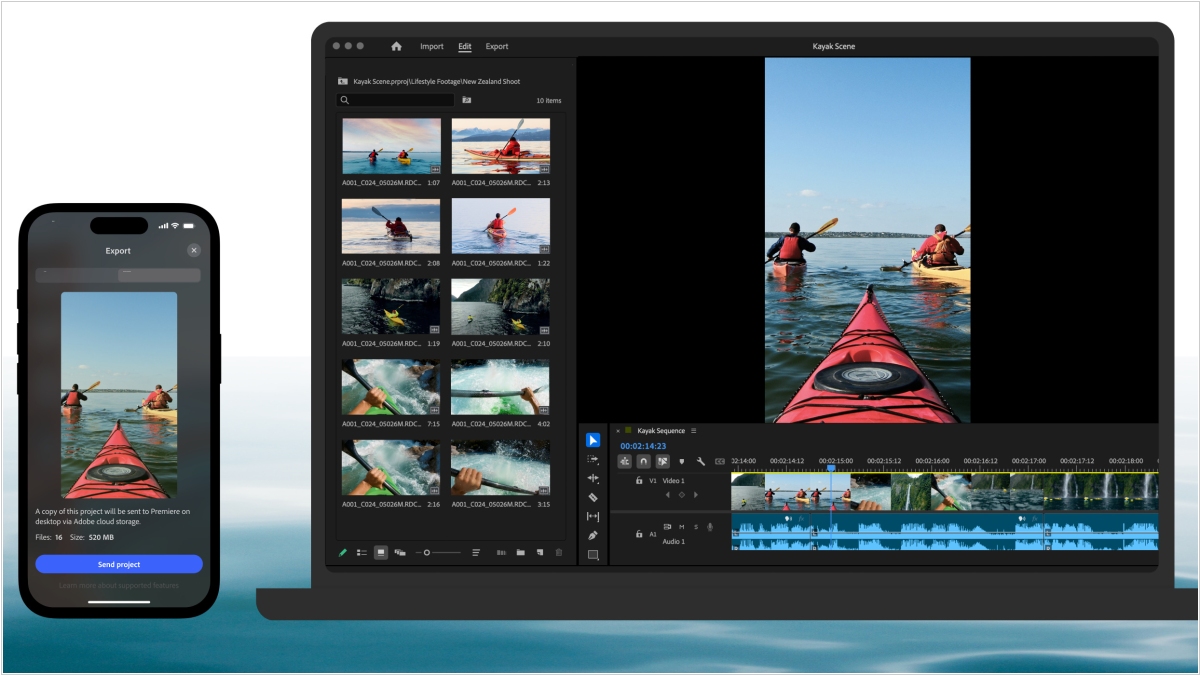
The renowned video editor Adobe Premiere is now available on iPhone and iPad. It's marketed as a professional mobile video editor with a multi-track timeline and AI tools. It's free, and there are no ads or watermarks when exporting. You only pay for Firefly AI credits and cloud storage, if you use them at all. The app offers advanced video editing tools and is a great alternative to TikTok-owned CapCut. Desktop Premiere users are said to feel right at home with this app. The older, simplified video editing app, Adobe Premiere Rush, will soon be discontinued.
2025. Meta unveiled Edits - video creation app, alternative to CapCut
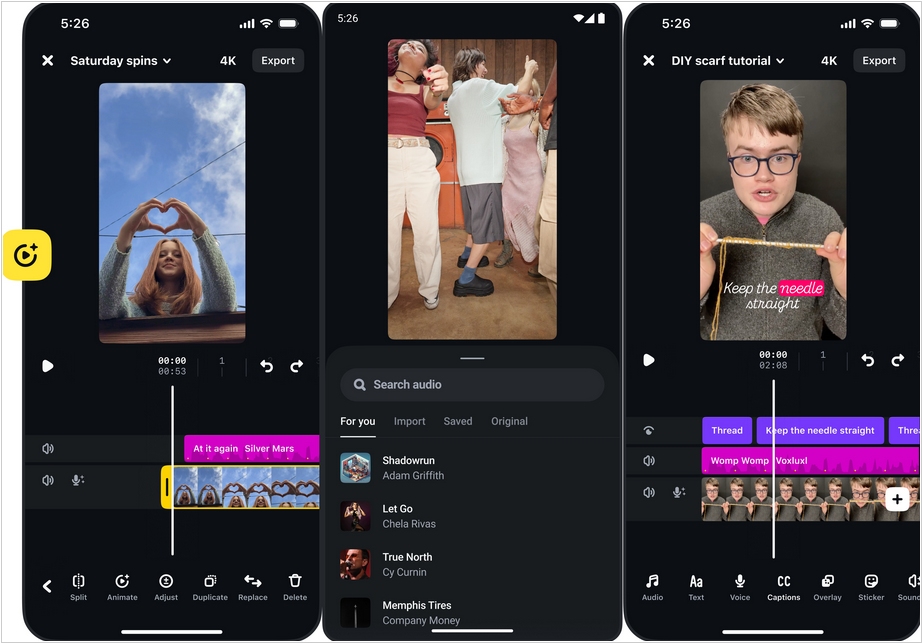
Meta has released free video editing app Edits just after ByteDance's CapCut app was removed from the Apple App Store and Google Play Store as part of the TikTok ban. Naturally, the app's primary purpose is to create reels for Instagram, so it has several integrations, such as allowing you to see Instagram video view statistics. Otherwise, it's a fairly standard mobile video editor with a frame scale and features for trimming, adding sounds, adjusting volume, speed, filters, voice effects, audio extraction, and panning. Users can record videos directly in the app. After finishing shooting, users can simply drag them into a project to start editing immediately. Future features include keyframes, AI-powered editing, collaboration, and expanded creative options.
2024. YouTube Studio adds AI chat for generating video ideas
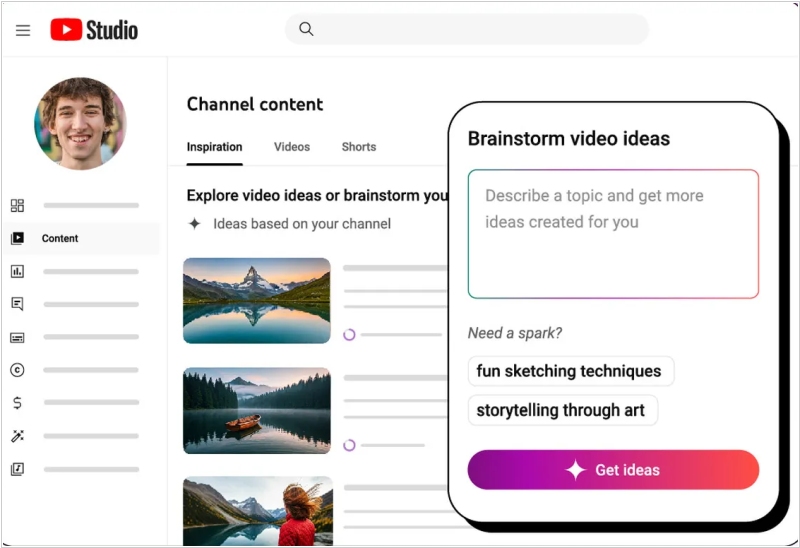
Free video editor YouTube Studio now has an Inspiration tab. It automatically generates 10 ideas when you open it (for example, based on comments asking for a sequel to a video on a specific topic). These ideas can be used to start brainstorming. And an AI bot will now assist in this brainstorming, allowing you to discuss ideas and possibly come up with new creative solutions. YouTube will soon also allow creators to generate video thumbnails using AI and quickly respond to user comments. Clearly, for Google, introducing its own AI to YouTube is an opportunity to lure users away from ChatGPT.

2023. YouTube created new app YouTube Create for editing videos
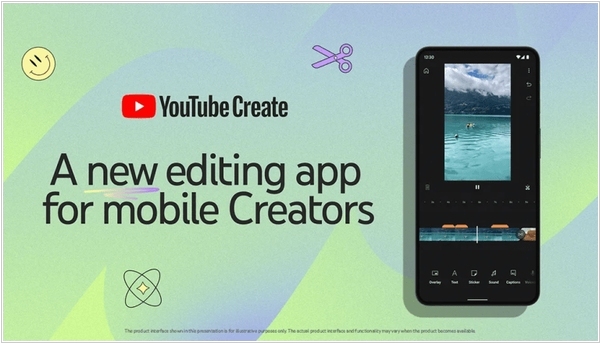
In a move that only a mildly sane universe could have come up with, YouTube has proudly rolled out an innovative tool for content creators with the distinctly modest name, YouTube Create. This entirely cost-free app brings an exuberantly comprehensive set of tools right into the hands of anyone ambitious enough to craft either the briefest of Shorts or, for those with slightly more stamina, longer video epics. Naturally, the purpose of this tool is to untangle the tangled, calm the chaotic and generally simplify the existence of creators who frequently find themselves in a seemingly perpetual state of editing purgatory. Armed with the simple act of uploading clips, creators are guided through a labyrinth of options for stickers, GIFs and effects that teeter on the edge of artistic brilliance and absolute nonsense. Previews, trimmings, assemblies—everything a creator might need is meticulously tucked away in this app, which has enough digital gewgaws to keep even the most frenzied editor blissfully entertained for hours.
2021. Canva launches online video editor
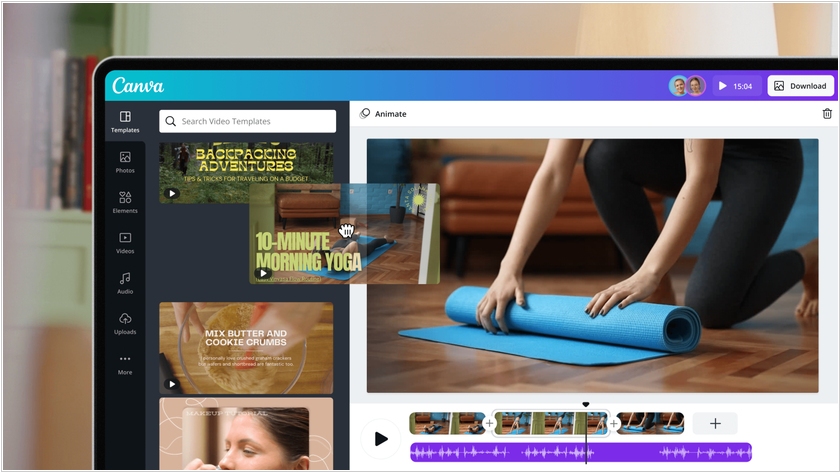
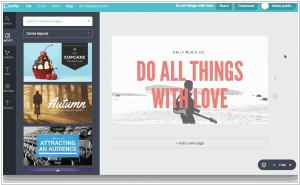
The popular online graphics editor Canva now lets you create and edit videos directly in your browser. The new service Canva Video offers fairly standard functionality. Videos can be automatically split into scenes, trimmed, and placed on the timeline along with transitions, titles, and audio tracks. The service also features a template library to simplify the process. It supports the creation of vertical videos for mobile devices and social media. A key feature of the service, compared to traditional video editors, is the ability to collaborate on a project in real time. Canva Video is available for free.
2021. Microsoft acquired online video editor Clipchamp
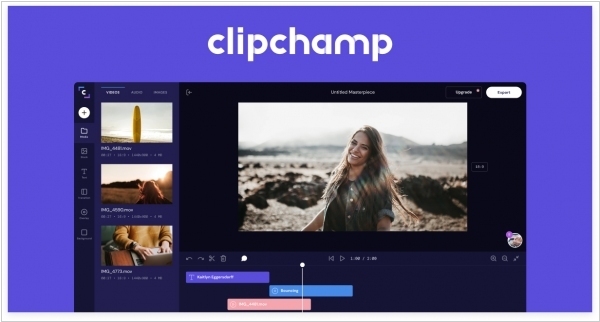
Microsoft has acquired Clipchamp, an Australian online video creation and editing service. It is quite popular and is used by individuals and businesses to create video advertisements and promotional videos on YouTube, Facebook, and Instagram. Clipchamp features a library of templates and media assets (filters, styles, transitions, and media files), and the editor itself is characterized by high speed and high-quality video compression. Microsoft says video has become a new type of business document, so the video editor will soon become an integral part of the Microsoft 365 Office suite.
2021. Adobe is buying Frame.io for $1.28B
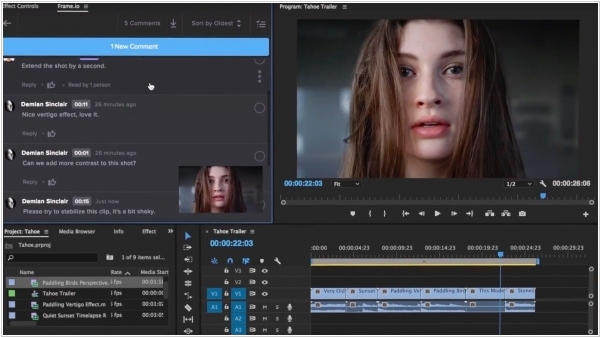
Adobe is acquiring Frame.io, a video review and collaboration platform used by over a million customers, for $1.275 billion. Frame.io platform helps creative professionals streamline the video creation process by centralizing media assets, including dailies, scripts, storyboards, work-in-progress and more, while also allowing for frame-accurate feedback and comments, annotations and real-time approvals. The company additionally touts faster upload speeds than other cloud hosting services, like Vimeo, Box, Dropbox and others. Adobe said the combination of its creative software, including Premiere Pro and After Effects video editing products, and Frame.io’s review and approval functionality would “deliver a collaboration platform that powers the video editing process.” The Frame.io web platform was designed to be a part of its customer’s existing processes, by integrating with non-linear editing systems (NLEs) such as Adobe Premiere Pro.
2017. YouTube is shutting down its video editing service. No one uses it.
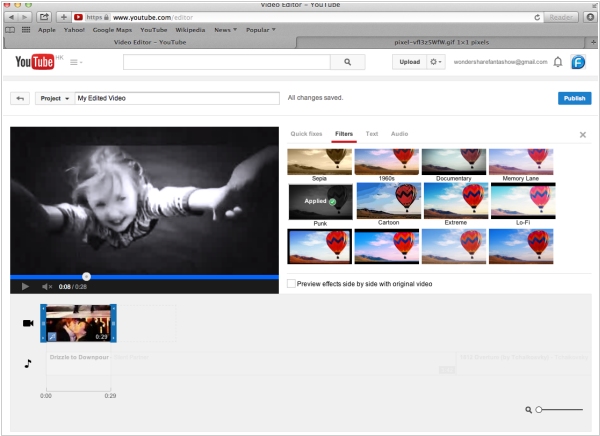
YouTube has its own video editing service, Video Editor (you probably didn't know about it). It allows you to edit a simple video: no fancy special effects, but it's fine for basic users. It turns out that the number of such users is too small. Service representatives announced that the editor will be shutting down as of September 20th. YouTube representatives also noted that if you're looking for a replacement for Video Editor, there are plenty of free and paid options with the same feature set.
2014. Adobe Voice - mobile app for easily creating video presentations

Creating videos for small businesses is still a hot topic. That's why the world's leading developer of multimedia software, Adobe, continues to explore new opportunities in this area. They recently released a free iPad app, Adobe Voice, which allows any beginner (small business owner) to create a video about their company or products and post it on their website. As the name of the app suggests, you use your voice to create a video. You record short phrases and create dynamic slides for them. It's quite simple, as the app provides a large library of backgrounds, fonts, clip art, images, and effects. And, of course, you can add your own photos.