Adobe Express
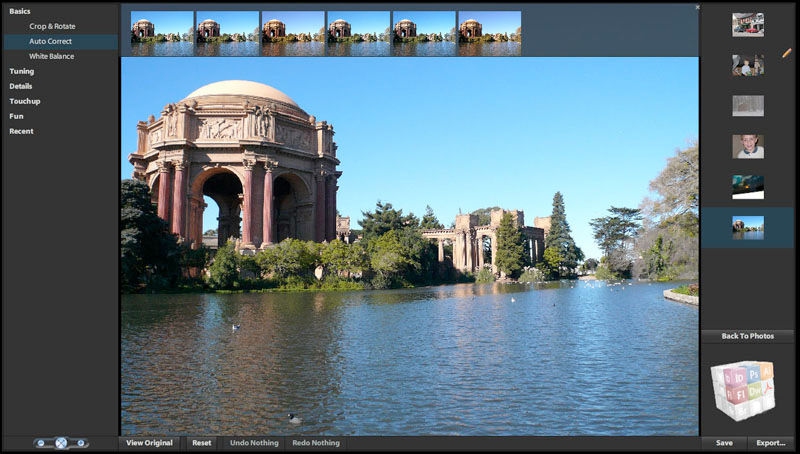
Creative Cloud Express (former Adobe Spark) is an online and mobile design app. Easily create stunning social graphics, short videos, and web pages that make you stand out on social and beyond. Integrates seamlessly with Adobe Creative Cloud
Comments: 1
Comments: 1
Alternatives and relevant products
Users who were interested in Adobe Express, then also viewed:

News about Adobe Express
12.03.26. Mobile and online Photoshop get AI assistant

Adobe has introduced an AI assistant for the web and mobile versions of Photoshop. It can help remove objects from images, change colors, or adjust lighting using text prompts. The new AI Markup feature allows users to draw markers on the screen and use the AI assistant to transform these objects. For example, you can draw a flower or mark an object for removal to change the background. Also new is the Generative Fill feature, which has been present in desktop Photoshop for several years, for replacing or adding objects and changing the background accordingly. Furthermore, a tool for removing backgrounds from images with one click has been added. All of this is powered by Photoshop's proprietary Firefly graphics model, which offers unlimited queries for paid users.
2025. Photoshop integrated into ChatGPT
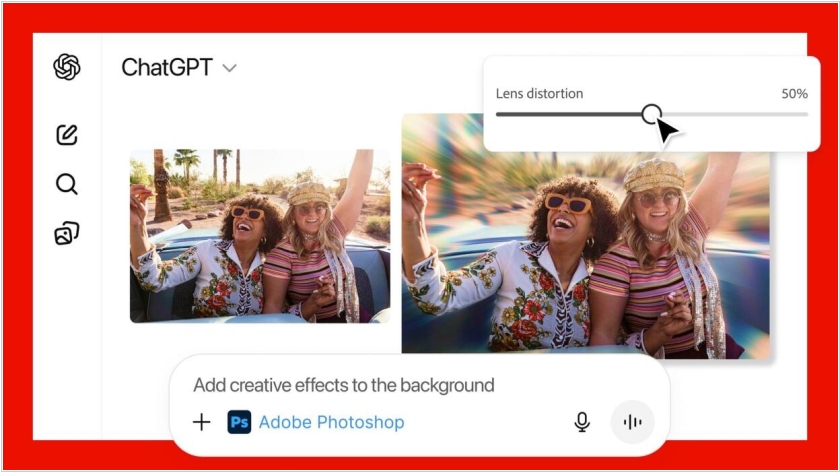
ChatGPT users can now edit images using Adobe's suite of tools thanks to the launch of a new chatbot integration with Adobe Photoshop. Now, by generating prompts using natural language, you can edit photos, for example, by fine-tuning details, blurring the background and applying custom effects. ChatGPT users can also access Adobe Express, the company's all-in-one content creation tool and Adobe Acrobat document manager directly in chats, with the ability to generate and edit PDFs or customize existing documents with your personal information.
2025. Adobe released Premiere app for iOS
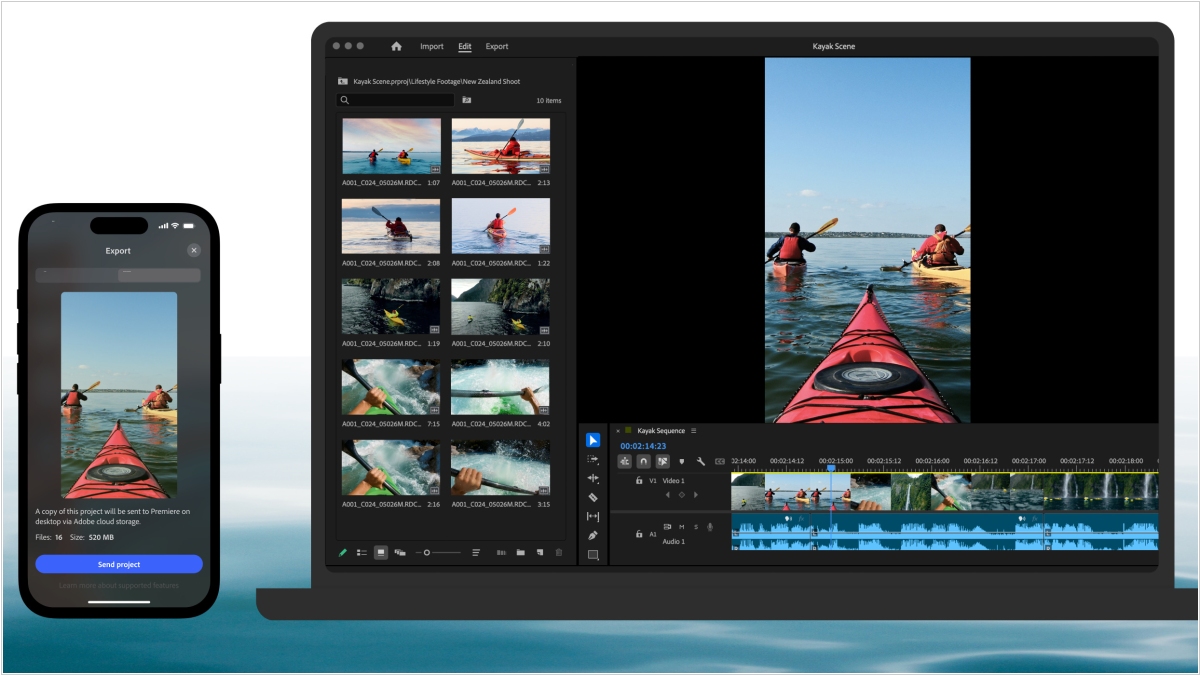
The renowned video editor Adobe Premiere is now available on iPhone and iPad. It's marketed as a professional mobile video editor with a multi-track timeline and AI tools. It's free, and there are no ads or watermarks when exporting. You only pay for Firefly AI credits and cloud storage, if you use them at all. The app offers advanced video editing tools and is a great alternative to TikTok-owned CapCut. Desktop Premiere users are said to feel right at home with this app. The older, simplified video editing app, Adobe Premiere Rush, will soon be discontinued.
2025. Photoshop gets AI tools for resizing and injecting objects

Adobe has added new image editing and enhancement features to Photoshop based on the Firefly AI model. The Generative Upscale feature allows to improve the image resolution up to 8 megapixels. This is useful for restoring details in old photos, scaling images for printing or adapting assets for different platforms. The Harmonize feature allows you to place a new object in a scene, remove its background, adjust the colors, lighting and shadows to match the object to the scene. The idea is to make the new object, such as a chair in a room, fit harmoniously into the environment. Adobe has also introduced an improved Object Removal tool. Previously, when using generative fill to remove an object, the tool took into account the entire scene to fill the gap left by the removed object, which sometimes led to unwanted artifacts in the image. The company has reworked the algorithm so that it focuses only on removing the object locally.
2025. Adobe released free Photoshop for iPhone.
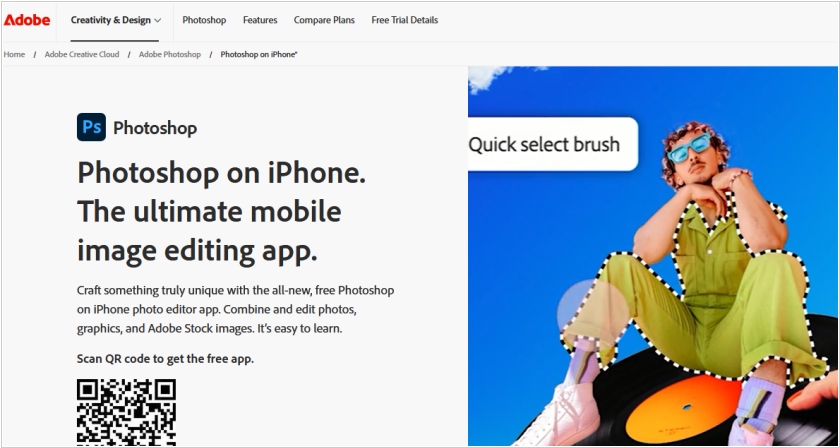
Adobe has unveiled a new free mobile version of its graphics editor Photoshop, which is already available for iPhone and will soon be available for Android. The decision to release Photoshop for smartphones is due to competition from Apple and Google, which have integrated a number of image editing features into their mobile operating systems. Even in the free version, users can layer photos, work with masks, and add text. This allows users to create covers for podcasts, playlists, or YouTube videos. The company also launched a subscription to the premium version of Photoshop for $7.99 per month, the lowest subscription price ever. Previously, the most affordable plan cost $9.99 per month and was only available for iPad.
2025. Photoshop enabled collaborative photo editing
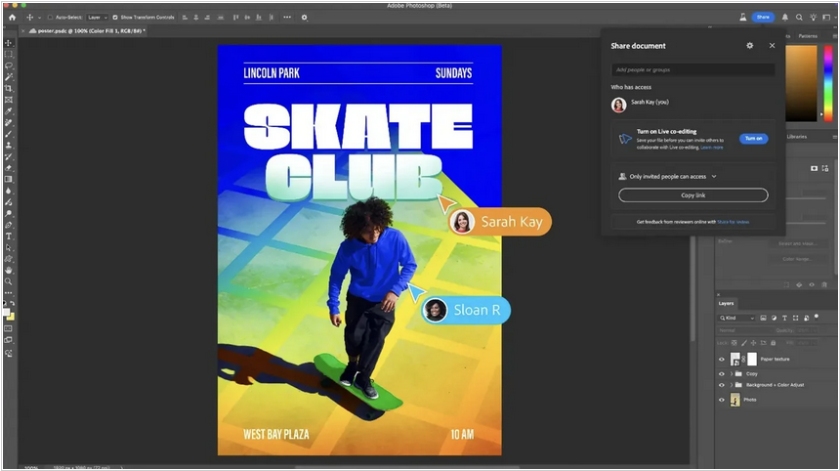
Adobe has added real-time collaborative editing to Photoshop. Previously, this feature was only available in the (limited) online version of Adobe Express. Now, multiple users can work simultaneously on a Photoshop document, sharing tasks and annotating the image. Users can request feedback, comments, suggestions, and project feedback from clients without leaving the file. Clients can send suggestions and edits to authors, and the creator will see them immediately while working. To initiate co-editing, click the Share button in the upper right corner and then share the project link with another Photoshop user. Then, in the "Turn on Live Co-Editing" menu, click "Turn on."
2024. Adobe unveiled AI tool that turns text and images into video

Adobe has unveiled a new tool powered by generative AI, which allows to create video clips from still images and descriptions. It not only creates videos but also allows you to adjust the results using various camera controls that simulate changes in viewing angle, camera movement, and shooting distance. An image-to-video feature was also demonstrated, which can generate clips based on specific images. The new tool will expand the capabilities of the Adobe Firefly video model.
2024. Adobe Express mobile app now features AI tools

Adobe has added Firefly, an AI-powered image generator, to the Express app for Android and iOS. This significantly expands the capabilities of image creation and editing while away from a desktop. Adobe Express users can create images based on text queries and similarly add, delete, and move individual image elements. The app allows you to apply edits, remove backgrounds, and resize images with a single tap. Adobe Creative Cloud subscribers can import and edit projects from Illustrator and Photoshop in Express.
2023. Adobe launches Photoshop’s web version with Firefly-powered AI tools

In a move that could only be described as the most delightfully inevitable digital evolution since the invention of the scrollbar, Adobe has finally released the official web version of Photoshop for those who’ve willingly tethered themselves to a paid plan, following nearly two years of diligent beta wandering. This web-based marvel now comes equipped with Firefly-powered AI tools, like “generative fill” and “generative expand,” which are nestled comfortably in the toolbar, keenly focused on guiding users through peculiar workflows involving image reproduction and object selection. Amusingly, rather than relying on cryptic tooltips, Photoshop on the web insists on plainly displaying the full names of its tools—perhaps in a rare burst of cosmic kindness toward bewildered beginners. To add a dash of collaborative chaos, Adobe has also ensured that sharing file links is now possible with other users, regardless of whether they’ve succumbed to the subscription model, thus encouraging a sense of teamwork that’s as effortless as it is unexpected.
2023. Adobe brings Firefly’s generative AI to Photoshop
Photoshop is receiving an infusion of generative AI through the integration of several Firefly-based features. These new additions empower users to expand images beyond their boundaries by incorporating Firefly-generated backgrounds. Additionally, generative AI can now be utilized to seamlessly insert objects into images, while a new generative fill feature enables more precise removal of objects compared to the previous content-aware fill option. Initially, these features will be exclusive to the beta version of Photoshop. Moreover, Adobe is extending some of these capabilities to Firefly beta users on the web. It's worth noting that Firefly users have already generated over 100 million images using the service.
2017. Adobe unveiled its AI tool Sensei
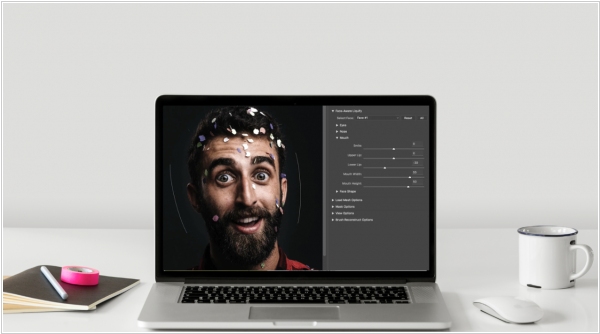
Adobe's flagship products, Photoshop and Premiere, are designed for image and video processing. This is a huge field of activity for artificial intelligence and now the intelligence has arrived – Adobe Sensei. Just imagine being able to automatically crop an object from a photo or video or apply fantastic effects. In addition to graphics, Sensei will be used for searching and tagging images in Adobe Creative Cloud, for photo text recognition in Adobe Document Cloud, and for predictive analytics in the Adobe Marketing Cloud marketing management system.
2014. Photoshop to work on Chromebooks
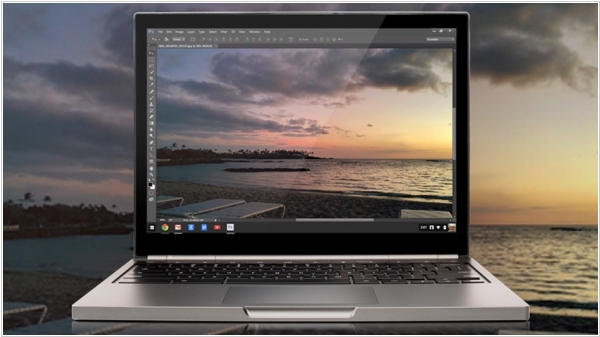
Critics of Chromebooks (laptops running Google's ChromeOS platform) have always said that nothing good will come of them because "desktop programs like Photoshop don't run on them." They'll soon have to come up with another example, because Photoshop will soon run on Chromebooks. Google and Adobe are collaborating to solve this problem. What's more, it will be a virtual version of Photoshop that isn't installed but rather "streamed" to the laptop over the internet. It will first be available for educational institutions, and then for everyone else. As a reminder, Adobe also offers an online version of Photoshop Express, though it's very limited in functionality. However, last week Adobe acquired the online graphics editor Aviary, so it seems the online version of Photoshop will soon become a fully functional tool.
2014. Adobe Voice - mobile app for easily creating video presentations

Creating videos for small businesses is still a hot topic. That's why the world's leading developer of multimedia software, Adobe, continues to explore new opportunities in this area. They recently released a free iPad app, Adobe Voice, which allows any beginner (small business owner) to create a video about their company or products and post it on their website. As the name of the app suggests, you use your voice to create a video. You record short phrases and create dynamic slides for them. It's quite simple, as the app provides a large library of backgrounds, fonts, clip art, images, and effects. And, of course, you can add your own photos.