Figma
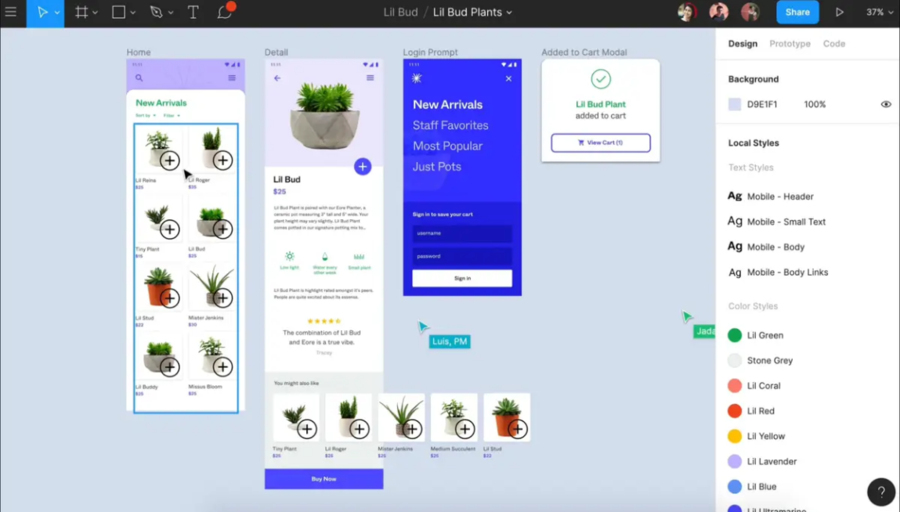
Collaborative interface design tool. Each contributor owns their part of the creative process and stays in sync along the way - across any platform. Securely connect teams, fonts, and libraries across your entire company. Includes the Slides tool for creating presentations.
Add comment
Add comment
Alternatives and relevant products
Users who were interested in Figma, then also viewed:
News about Figma
24.05.26. Figma added AI agent to its canvas
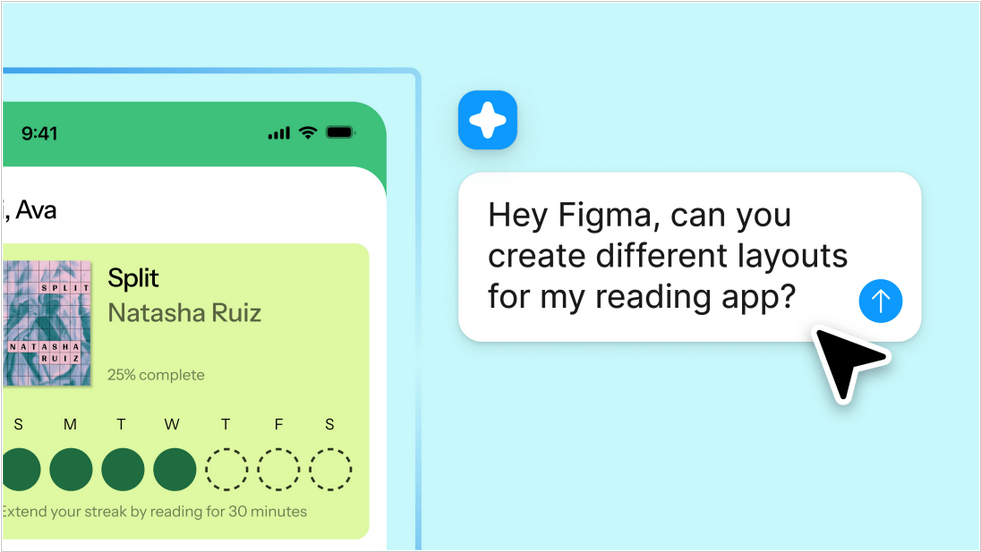
Over the past few months, Figma has partnered with Anthropic and OpenAI to import Claude Code and Codex creations into its Figma Design canvas. Now, the AI agent is available directly within the canvas. Users can type natural language suggestions in the chat to guide the agent in creating new designs or editing existing ones. Users can even run multiple agents, which can perform different tasks simultaneously. The company claims the AI assistant understands context and the "language of design."
2025. Figma added AI tools for deleting, moving and enlarging objects.
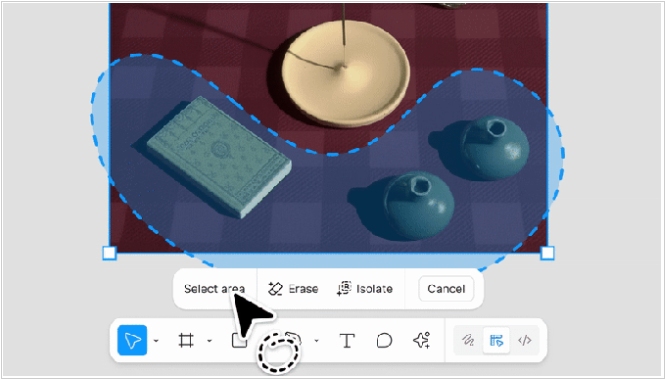
Online design service Figma has added new AI-powered image editing features, including the ability to remove, select and enlarge objects on images. This is done using the lasso tool. When moving an object, the image retains other characteristics, such as background and color. Users can also select an object to adjust parameters such as lighting, shadow, color or focus. The image enlargement feature is useful when you're adapting a creative for a specific format and need to fill in the background or other details. For example, when creating a web banner or mobile banner from a 1x1 image. Essentially, this eliminates the need to constantly crop the image and adjust elements within it.
2025. Figma released AI-based website builder
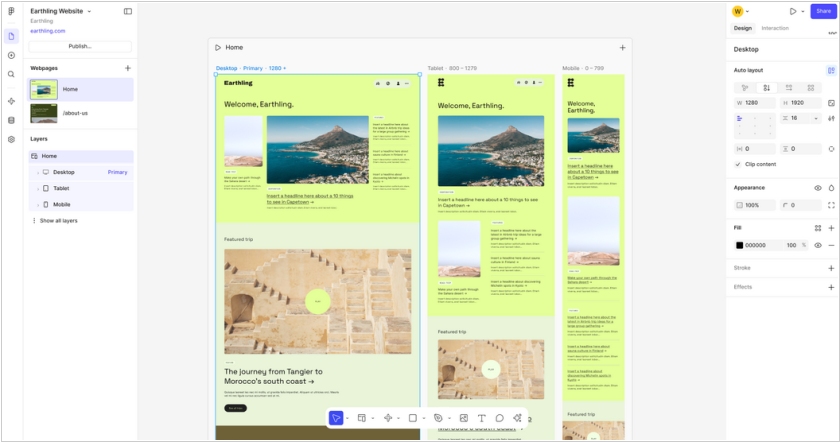
Figma has unveiled AI-powered site and web app creation tool called Figma Sites, designed for marketers to create assets in bulk. With this launch, the company is taking on website and prototype creators such as WordPress, Wix, Hostinger and Replit. The new tool allows to create websites using text prompts and even publish them. Once the site is generated, collaborators can easily change elements of the site through an editor without prompting. Users can also add transitions, animations and scroll effects to make site responsive. Figma is also adding the ability to directly generate blog posts from its site. That means the Sites will have a content management system (CMS), which is an upcoming feature, baked in that lets users edit posts within the design of a blog and also manage other assets such as thumbnails and slugs.
2024. Figma unveiled Slides for creating presentations
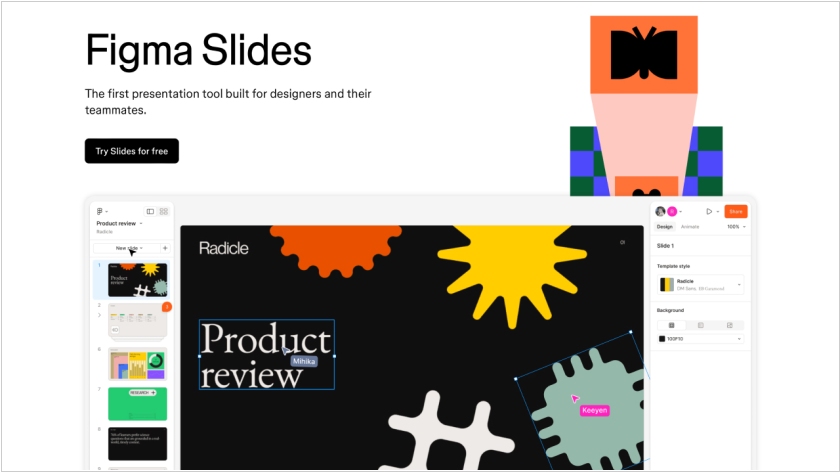
Users have long been using Figma to create presentations. So, the developers decided to simplify the process of working with slides and released a special tool, Slides. The service is similar to familiar presentation tools, such as PowerPoint. The editable slide is in the center, the left sidebar allows you to view all slides and reorder them, and the right sidebar contains editing functions. Slides doesn't support vector shapes and lacks many of the familiar Figma tools, but they can be accessed in Design Mode. All presentation slides can be viewed in a grid. Collaboration mode is also available. Using Live Objects, you can embed prototypes of apps and websites created in Figma into slides. There is also a presenter mode and AI features for content generation.
2023. Adobe and Figma cancel merger. It was rejected by the European Commission
Adobe and Figma officially terminated their $20 billion merger agreement after European regulators threatened to block it. In September 2022, Adobe and Figma announced their planned merger. Adobe had planned to acquire Figma for $20 billion. A deal of this size attracted the attention of regulators. The US Department of Justice and UK regulators had reviewed the terms earlier and appeared to have accepted the deal. And in February 2023, the European Commission declared that the proposed merger "would have a significant impact on competition in the interactive design market."
2021. Figma unveiled online collaborative whiteboard FigJam
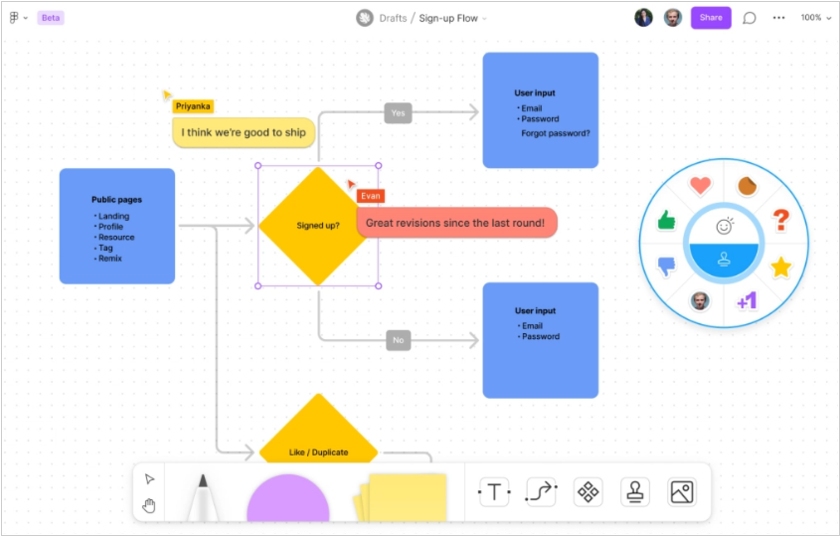
Figma, the online graphic editor, initially focused on collaborative design work, has added whiteboard tool called FigJam. It enables real-time collaboration not only on design but also on related tasks, such as project planning. Teams can choose whiteboard templates with a set of components (for example, a Kanban board with cards or a diagram with algorithmic shapes) and draw on top of them. The product is integrated with Figma and allows for projects to be transferred to the whiteboard. FigJam also features voice chat, allowing for collaboration without the need for Zoom or Google Meet.