Top 10: Onilne Graphic Design Software for Eastern Europe
Updated: 16.05.2026
Like
25
Graphic Design software for small business and enterprise that allows to create graphical images and design prototypes in web-browser
1
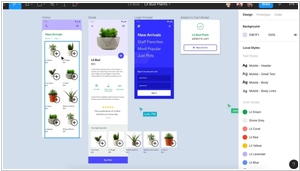
Collaborative interface design tool. Each contributor owns their part of the creative process and stays in sync along the way - across any platform. Securely connect teams, fonts, and libraries across your entire company. Includes the Slides tool for creating presentations.
2
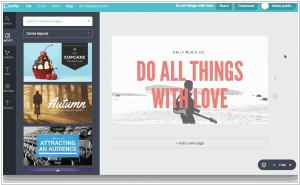
Canva gives you everything you need to easily turn ideas into stunning designs. Create designs for Web or print: blog graphics, presentations, Facebook covers, flyers, posters, invitations and so much more. Allows multiple users to edit designs in real-time. AI-chat/agent included
3
Creative Cloud Express (former Adobe Spark) is an online and mobile design app. Easily create stunning social graphics, short videos, and web pages that make you stand out on social and beyond. Integrates seamlessly with Adobe Creative Cloud
4
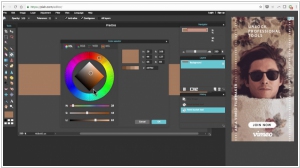
The most robust browser photo editor, for all your editing needs. Online or offline. Browser-based or native app. Now for Windows and Mac as well as iOS and Android. Pixlr is ready to make moments beautiful wherever you are and whenever inspiration strikes. Owned by Autodesk.
5
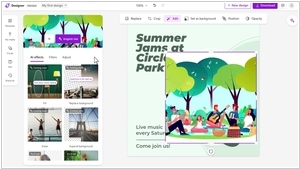
Microsoft's graphic design app that helps you create professional quality social media posts, invitations, digital postcards, graphics, and more. Allows to use generative AI to create eye-catching images with your words.
6
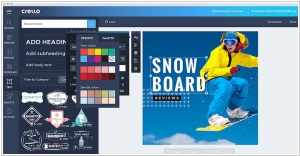
VistaCreate is a free online graphic design tool with thousands of free templates for you to choose from. Supports multiple formats, including social media posts and presentations.
7
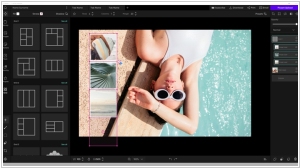
AI-powered graphics editor with a wide range of free tools. It lets you process raster images and create stunning designs. AI handles image generation, background removal, and intelligent object resizing.
8
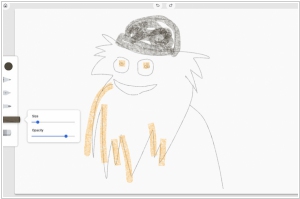
Simple online graphics editor. Allows you to draw freehand and save images to your computer.
9
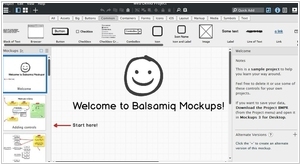
Balsamiq really shines during the early stages of designing a new interface. It offers the same speed and rough feel as sketching with pencil, with the advantage of the digital medium: drag & drop to resize and rearrange elements, make changes without starting over, and your work is clear enough that you'll make sense of them later.
10
Cloud-based, multi-functional graphic editor that lets you create designs for social media, portfolios, blogs, presentations, print, websites and much more in just a few easy steps. No professional design or programming skills required. Create stunning brand designs with a simple drag-and-drop.
11
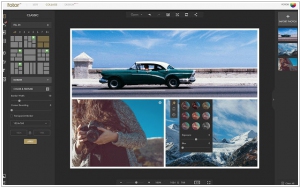
Free Online Photo Editing & Creatives. Online photo editing & creatives made simple and fun with Fotor free online photo editor, features include photo collage, effects, online filters, frames, photo filters.
12
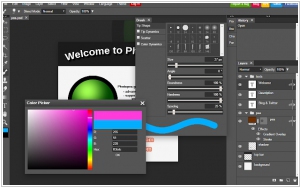
Photopea Online Photo Editor lets you edit photos, apply effects, filters, add text, crop or resize pictures. Supports editing PSD, AI, and Sketch files directly in the browser.
13
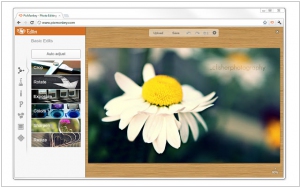
PicMonkey is a free photo editor that works in your browser — nothing to download or install. Fix your photos and add beautiful filters and text. Touch up facial features or create outstanding graphics. Ridiculously easy, staggeringly gorgeous. Ads-free editing plus a kingly hoard of primo effects, supreme fonts, exclusive designs, and more
14
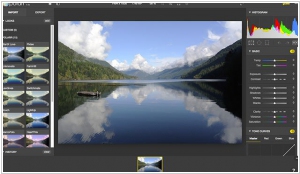
Polarr makes advanced free online photo editor, also available for iOS, Android, Mac and Windows with professional photo editing tools. Offers AI-powered tools for automated edits and enhancements.
Latest news related to rating "Onilne Graphic Design Software for Eastern Europe":
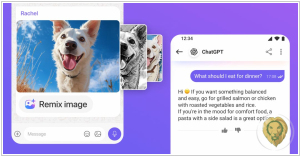
Canva allows to create designs directly from AI chats
11.06.2026
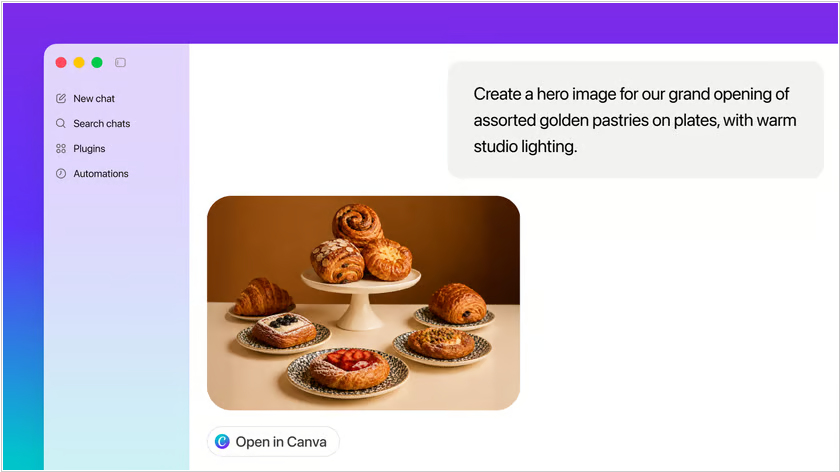
Design platform Canva has integrated with all leading AI chat services (ChatGPT, Claude, Gemini, Perplexity) - so you can ask a @Canva agent to generate an image, make a presentation, or create a website template directly in the chat, and then open it in the Canva editor for further processing. The integration is enabled by an MCP server, which allows LLM services to securely connect to your Canva account. Of course, you must first activate the connection in the web interface, mobile or desktop chat app and enter your username and password. For example, in ChatGPT, open the Apps section and search for Canva.
Figma added AI agent to its canvas
24.05.2026
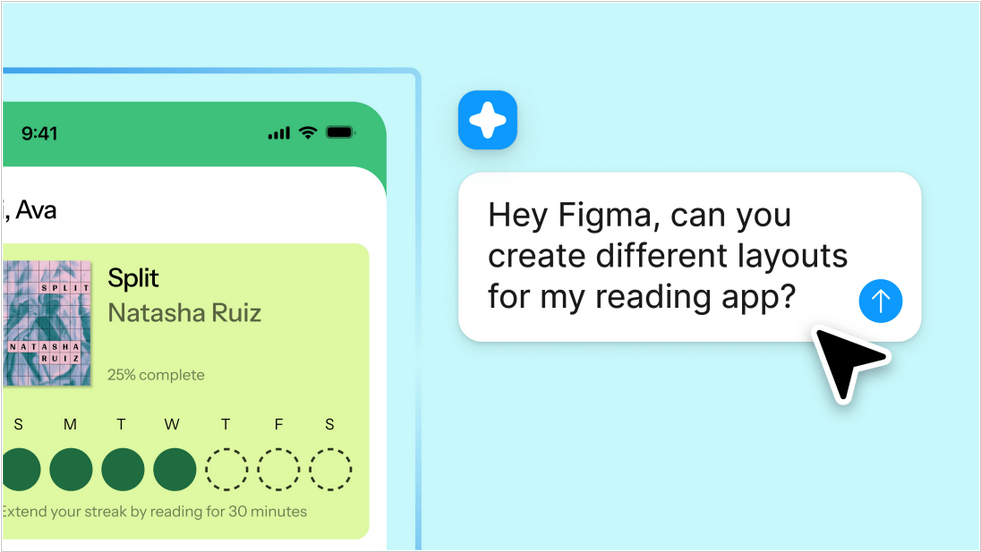
Over the past few months, Figma has partnered with Anthropic and OpenAI to import Claude Code and Codex creations into its Figma Design canvas. Now, the AI agent is available directly within the canvas. Users can type natural language suggestions in the chat to guide the agent in creating new designs or editing existing ones. Users can even run multiple agents, which can perform different tasks simultaneously. The company claims the AI assistant understands context and the "language of design."
Open-source design tool Inkscape added new features
28.04.2026
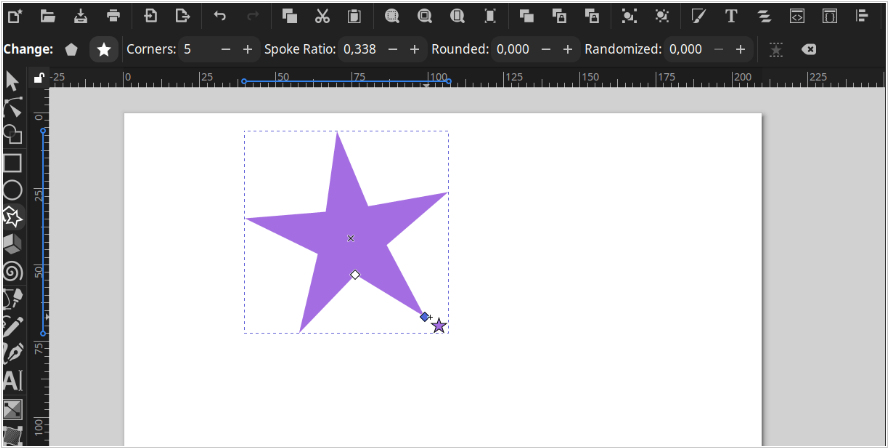
The open-source design software Inkscape has released a new version 1.4.4, which adds several useful tools. A new button has appeared in the toolbar that allows you to rotate a star or polygon to a specified position, for example, so that it stands on two spines (star) or on one edge (polygon). When displaying text, it now takes into account language metadata (xml:lang) for each tspan element separately, instead of using the language settings of the last tspan element for the entire text. A color palette has been added for Elementary OS. You can now assign a keyboard shortcut for inserting an object onto a page. Also, the developers have optimized the engine, and the program began to work faster, particularly when zooming in on a document with a large number of paths. Editing gradients with the Gradient tool is now faster, since Inkscape no longer constantly updates the toolbar.
Mobile and online Photoshop get AI assistant
12.03.2026

Adobe has introduced an AI assistant for the web and mobile versions of Photoshop. It can help remove objects from images, change colors, or adjust lighting using text prompts. The new AI Markup feature allows users to draw markers on the screen and use the AI assistant to transform these objects. For example, you can draw a flower or mark an object for removal to change the background. Also new is the Generative Fill feature, which has been present in desktop Photoshop for several years, for replacing or adding objects and changing the background accordingly. Furthermore, a tool for removing backgrounds from images with one click has been added. All of this is powered by Photoshop's proprietary Firefly graphics model, which offers unlimited queries for paid users.
Microsoft’s AI-powered, Canva-like Designer app lands on iOS and Android
18.07.2024
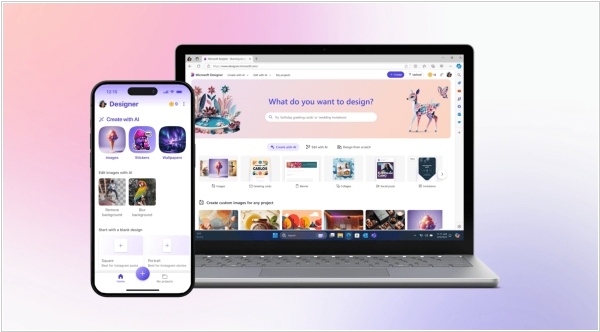
In a move that feels suspiciously like the universe trying to impress us with its digital dexterity, Microsoft’s AI-powered Designer app has finally decided to grace all iOS and Android users with its full, non-previewed presence. Picture it as Canva but with a dash more AI sorcery, allowing users to conjure up images and designs from mere text prompts—be it stickers, greeting cards, or collages, as though that’s just how the universe operates. Available in over 80 languages (because why should Earth get all the fun?) and also free on the web, mobile and Windows, Designer comes equipped with “prompt templates” to nudge you into creative brilliance. But it doesn’t stop there—oh no—you can also craft emojis, avatars, monograms, wallpapers and even give your selfies a galactic makeover. Why anyone would ever return to basic, non-AI-powered tools after this is anyone’s guess.