
Top 10 Telegram Business Management tools for Eastern Europe
Updated: 10.04.2026
Some of the most popular Telegram business account management and monitoring services are mentioned below.
Users that searched for Top 10 Telegram Business Management tools for Eastern Europe then also viewed the following software:

See also: Top 10: Social Media Marketing Software for Eastern Europe
Users that searched for Top 10 Telegram Business Management tools for Eastern Europe then also viewed the following software:
See also: Top 10: Social Media Marketing Software for Eastern Europe
2025. Deskie now allows to answer customer questions in Telegram
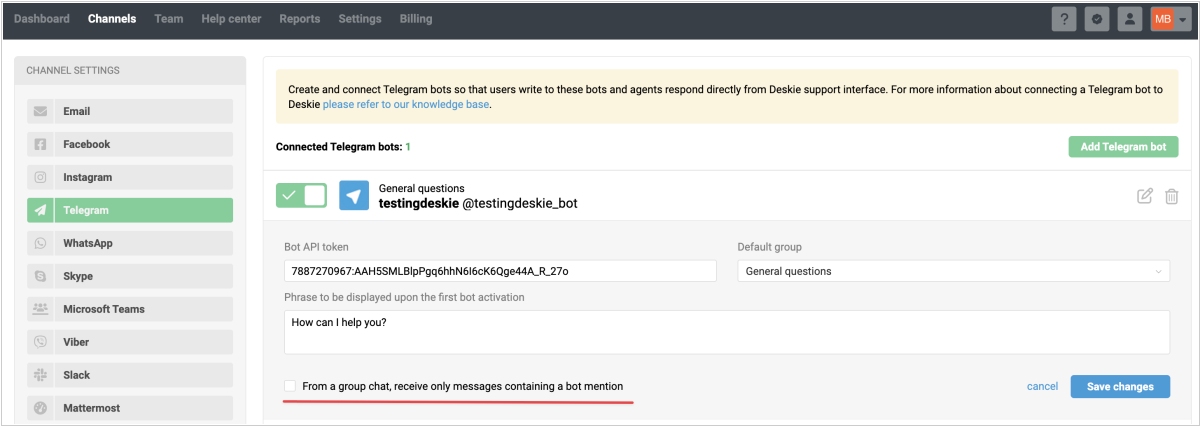
Deskie helpdesk system now allows agents to reply to comments under posts in a Telegram channel. The replies will appear both in the discussion group and directly below the post. Comments under channel posts are technically threads within the corresponding discussion group. When a user clicks "comments" under a post, they are taken to a separate thread within that group. All messages posted under the post are saved in this thread, and Telegram displays them both in the group and directly below the post for convenience. If a bot replies "in a comment under a post," it is actually writing in the associated thread within the discussion group. Therefore, the bot's message is visible both in the group and directly below the channel post.
2024. Microsoft’s Copilot is now on Telegram
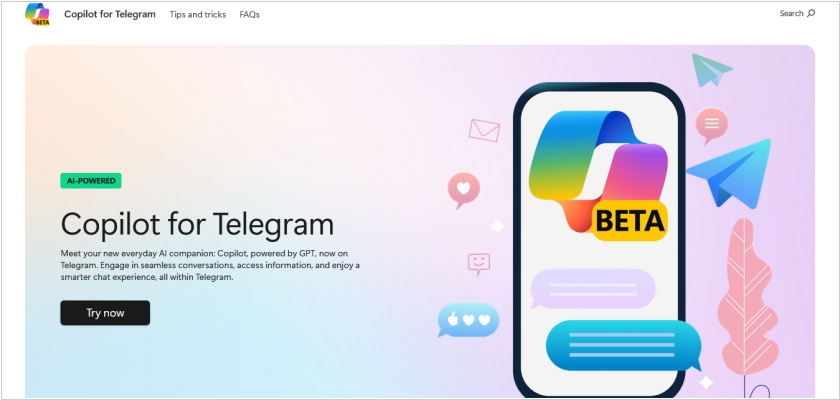
Microsoft’s Copilot, a marvel of generative AI technology, has found its way onto Telegram, where it now lounges comfortably as a beta chatbot, pretending to be your well-informed but mildly eccentric friend. You can summon it by searching for @CopilotOfficialBot and after the obligatory sharing of your phone number (it’s only polite, after all), you’ll be able to ask it anything, from what movie to watch on a rainy Tuesday to who’s winning the latest sporting event. It’s free, available on both mobile and desktop and hints at Microsoft’s grander plans to infiltrate every corner of our digital lives with Copilot—starting with its appearances in Microsoft 365, Teams and even Copilot+ PCs. Telegram’s just another stop on the journey to AI world domination.
2020. Telegram added folders for chats and channels
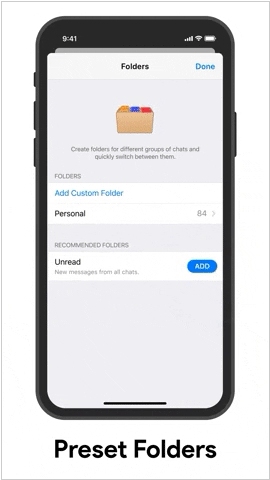
Telegram now allows to group chats and channels into folders. Users can set up their own folders or use the default settings. For example, folders can be used to separate work and family chats. Users can also include or exclude all chats of a certain type, such as "Channels" or "Unread." This feature is activated when the list of conversations becomes too long, or it can be enabled with a special command: it is activated by clicking the link tg://settings/folders. An unlimited number of chats can be pinned to each folder.
2019. Chaport integrates with Facebook and Telegram
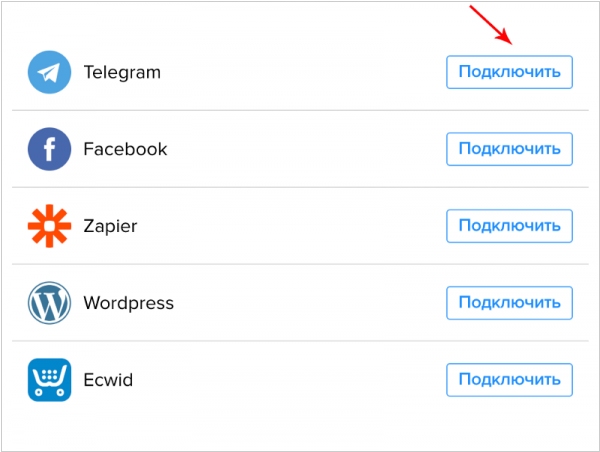
Chaport, a website chat service, now allows to answer customer questions in Facebook Messenger and Telegram directly from its interface. To integrate with these channels, go to Settings → Integrations and connect Chaport to your Facebook business page or Telegram bot. In your Chaport account, operators will see which channel the message was sent from: the channel icon will appear next to the visitor's avatar. After opening the chat, "Facebook" / "Telegram" will appear under the visitor's name. The channel the customer is sending from will also be displayed in the "Website" field in the "Visitor Information" section on the right.
2014. Telegram attracts business users
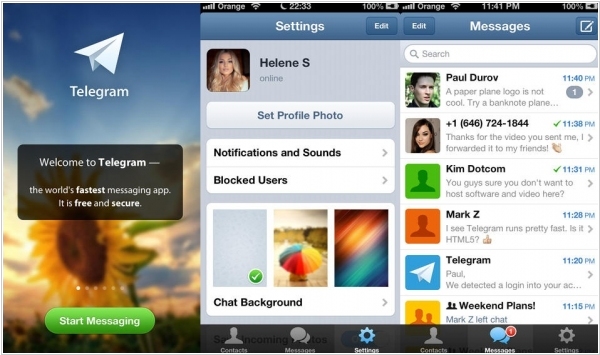
Mobile messaging apps have been rapidly proliferating lately, luring users away from social networks. The same will soon happen in the business sector – corporate Viber apps will replace corporate Facebooks. Telegram (created by VKontakte founder Pavel Durov) initially focused on privacy and security, which is likely why it was the first to be adopted by business users. In a recent interview, Pavel boasted that more and more workgroups are using Telegram for collaboration instead of email. He believes that, in addition to encryption, business users appreciate Telegram's ability to sync messages and files between the mobile and desktop versions, display message statuses (read or not), and organize large group chats.