PowerPoint on Android. How to open a PPT presentation on Android?
Updated: 11.06.2026
Microsoft provides a native (free) app for opening and editing .PPT and .PPTX presentations on Android smartphones and tablets. However, there are also alternative apps that allow you to work with these file formats.
Users that searched for PowerPoint on Android. How to open a PPT presentation on Android? then also viewed the following software:
See also: Top 10: Online Presentation Software for Eastern Europe
Users that searched for PowerPoint on Android. How to open a PPT presentation on Android? then also viewed the following software:
See also: Top 10: Online Presentation Software for Eastern Europe
2024. Microsoft added Copilot to its Office apps on iPhone and Android
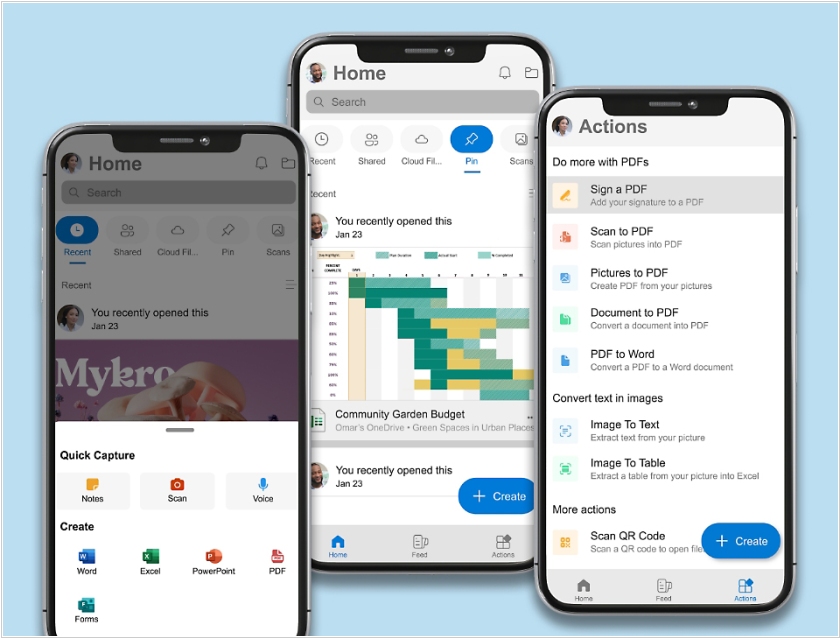
Subscribers to Microsoft's Copilot Pro AI assistant can now access its full capabilities in Microsoft 365 apps (Word, Excel, PowerPoint) for iOS and Android. For $20 per month, Copilot Pro provides premium features, including answering questions, running queries, and generating text and images. The Pro version offers faster performance than the free version and priority access to GPT-4 and GPT-4 Turbo during peak hours. In the future, Microsoft plans to add the ability to create custom versions of Copilot GPT using the new Copilot Builder tool, similar to ChatGPT Pro. Microsoft 365 users will be able to access AI assistance in Word, Excel, PowerPoint, and Outlook: Copilot Pro can help you write and edit text, summarize documents in Word, create formulas and analyze data in Excel, create presentations in PowerPoint, and even reply to and organize email in Outlook.
2015. Google Slides allows to stream presentations directly from your phone
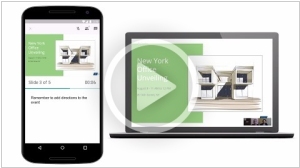
Google Slides (as Google's presentation service/editor is now called) has added the ability to broadcast presentations directly from a smartphone or tablet via its Android mobile app. This is achieved through integration with the Google Hangouts video calling service. This means you can send invitations to your employees or clients while sitting in a cafe or airport, and when they join the video call, you can show them your presentation. You can also see the attendee list, your notes, and a timer to ensure the presentation doesn't drag on too long.
2015. Free MS Office apps for Android phones are now available
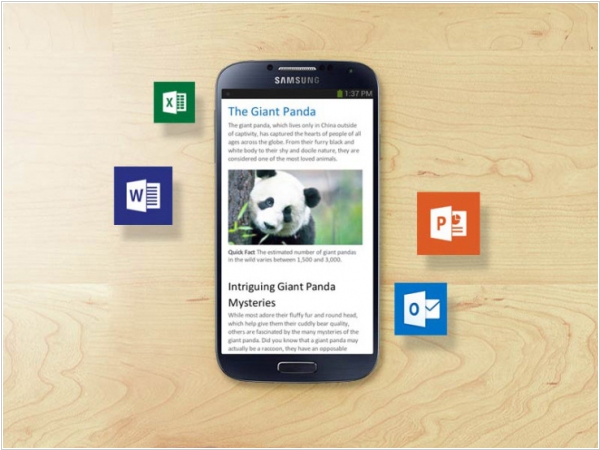
Microsoft has finally released free Office apps for Android smartphones: Word, Excel, and PowerPoint. Previously, similar apps were available on iPhones, iPads, and Android tablets (and even before that, Office for Android and iOS was a single app available only to Office 365 subscribers). Now the apps are completely free, and what's more, they allow you to view and edit files stored not only in Microsoft's OneDrive, but also in other popular services and systems like Google Drive, Box, Dropbox, and SharePoint. The apps' design is optimized for small screens, and (according to Microsoft) they can be used even with one hand.
2015. MS Office for Android tablets is generally available
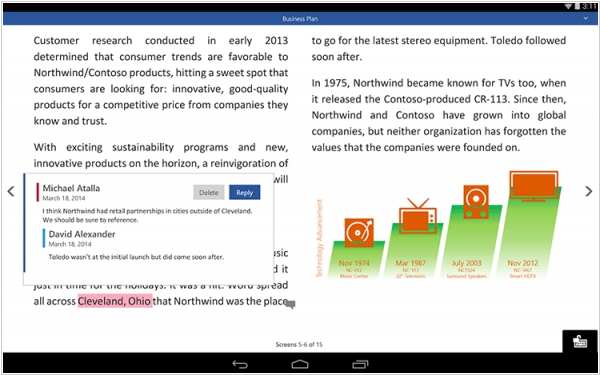
Last November, Microsoft began closed beta testing of the Word, Excel, PowerPoint applications for Android tablets. Now these applications have become available to everyone for free on Google Play. These are specialized versions of applications specifically for Android 4.4+ tablets (the same ones were released a little earlier for the iPad), while the versions for smartphones appeared a year and a half earlier, but they cannot be installed on tablets. The app is free, but with an Office 365 subscription, users are given advanced features, such as customizable charts and tables, and various document layout options.
2013. Microsoft launched Office for Android
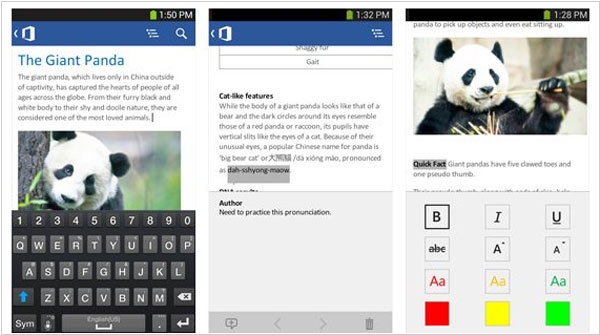
And you can download and install it FREE on your phone with one condition. What condition ...? Right! You must have the paid Office 365 subscription (which starts at $100/year). The same story was with the Office for iPhone and Outlook for iPhone. Don't want to pay for Office 365? Then buy Windows Phone, where Office is really available for free. That is the new policy of Microsoft. And everything is even worse in case with tablets. The new mobile Office doesn't work either on iPad or on Android-tablets. Because Microsoft still can't sell the own Surface tablets. As for the Office for Android itself, it's quite good app for editing Word documents, Excel spreadsheets and PowerPoint presentations, that runs on Android 4.0 and higher. SkyDrive is used as the default place to save documents.
2013. Real-time co-authoring in PowerPoint Online. Office Web Apps on Android tablets
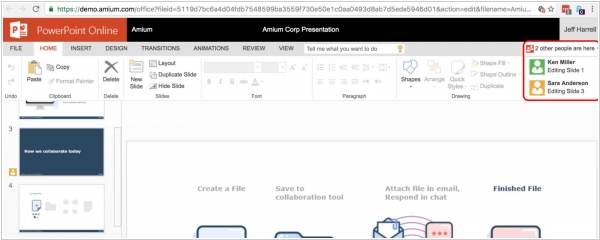
Last week Microsoft representative said this: "When we launched the Office Web Apps in 2010, they were companions to the Office desktop experience that enabled lightweight, on-the-go content creation and review. Since then, we've made a number of investments in Office Web Apps to make it easier for people to work together, author documents and access Office content from virtually any device. Our goal is to deliver Office Web Apps that people can rely on to create polished Office documents from start to finish, all from the Web. Moreover in 10 years we plan to discontinue the sales of the desktop office and move all users to the online office." This announcement was complemented by two new features: real-time collaborative editing in PowerPoint Online (watch the video above) and support for Chrome browser on Android tablets.