Top 10 Video Conferencing Platforms with Virtual Backgrounds
Updated: 02.06.2026
Some of the most popular video conferencing platforms with background blurring or replacement are mentioned below.
Users that searched for Top 10 Video Conferencing Platforms with Virtual Backgrounds then also viewed the following software: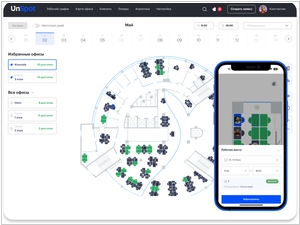


See also: Top 10: Video Meeting Platforms for Eastern Europe
Users that searched for Top 10 Video Conferencing Platforms with Virtual Backgrounds then also viewed the following software:
See also: Top 10: Video Meeting Platforms for Eastern Europe
2024. Facebook Messenger gets HD video calls and AI backgrounds
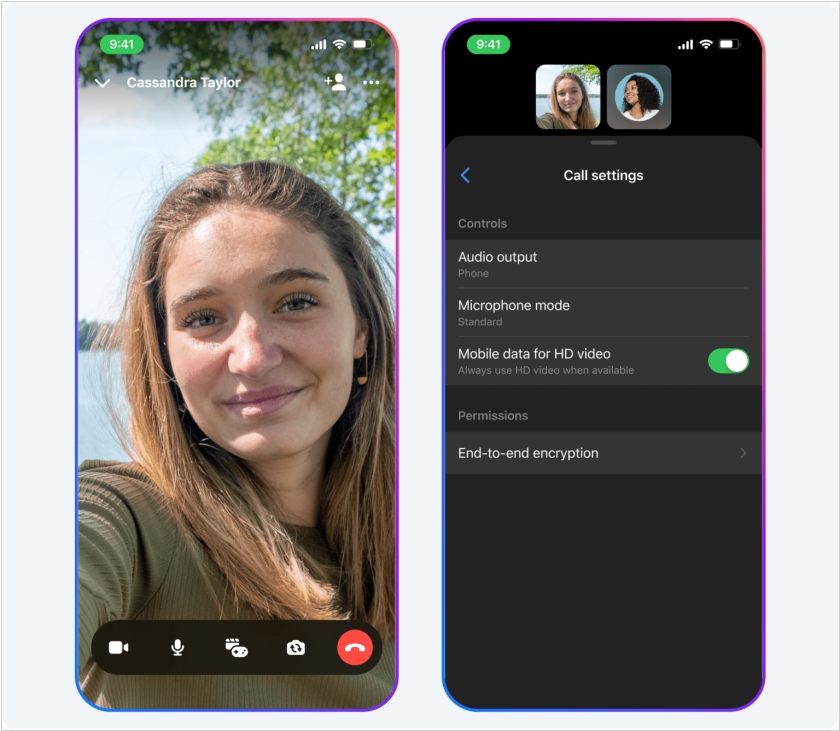
Facebook Messenger has got new AI features: AI noise reduction, voice filtering, and AI backgrounds for video calls (you can create AI-powered backgrounds by clicking the "Effects" icon in the sidebar during a video call and selecting "Backgrounds"). HD video calls are also now available in Messenger. HD calling is now automatically enabled for Wi-Fi calls and is available as an option for cellular calls. Another new feature is the ability to leave audio or video messages if the other person is unavailable. If someone doesn't answer your call, you can click the new "Record Message" button to send the recording.
2022. EmbodyMe's algorithm dresses and styles Zoom participants

Japanese startup EmbodyMe has developed a deepfake app for business conferences and professionals who have switched to remote work. Using machine learning algorithms, the service virtually dresses participants in suits and styles their hair. The technology operates in real time and completely eliminates the need for users to prepare for calls—you can now talk to EmbodyMe via Zoom or Skype in your pajamas and with your hair disheveled.
2021. Google Meet now features smart zoom and background replacement

Google has released an update to its video conferencing service Google Meet, which will be released in May. It will finally feature the ability to change your background so colleagues can hide your clutter. However, for now, only three backgrounds will be available: a classroom, a forest, and a party. The new version will also automatically zoom in on the most active participants. The bottom panel of the meeting will be more convenient. Chat, attachments, and the participant list will be located at the bottom, making room for video, and the end call button will be moved further away from the camera and microphone buttons to prevent accidental clicks. Furthermore, the update will allow you to hide your video feed from the screen and unpin a presentation so it matches the video tiles of the conference participants.
2019. Microsoft Teams gets whiteboard and background change
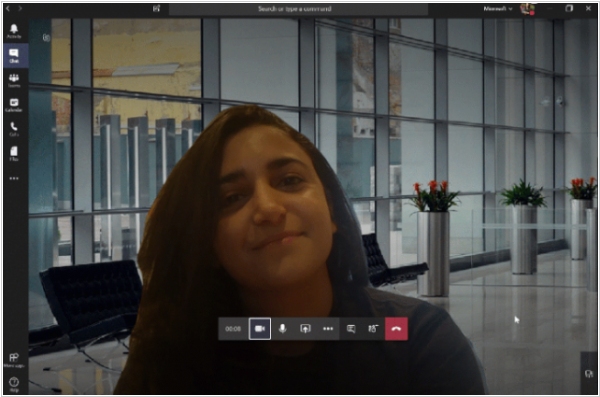
Microsoft Teams has received several useful updates that should make Slack users envious. Remember, Teams recently added the ability to blur the background of a video call so your partners can't see your kids chasing the dog behind you. Well, now you can use any picture in the background – as if you were sitting in a luxurious office or on the seashore. The service also added an interactive whiteboard for collaborative drawing, explanations, and brainstorming. Captions in video calls will allow those who are hard of hearing (or don't understand English well) to communicate better. In addition, it is now possible to broadcast a video meeting to 10,000 viewers, which is useful for conducting webinars.