Top 10 Whiteboard app for iOS
Updated: 07.06.2026
Some of the most popular whiteboarding apps for iPhone and iPad are mentioned below.
Users that searched for Top 10 Whiteboard app for iOS then also viewed the following software:
See also: Top 8: Visual Collaboration Tools for Eastern Europe
Users that searched for Top 10 Whiteboard app for iOS then also viewed the following software:
See also: Top 8: Visual Collaboration Tools for Eastern Europe
2022. Apple released free whiteboard app for iPhone and iPad
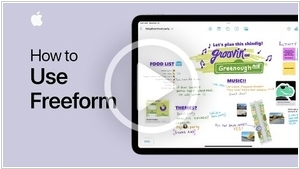
Whiteboards for collaborative drawing in real time are convenient for brainstorming, meetings, and co-design. Google has its own whiteboard service - Jamboard. Microsoft also has Microsoft Whiteboard. Now Apple has one too - Freeform. However, it only works for the lucky owners of iPhone, iPad, and Mac, as it is only available as an app, not in the browser (although to invite colleagues to the whiteboard, you need to send them a link). Otherwise, it is a fairly convenient application for freehand drawing, and also includes a library of 700 shapes that can be easily dragged onto the canvas. You can also insert images onto the board. You can turn on a grid to organize elements on the board. And, best of all, it is all free.
2017. Miro's mobile app now allows to edit boards from your phone
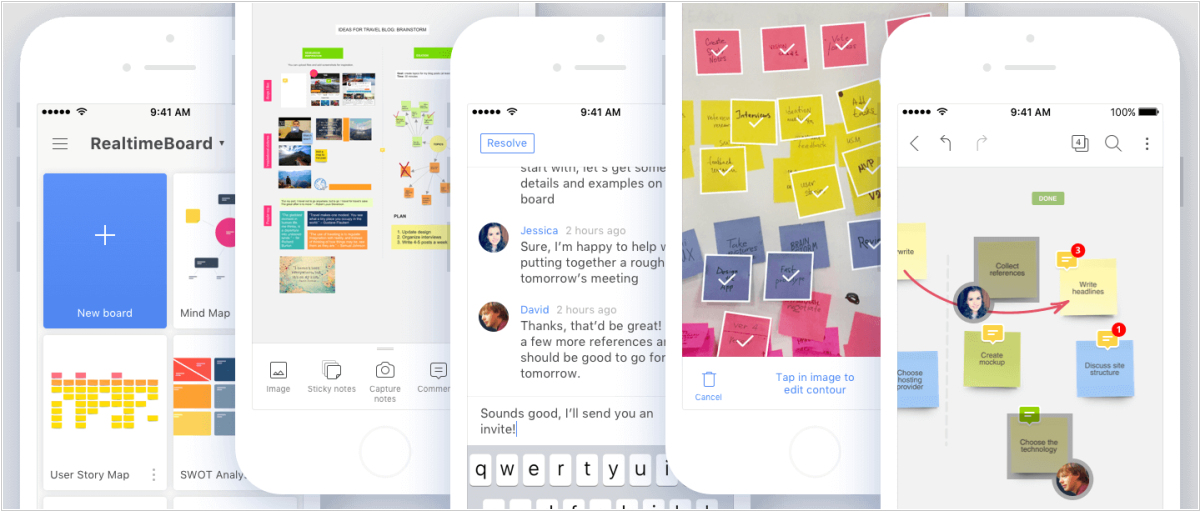
Whiteboarding service Miro has released a major update to its mobile apps for iOS and Android. Not only they get a new look, but finally allow to edit boards from your phone. Now you can create and share boards with your team, draw, upload images, add stickers, or even take pictures of the board with your phone's camera and import them. Another update to Miro is sticky frames. You can place objects inside a frame and move them together. What's more, if you delete a frame, all the information will remain secure. Also new are interactive blocks that can accommodate prototypes from Marvel and InVision, audio from SoundCloud, SlideShare presentations, videos from YouTube and Vimeo, Google Maps, or even other Miro boards.
2011. Fuze Meeting lets you host webinars directly from iPad
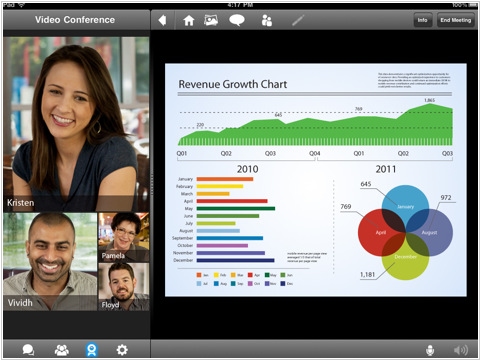
Fuze Meeting is the most innovative web conferencing service when it comes to mobile access. Fuze released the first web conferencing client for iPad. Now, tablet owners can even host webinars for up to 100 attendees with the updated version Fuze Meeting for iPad. However, this feature comes at a hefty price: $69/month (on top of the basic plan, which starts at $29/month). In addition to webinars, the new version of the app features a whiteboard and the ability to upload files to web conferences directly from the popular service Dropbox. As a reminder, Fuze also released a web conferencing client for Android last November.