Miro
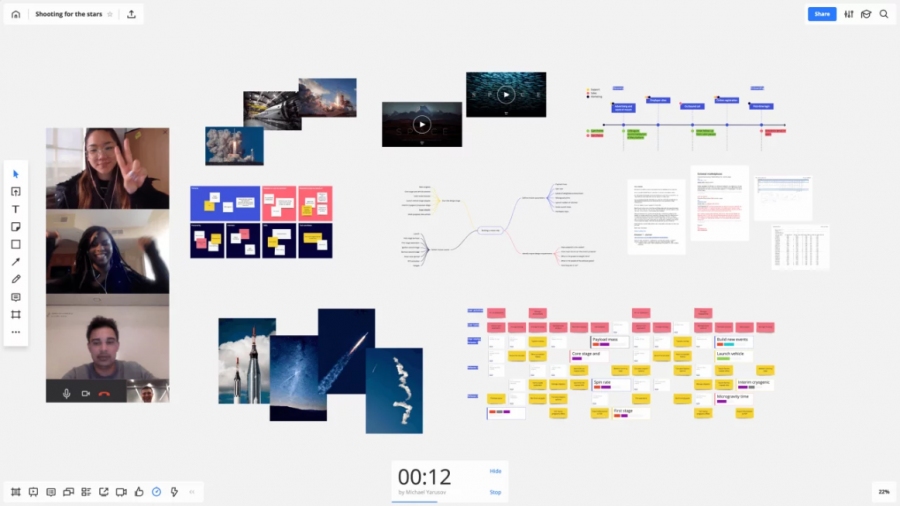
Miro is the online collaborative whiteboard platform that enables teams work effectively together, from brainstorming with digital sticky notes to planning and managing agile workflows.
Add comment
Add comment
Alternatives and relevant products
Users who were interested in Miro, then also viewed:
Video about Miro
News about Miro
21.05.26. Miro gets AI workflows
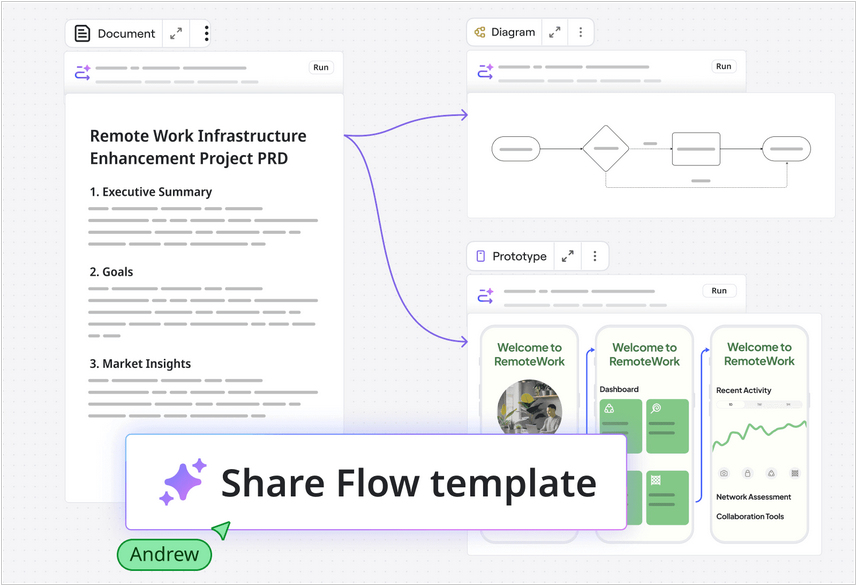
Miro, the service for visualizing collaborative work, has launched AI Workflows, which automates repetitive processes on the Miro canvas with the help of AI assistants. Teams can create process templates containing stages, prompts, and skills for AI assistants assigned to the process. For example, the first stage might import a PDF client agreement, a Jira backlog, or a Trello task board. The AI then parses it all down and draws pivot tables, charts, and timelines on the canvas. The team works with these objects on the canvas, and at the end, the AI assistant summarizes the meeting. You can import initial context into Miro Flow from Slack, Teams, Notion, Jira, Asana, monday.com, ClickUp, Trello, and many other apps.
2023. Miro acquired visual collaboration service InVision
Miro has acquired InVision, a real-time app design collaboration service. This modern online service allows designers to create interactive prototypes of websites and apps, collaborate with clients, discuss mockups with clients and test UX. It helps bring designs to life and demonstrate how interfaces work. The deal includes InVision's technology and brand assets, client relationships and talented specialists. Miro thus combines visual interaction, product development workflows, diagramming, process and data visualization, webinars and asynchronous collaboration, AI for design generation and visual project management.
2017. Miro's mobile app now allows to edit boards from your phone
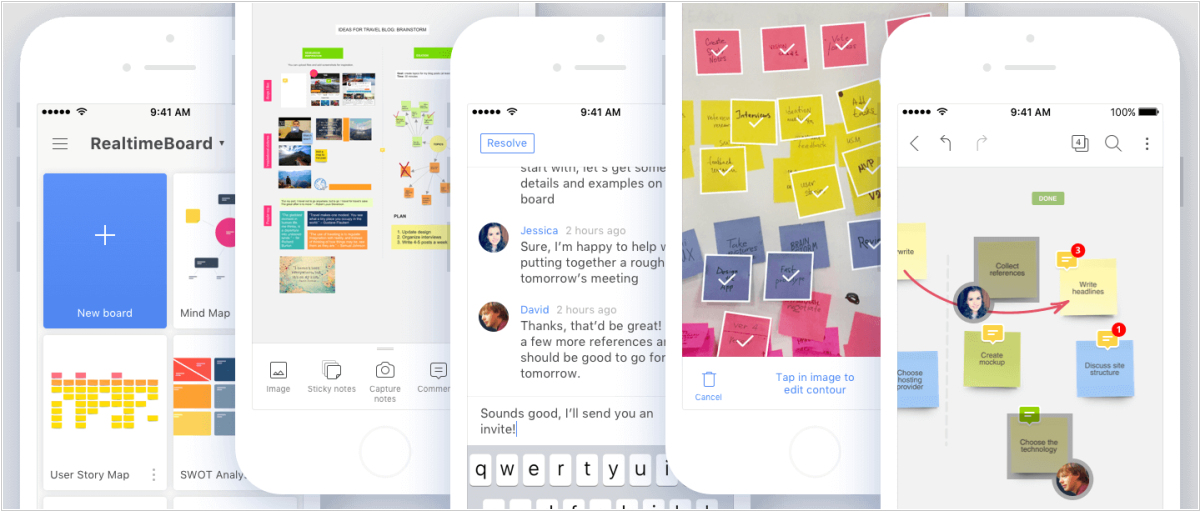
Whiteboarding service Miro has released a major update to its mobile apps for iOS and Android. Not only they get a new look, but finally allow to edit boards from your phone. Now you can create and share boards with your team, draw, upload images, add stickers, or even take pictures of the board with your phone's camera and import them. Another update to Miro is sticky frames. You can place objects inside a frame and move them together. What's more, if you delete a frame, all the information will remain secure. Also new are interactive blocks that can accommodate prototypes from Marvel and InVision, audio from SoundCloud, SlideShare presentations, videos from YouTube and Vimeo, Google Maps, or even other Miro boards.