Top 8: Visual Collaboration Tools for Eastern Europe
Updated: 21.05.2026
Like
20
Whiteboarding, screen-sharing, web-conferencing, co-browsing and other visual collaboration tools.
1
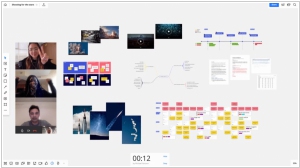
Miro is the online collaborative whiteboard platform that enables teams work effectively together, from brainstorming with digital sticky notes to planning and managing agile workflows.
2
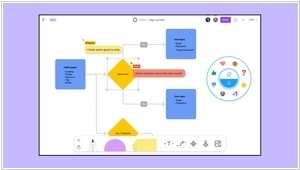
FigJam is a free online whiteboarding and collaboration tool you and your team can use to brainstorm and organize ideas.
3
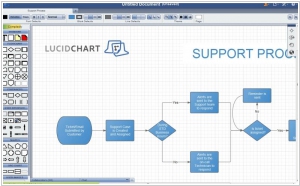
Lucidchart is the intelligent diagramming application that brings teams together to make better decisions and build the future. Flow charts, diagrams, UML sketches, and ER models have never been easier. We've redesigned the entire diagramming process to make it as easy as possible. Make flow charts, wireframes, mind maps, and org charts.
4
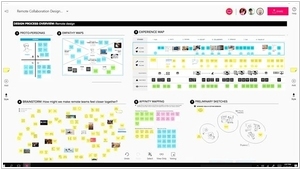
Digital workspaces for visual collaboration, inspiration and innovation anytime, anywhere, on any device.
5
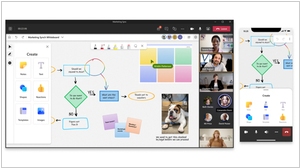
The collaborative digital canvas in Microsoft 365 for effective meetings and engaging learning.
6
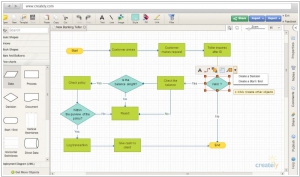
Easily draw diagrams online using Creately's online diagramming tool. Diagram software packed with templates and features. 50+ types of diagrams with specialised features to help you draw faster and better. Real-Time collaboration and Projects help you work with clients and colleagues where ever you are.
7
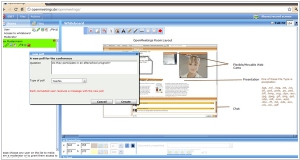
Openmeetings is free video conferencing software that allows you to chat via video, to do whiteboarding, to convert documents on the fly, etc. Offers built-in tools for audio and video recording. It even allows you to share your desktop.
8
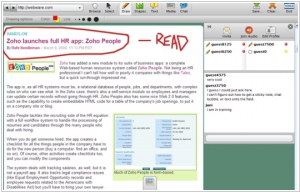
Twiddla is a no-setup, web-based meeting playground. Mark up websites, graphics, and photos, or start brainstorming on a blank canvas. Browse the web with your friends or make that conference call more productive than ever. No plug-ins, downloads, or firewall voodoo - it's all here, ready to go when you are. Browser-agnostic, user-friendly.
Latest news related to rating "Visual Collaboration Tools for Eastern Europe":
Miro gets AI workflows
21.05.2026
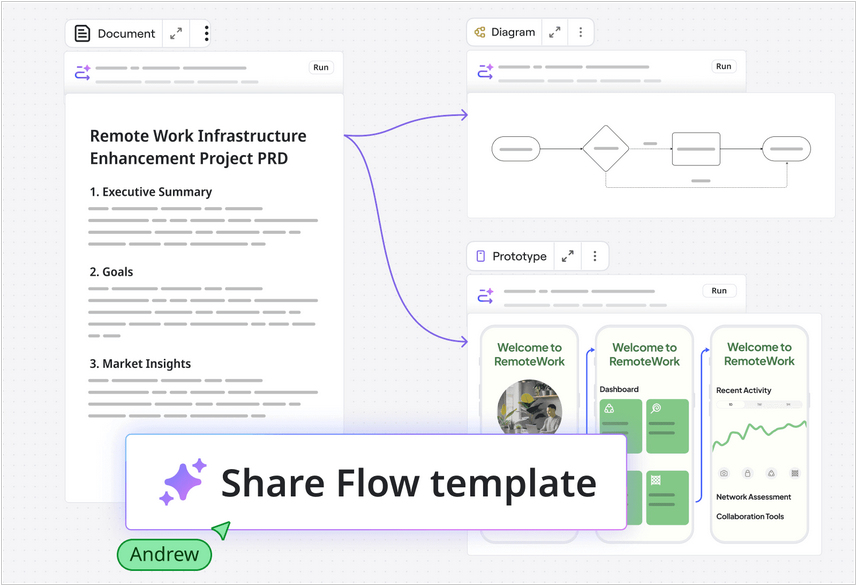
Miro, the service for visualizing collaborative work, has launched AI Workflows, which automates repetitive processes on the Miro canvas with the help of AI assistants. Teams can create process templates containing stages, prompts, and skills for AI assistants assigned to the process. For example, the first stage might import a PDF client agreement, a Jira backlog, or a Trello task board. The AI then parses it all down and draws pivot tables, charts, and timelines on the canvas. The team works with these objects on the canvas, and at the end, the AI assistant summarizes the meeting. You can import initial context into Miro Flow from Slack, Teams, Notion, Jira, Asana, monday.com, ClickUp, Trello, and many other apps.
WhatsApp now features screen sharing
17.08.2023
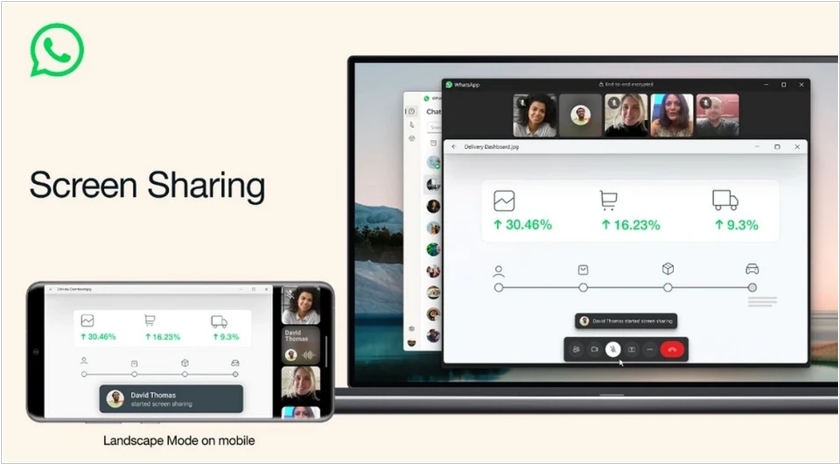
WhatsApp has added screen sharing during video calls. With this feature, you can share documents, photos, or anything else displayed on your smartphone's screen. Screen Sharing will be available on Android, iOS, and the Windows desktop client. To start screen sharing, simply tap the "Share" icon during a video call. The messenger will then offer the option to share a specific app or the entire screen. In addition to screen sharing, WhatsApp now also allows video calls in landscape mode.
Apple released free whiteboard app for iPhone and iPad
09.11.2022
Whiteboards for collaborative drawing in real time are convenient for brainstorming, meetings, and co-design. Google has its own whiteboard service - Jamboard. Microsoft also has Microsoft Whiteboard. Now Apple has one too - Freeform. However, it only works for the lucky owners of iPhone, iPad, and Mac, as it is only available as an app, not in the browser (although to invite colleagues to the whiteboard, you need to send them a link). Otherwise, it is a fairly convenient application for freehand drawing, and also includes a library of 700 shapes that can be easily dragged onto the canvas. You can also insert images onto the board. You can turn on a grid to organize elements on the board. And, best of all, it is all free.
Microsoft released Whiteboard app for laptops and tablets
13.12.2017
Initially, the collaborative drawing application Microsoft Whiteboard was created for large electronic whiteboards Surface Hub. Now the company has released a desktop version of this application for tablets and laptops running Windows 10. Microsoft Whiteboard allows for online meetings, brainstorming sessions, and collaboration on various creative tasks with geographically remote employees. According to reviews, image synchronization between computers is quite fast. Drawn "boards" can be saved to an online account for future use. At least one user participating in collaborative work with the "whiteboard" must have a paid Office 365 account.
Cisco Collaboration Meeting Rooms is available on any device
03.09.2015
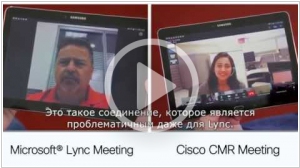
Cisco has expanded its WebEx videoconferencing service line with Collaboration Meeting Rooms. This service allows users to connect to Cisco WebEx web conferences from PCs, mobile devices, deskphones, video endpoints, and software clients (including those from other vendors). From the very first moment of connection, users can create meetings, launch applications, and join all discussions. The service reduces user involvement in routine processes, as it offers tools for recording meetings and sharing co-edited files. CMR combines WebEx MC conferencing (now with CCA hybrid telephony) with the ability to connect video endpoints.