Top 10: Office Suites for Eastern Europe
Updated: 11.06.2026
Like
21
Office suites provide tools for productivity and collaboration for office workers. Primarily they contain document editors, spreadsheets, presentations, email, calendars, contact and task management tools.
1
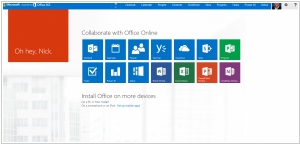
Microsoft 365 (formerly Microsoft Office 365) is commercial software plus services offering a set of products from Microsoft. Designed to help you achieve more with innovative Office apps, intelligent cloud services, and world-class security. The free online MS Office document editors (Word, Excel, PowerPoint) are available in OneDrive.
2
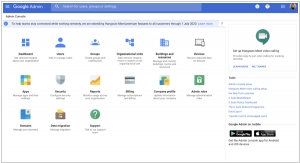
Get business email, video conferencing, and cloud storage from Google. All you need to do your best work, together in one package that works seamlessly from your computer, phone or tablet. The free G Suite version, including online document editors (Google Docs, Google Spreadsheets) is available in Google Drive.
3
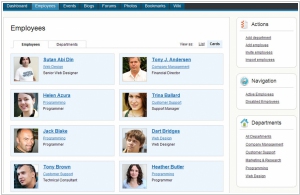
Web-based office suite for document creation and collaboration. Available as a SaaS service or as a free open-source system. Provides a suite of online office editors (text, spreadsheets, presentations, forms, PDFs, and diagrams), including online, desktop, and mobile versions. Has built-in AI assistant and agents. Integration with Zoom and a large number of third-party business applications. It also includes a suite of own business applications: email, CRM and project management.
4
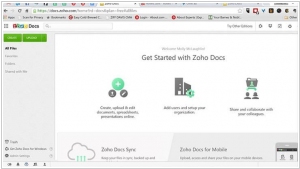
Zoho WorkDrive is a central document repository for all types of documents. Store and share files securely and access them anywhere anytime. Zoho WorkDrive provides a Online Workspace for documents. It makes file sharing easy and Collaborate with your friends, team members, colleagues, etc on multiple documents. Manage your document review process by creating and maintaining multiple versions of a document.
5
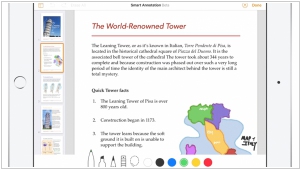
iWork has always been the best way to be productive on the Mac. And iWork for iOS made it easy to create beautiful documents on iPad and iPhone. With iWork for iCloud we’re bringing Pages, Numbers, and Keynote to the web — on Mac and PC. And thanks to iCloud, your work is always up to date on all your devices. It’s easy to work with Microsoft Word, Excel, and PowerPoint files. iWork alternative for PC is Office 365.
6
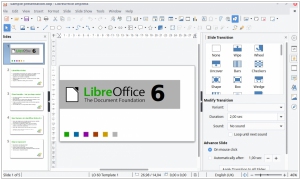
LibreOffice is the power-packed free, libre and open source personal productivity suite for Windows, Macintosh and GNU/Linux, that gives you six feature-rich applications for all your document production and data processing needs: Writer, Calc, Impress, Draw, Math and Base. Support and documentation is free from our large, dedicated community of users, contributors and developers. The online and mobile version (for Android and iPad) are coming soon
7
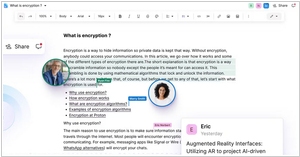
Docs in Proton Drive are end-to-end encrypted so your work stays safe from data breaches, online surveillance, and can never be fed into AI models.
8
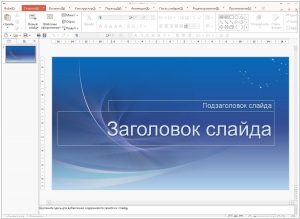
Online office suite that also runs on Windows, Linux, Macintosh, Android and iOS platforms. The suite of applications consists of word processing software (Word), spreadsheet software (Cell) and presentation graphics software (Show). Besides there is Hancom Space which provides a full-featured suite of office productivity tools in a modern collaboration space for enhanced team effectiveness.
9
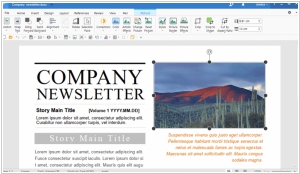
Polaris Office is a free office application to view, edit, and share Microsoft Office documents anytime, anywhere on your mobile device or computer. Diverse solutions and innovative features to improve your work environment along with support for all features of an office suite.
10
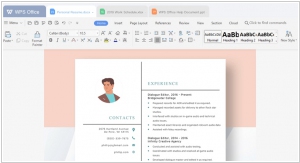
Chinese Office #1. Cross-platform Office Suite available on all mainstream operating systems. Cloud version for document sharing and co-edit.
11
Turn manual document processes into efficient digital ones with Adobe Document Cloud – featuring the world’s leading PDF and e-signature solutions.
Latest news related to rating "Office Suites for Eastern Europe":
Google Workspace now has normal AI agent
29.04.2026
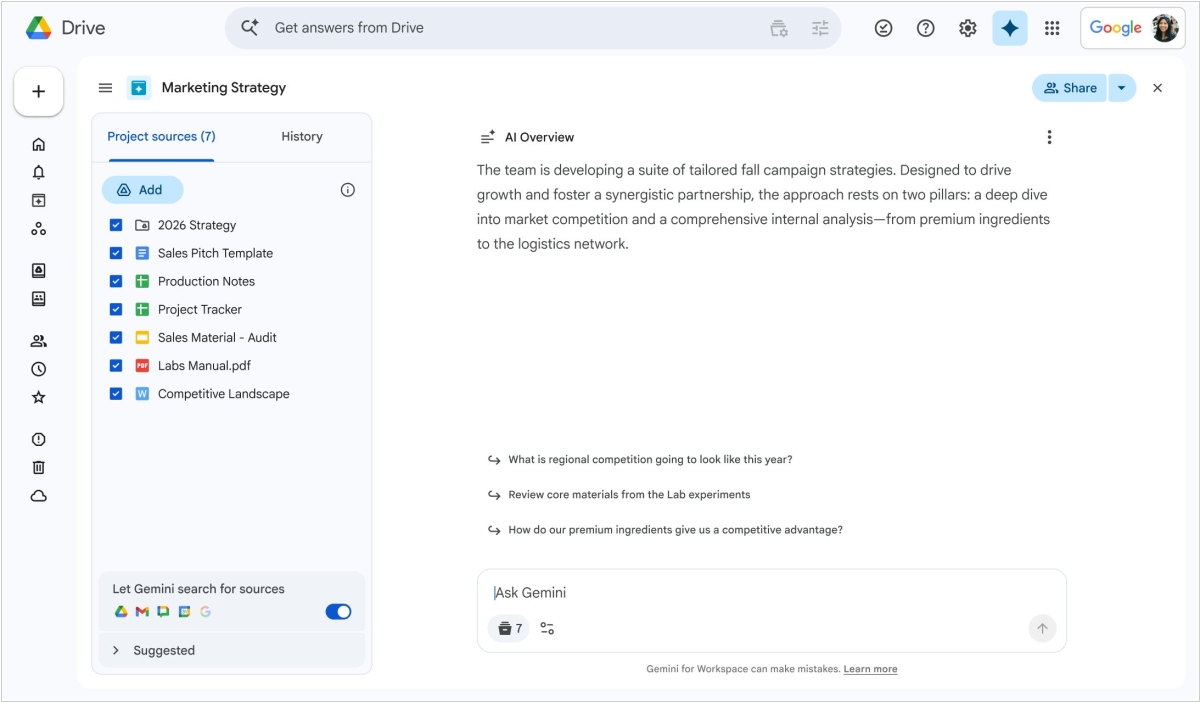
Google has consolidated AI capabilities in its online office suite Workspace. First, a new umbrella name for the service's AI tools has appeared - Workspace Intelligence, although the name Gemini is also used. But the idea is the same. In side chat you can ask AI to perform various tasks. The system uses data contained in Gmail, Calendar, Chat, and Drive (in documents, presentations, and spreadsheets). In admin controls, you can configure what AI has access to. AI now allows users to both create and populate Google Sheets, create and edit Google Docs. In Slides, you can create fully editable presentations via a single prompt. Gemini strictly adheres to your company's templates and visual styles for presentation creation. In Mail, AI can provide you with a clear and organized overview of the most important messages.
Copilot in Word and Excel now works as agent by default
28.04.2026
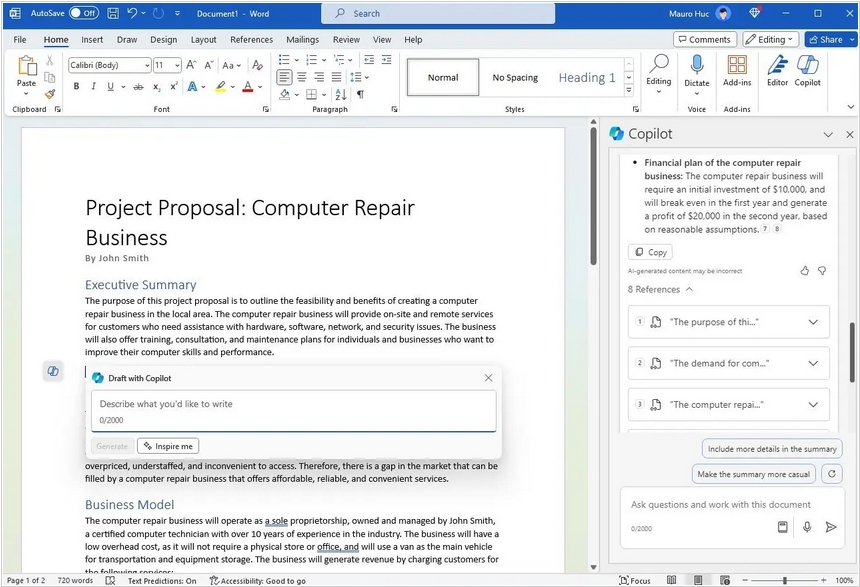
The updated Copilot in Microsoft Office 365 will now instantly make edits to your Word, Excel and PowerPoint documents - if you ask it to, of course. Previously, it worked in chat mode by default, making edits only when you clicked the appropriate icon. This approach is already becoming the modern standard, but questions remain about the quality of Copilot's edits. Although it theoretically uses the same LLM as ChatGPT, users often complain about the quality of its responses and actions. Furthermore, Copilot requires additional system resources.
iOS 18 brings updated iWork editors
14.10.2024
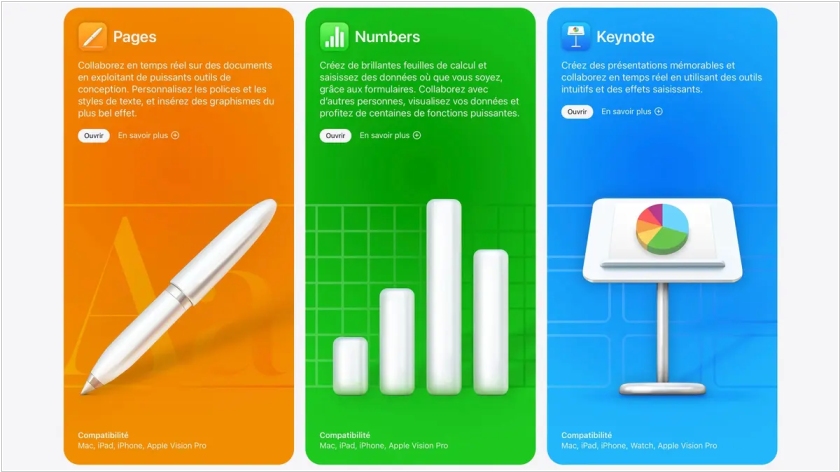
The recently released iOS 18 brings updates to the iWork mobile productivity apps - Keynote, Numbers, and Pages - with improved performance. A new document browser makes it easy to create a new spreadsheet, presentation, or text document, or find a recently created one. Apple Pencil Pro can now be used in all apps to quickly switch tools, line thickness, and colors. In Keynote presentations, you can now double-tap to navigate slides. HDR image and video support has been implemented.
Proton Docs is a privacy-focused answer to Google Docs
03.07.2024
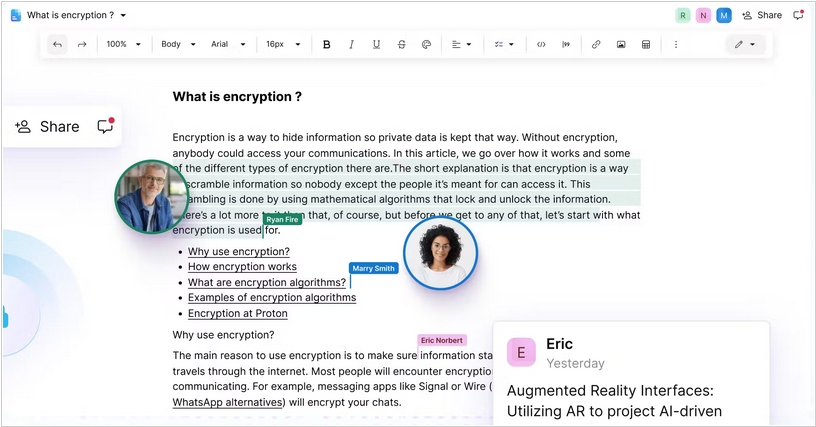
Proton has introduced Proton Docs, a privacy-focused substitute for Google Docs. Proton Drive's text editor appears very similar to Google Docs, in that multiple individuals can edit a document together in real-time with powerful editing tools. However, per Proton, this editor has end-to-end encryption on everything, including cursor movements. Proton claims this is the first "major document editor" with E2E encryption enabled by default. The announcement blog post also has highlighted text to caution that data you store in something like Google Drive "may even be used to train AI in the future." While Google doesn't currently use your Docs to train its AI models, Proton seems to be positioning itself as a company that will never do that, rather than one that might eventually.
ONLYOFFICE integrated with Zoom
29.02.2024
Online office ONLYOFFICE has released an app for the Zoom marketplace that integrates the office suite with video conferencing. Specifically, the app provides access to text documents, spreadsheets, presentation slides, and PDFs during Zoom online meetings. Collaborative editing, discussion, and brainstorming are also possible in real time. Meeting participants can be granted various access rights to view or edit documents.