iWork
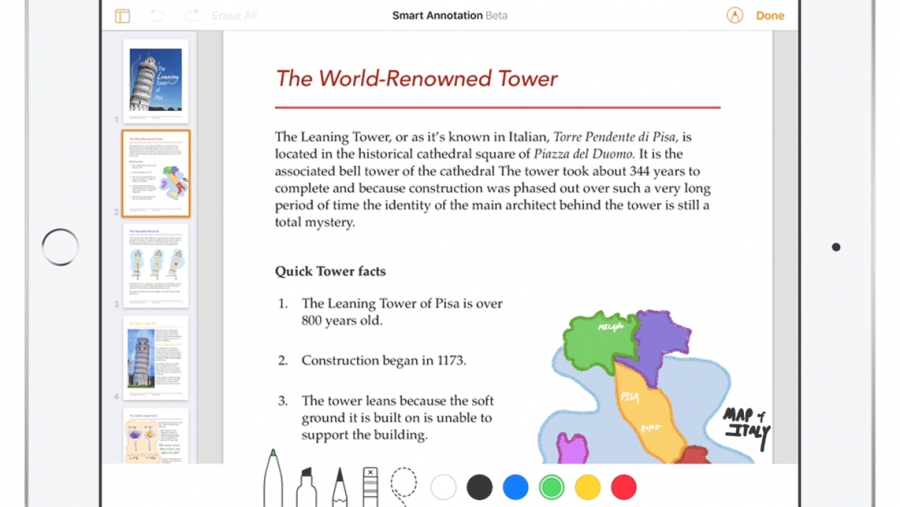
iWork has always been the best way to be productive on the Mac. And iWork for iOS made it easy to create beautiful documents on iPad and iPhone. With iWork for iCloud we’re bringing Pages, Numbers, and Keynote to the web — on Mac and PC. And thanks to iCloud, your work is always up to date on all your devices. It’s easy to work with Microsoft Word, Excel, and PowerPoint files. iWork alternative for PC is Office 365.
Add comment
Add comment
Alternatives and relevant products
Users who were interested in iWork, then also viewed:

Video about iWork
News about iWork
2024. iOS 18 brings updated iWork editors
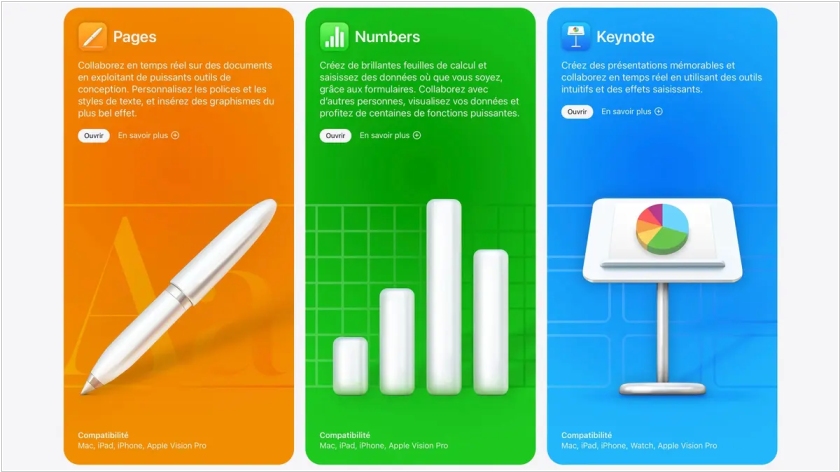
The recently released iOS 18 brings updates to the iWork mobile productivity apps - Keynote, Numbers, and Pages - with improved performance. A new document browser makes it easy to create a new spreadsheet, presentation, or text document, or find a recently created one. Apple Pencil Pro can now be used in all apps to quickly switch tools, line thickness, and colors. In Keynote presentations, you can now double-tap to navigate slides. HDR image and video support has been implemented.
2024. iWork has improved handling of large texts
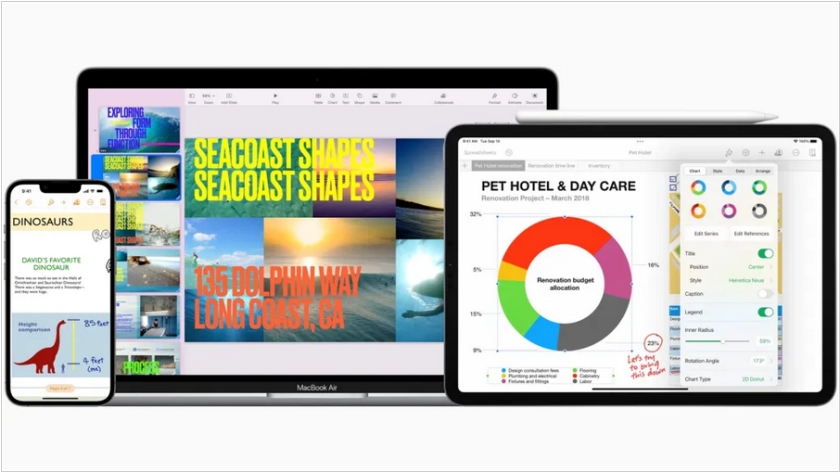
Apple released the first update to its iWork productivity suite in seven months, iWork 14.0, adding new features to Pages, Keynote, and Numbers (for Mac, iPhone, and especially iPad). Key improvements include the ability to select non-contiguous text using the keyboard and trackpad on iPad. Non-contiguous text is text composed of fragments that are not adjacent to one another. For example, if you need to select multiple words or sentences in different places in a document without selecting all the intervening text, this is called non-contiguous text selection. HEIC photos now maintain their quality when added to documents. The Pages word processor now features optimized notifications when someone joins a shared document. Keynote also features new themes and improved compatibility with PowerPoint, while all applications have received stability and performance improvements.
2017. Apple's iWork office suite is now completely free
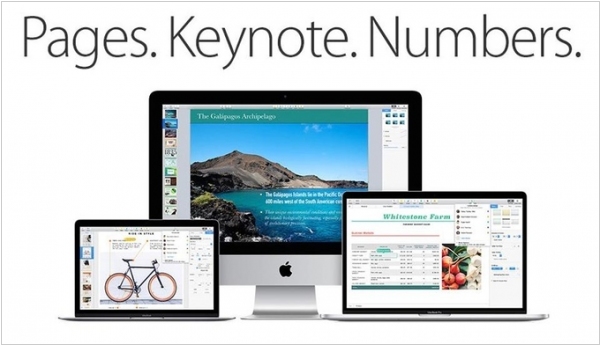
Apple has updated its iWork office apps: Pages, Numbers and Keynote and made them free for all iOS and Mac users. For a couple of years, these apps have been available for free to buyers of new Apple smartphones and laptops, but for those who chose not to upgrade, they cost $10 for iOS and $20 for macOS. Now they are free for everyone, but require version 10 of the operating system. As a reminder, the iWork online office app can also run in a browser, so you can view and edit your documents on Windows computers as well.
2014. Google, Microsoft and Apple refreshed their online office apps
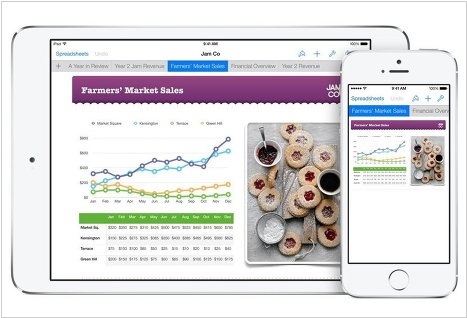
These are not very important updates, but we thought why not remind you once again that online office apps exist, develop and you may well use them instead of paid Word, Excel and PowerPoint. So, Google updated its spreadsheets (watch video above). Now they work faster, even with a very-very large documents. There are new filters and functions, as well as the ability to work offline in the Chrome browser (just like it works for text documents and presentations). As for Microsoft, they mainly worked to redesign their Office Web Apps. The interface became more flat (like in Outlook.com) and more comfortable thanks to the updated toolbar. And the notebook app OneNote for Android has become like Evernote (watch video below): ***