Adobe Document Cloud
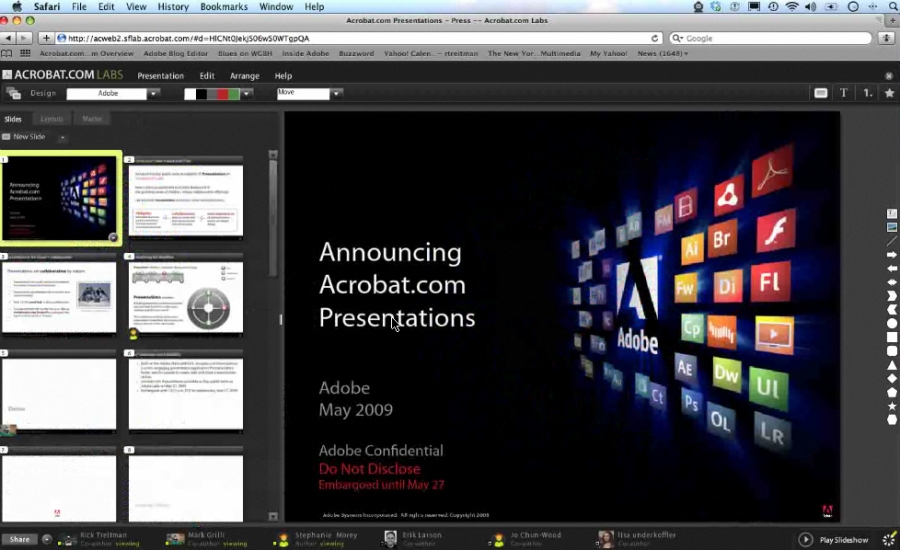
Turn manual document processes into efficient digital ones with Adobe Document Cloud – featuring the world’s leading PDF and e-signature solutions.
Add comment
Add comment
Alternatives and relevant products
Users who were interested in Adobe Document Cloud, then also viewed:
News about Adobe Document Cloud
2021. Adobe Acrobat Web now supports PDF editing

Adobe has released a major update to its cloud-based PDF service, Acrobat Web. Now you can edit text and images in PDFs directly in your browser. Previously, this feature was only available in the desktop version. However, it's a paid feature. For free, you can convert Word to PDF, add comments, sign files electronically, password-protect PDFs, split one file into several parts, or merge several parts into one. All you need is an Adobe ID.
2016. Adobe’s Acrobat Reader app now allows to use any cloud storage
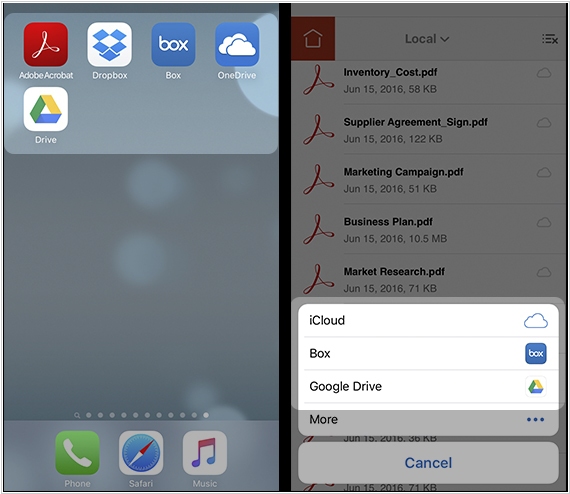
With a new version of its Acrobat Reader app for iOS you’ll now be able to select, open and save your PDFs in iCloud Drive, OneDrive, Box or Google Drive, in addition to the app’s native integration with Dropbox. These new storage options are available from the iOS Document Picker. Prior to this update, users could only pull documents from Dropbox, Adobe Document Cloud, email, web or other apps that supported the “share” function. In order to take advantage of the added functionality, users will need to install the cloud storage app they want to use with Acrobat Reader, then tap on the “Location Chooser” option and “More Locations…”. Here, you’ll find the cloud storage app or apps you want to add to Reader. You can also toggle these storage services on or off from the settings, or rearrange the order they appear in within the list.
2010. Acrobat.com added kind of shared workspaces
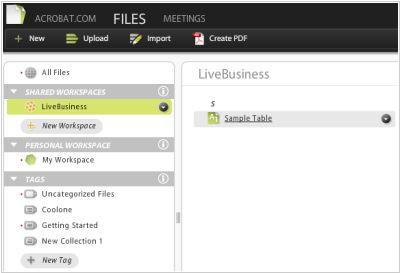
Now it's time for another portion of criticism towards the Acrobat.com online office. The last time we reviewed the service, they introduced many useful features, but now they are doing strange things again. Although the press release looks nice: Acrobat.com added online collaboration work-spaces. In fact, they added only shared folders were you can invite your co-workers / clients for file collaboration. Previously, it was possible to share only separate files. So there is more PR than improvements made during several months. Besides Adobe decided that online shared folders - it is so demanded tool on the market that they can make money on it. Although the cost of service was not risen, but the free version allows to create only one workspace (shared folder), and the Premium Basic plan (which costs $15/month) - is limited to 20 shared folders. In addition (very odd) you can't access shared folders on your mobile device (Blackberry and iPhone).
2009. Acrobat.com gets closer to reality
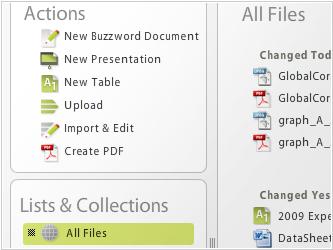
Online office suite Acrobat.com is still like a dress at the fashion show - beautiful, expensive, and you can wear it only on the podium. But in Adobe continues to work hard, update the service and step by step it becomes more ready for business. The other day Acrobat.com added 35 new features. And the first feature we were pleased to see is the idea voting system Acrobat.com Ideas. The main new feature inside the service is the new structure based on file manager. Now, all files are stored in one place and the main menu of service contains only 2 tabs: Files (for file management) and Meetings (for web-conferencing). ***