Top 10 Free Webinar Platforms for Eastern Europe
Updated: 15.06.2026
Some of the most popular Free Webinar Platforms are mentioned below.
Users that searched for Top 10 Free Webinar Platforms for Eastern Europe then also viewed the following software:

See also: Top 7: Webinar and Live Event Platforms for Eastern Europe
Users that searched for Top 10 Free Webinar Platforms for Eastern Europe then also viewed the following software:
See also: Top 7: Webinar and Live Event Platforms for Eastern Europe
2025. Zoom added AI assistant to free web version.
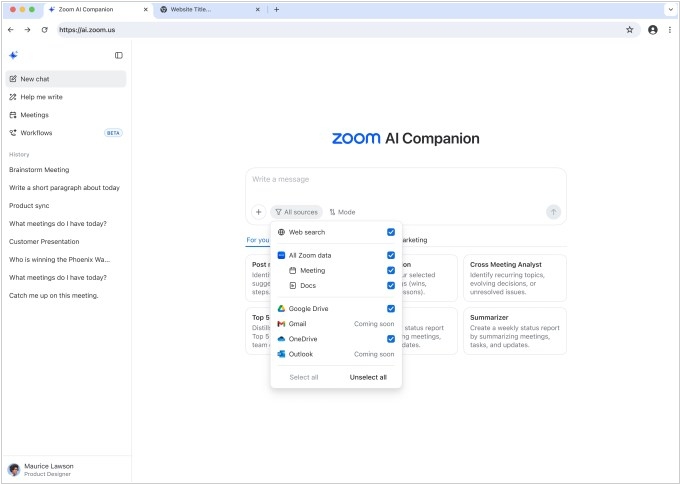
Zoom has added its AI Companion to the web version and gave free users access to its features, such as a meeting summary, in-meeting questions and AI-powered note-taking. However, there is a limitation: free users can only use the AI Companion for three meetings per month. They can purchase an additional plan for $10 to access unlimited AI Companion's features. With this update, the Companion can also retrieve information from third-party services such as Google Drive and Microsoft OneDrive, as well as all data stored within Zoom. The company said it will soon add support for Gmail and Microsoft Outlook. The AI Companion also generates a daily report summarizing meetings, tasks and updates. Furthermore, the Companion can also create tasks for later follow-up and draft emails.
2023. YouTube launched co-broadcasts/webinars on iOS and Android
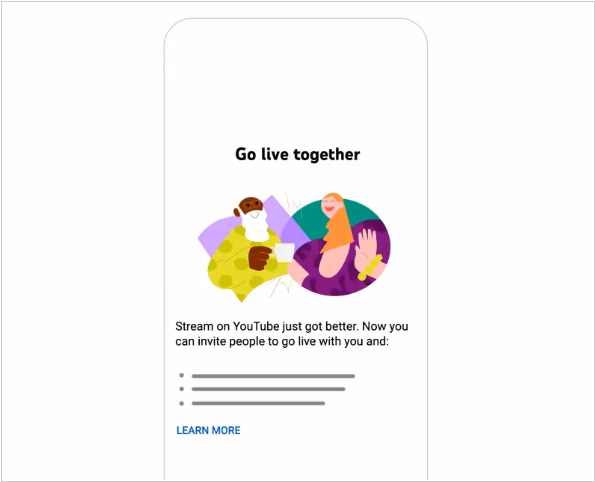
YouTube is one of the most popular webinar services, simply because it's free. The streaming feature is called YouTube Live, and it now features a new tool called Go Live Together, which allows two users to co-stream. A creator with 50 or more subscribers can invite anyone to a co-stream. A maximum of two people can participate at a time, but guests can be changed throughout the broadcast. Co-streaming is currently not available on the web version of YouTube. Users can schedule a broadcast on the service's website but must join through the mobile app.
2020. Cisco acquired webinar gamification software developer Slido
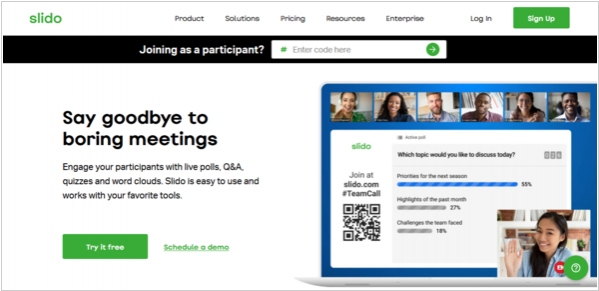
Cisco has acquired Slido, a service for embedding interactive tools in webinars and online conferences. For example it allows to conduct polls, allowing online event organizers to receive feedback from viewers. Users can answer open-ended questions, vote, or rate content. The service is used by event organizers, government agencies, and others. The product has 7 million users and is profitable, according to the publication. Now, by acquiring this company, Cisco will be able to integrate the Slido platform directly into WebEx, simplifying interactions between users of the video platform.
2020. Microsoft Teams offers free video conferencing for up to 300 participants.
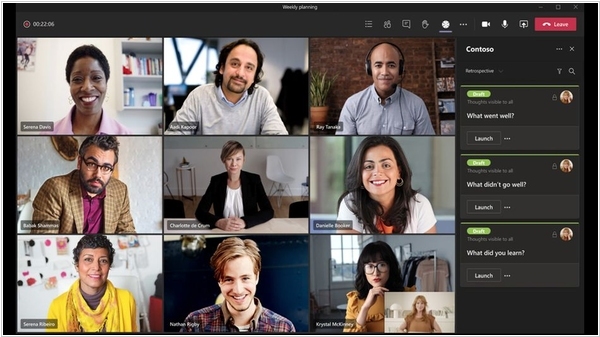
Microsoft has decided to make video conferencing in its Teams service effectively free for personal use. The only restrictions: 300 participants and 24 hours per video call - practically unlimited. Compared to this, the free versions of Zoom and Google Meet don't seem so attractive. And Microsoft won't strictly verify the "personality" of video conferences. Video calling in Teams works on both desktops and mobile devices. A Microsoft account is not required to participate in a video call (only the meeting creator will need one). You also don't need to install the app - you can access it from any browser.
2020. Facebook Live integrated with Messenger Rooms
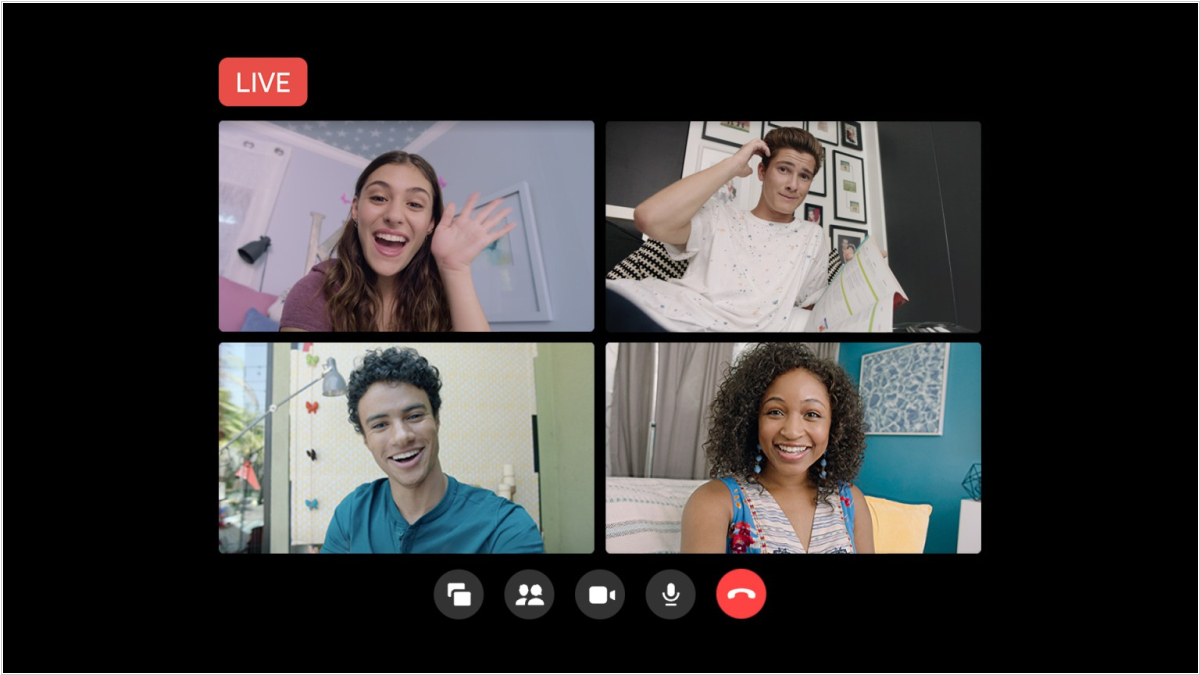
Meta has added the ability to livestream group video meetings from Messenger Rooms via the Facebook Live webinar service. This allows you to host broadcasts with up to 50 active participants, and live streaming from a room allows you to interact with an audience of any size. Messenger Rooms are group video calls in Facebook Messenger. You create a room and invite anyone to join, even if they don't have a Facebook account. As the room creator, you can broadcast your room to a profile, page, or group and invite people to join. The room creator controls the live stream and can add or remove participants from the live stream. All room participants receive a notification inviting them to join the live stream and must confirm their participation. They can also leave the room before the broadcast starts.
2020. Google is opening free access to its video conferencing service Meet.
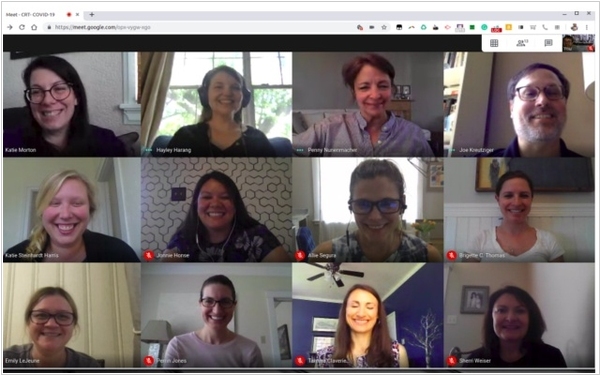
Google has finally made a bold move and will launch (starting May 1st) a free version of its video conferencing service Google Meet. Until now, it was only available to paid G Suite users. The free version allows video conferences with up to 100 participants lasting up to 60 minutes (and unlimited until September 1st). This is clearly a dig at Zoom, which has a 40-minute, 100-participant limit. Various window layouts are available, including Zoom-style layouts, screen sharing, document editing, a mobile version, and organization via Google Calendar. Google also emphasizes the security of its service, alluding to Zoom's ongoing problems with hacks. Video streams and meeting recordings on Google Drive are encrypted. To participate in a video conference, you need to log in with a Google account.
2019. LinkedIn launches video streaming service for businesses
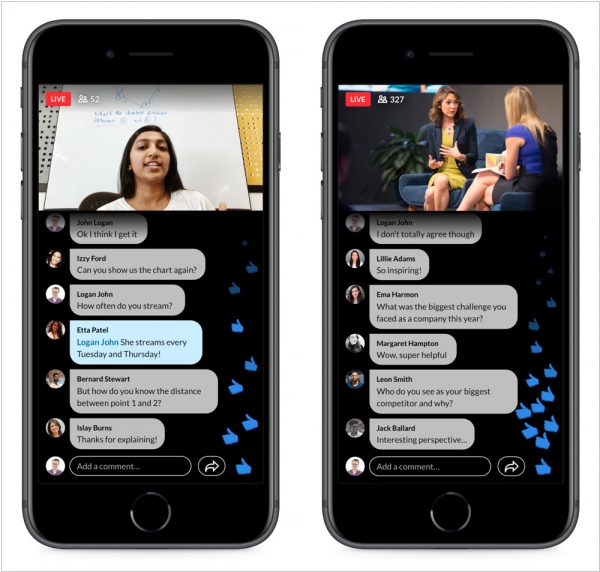
LinkedIn has launched LinkedIn Live, a streaming video service. It allows users to broadcast live events. Currently, the service is only available in the US and by invite. LinkedIn plans to allow business users to stream Q&A sessions, thematic events, conferences, investor presentations, award ceremonies, and product announcements. To ensure uninterrupted streaming, Microsoft (which has owned LinkedIn since December 2016) built the playback system on cloud-based Azure Media Services.
2012. Google+ Hangouts On Air - available for business

The On Air feature, which allows you to organize online meetings in a webinar format, has been available in Google+ Hangouts since its launch. However, it wasn't available to everyone, only to select celebrities from show business and politics. Yesterday, Google announced that anyone can now host webinars with an unlimited number of participants (and for free). Naturally, this feature will be very useful for many companies organizing corporate meetings and webinars/presentations for clients. On Air differs from a standard Google Hangout online meeting in that it features a single host/moderator (who primarily speaks), while everyone else can join as viewers. The moderator can mute any viewer or, conversely, make their video central. A webinar recording can be immediately posted to YouTube, making it accessible to those who missed it live.
2012. Free WebEx is now available.
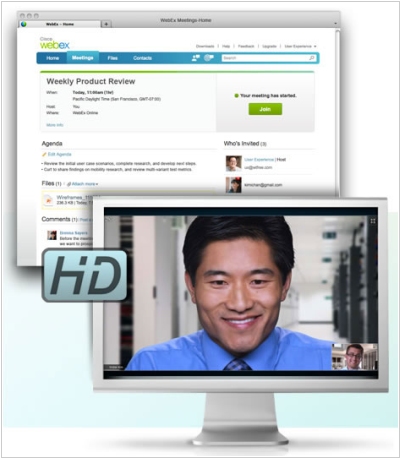
Web conferencing service WebEx has unveiled free version. However, the number of conference hosts (i.e. users who can create and administer online meetings) has been reduced from 3 to 1. However, the free disk space limit has been increased to 1 GB. Up to 25 people can participate in an online meeting simultaneously and use a variety of tools: screen sharing, whiteboard, remote computer control, file sharing, presentations, VoIP, HD video, and conference recording. You might be surprised to learn that the service is currently in Beta status (after all, WebEx has been the market leader in web conferencing for many years). The fact is, this is not just a free version. This is a new version of WebEx, which, in addition to web conferencing, also includes a collaboration space (before and after the online meeting). There, you can not only schedule web conferences and invite participants, but also share materials before the online meeting and discuss them with colleagues. And after the virtual meeting, you can share conference recordings and files created during it and continue the discussion.