ONLYOFFICE
Web-based office suite for document creation and collaboration. Available as a SaaS service or as a free open-source system. Provides a suite of online office editors (text, spreadsheets, presentations, forms, PDFs, and diagrams), including online, desktop, and mobile versions. Has built-in AI assistant and agents. Integration with Zoom and a large number of third-party business applications. It also includes a suite of own business applications: email, CRM and project management.
Add comment
Add comment
Alternatives and relevant products
Users who were interested in ONLYOFFICE, then also viewed:
Video about ONLYOFFICE
News about ONLYOFFICE
2024. ONLYOFFICE integrated with Zoom
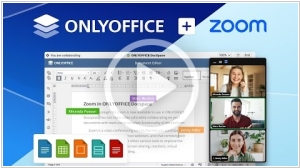
Online office ONLYOFFICE has released an app for the Zoom marketplace that integrates the office suite with video conferencing. Specifically, the app provides access to text documents, spreadsheets, presentation slides, and PDFs during Zoom online meetings. Collaborative editing, discussion, and brainstorming are also possible in real time. Meeting participants can be granted various access rights to view or edit documents.
2024. ONLYOFFICE Docs gets PDF forms
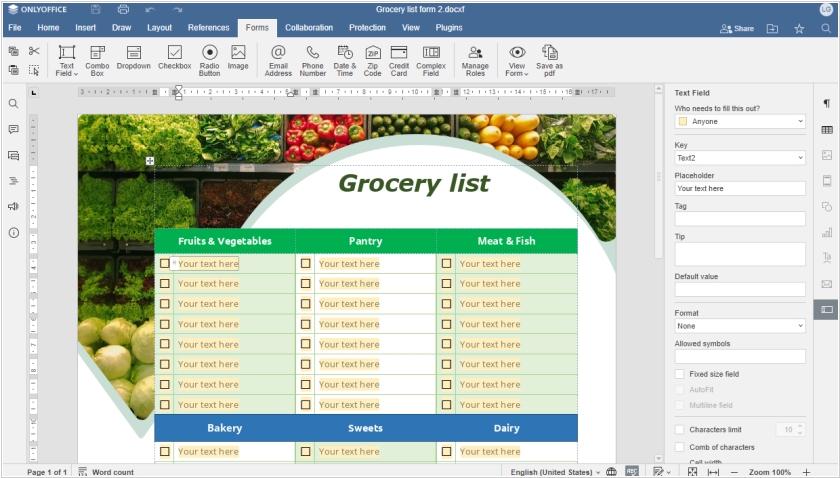
The new version ONLYOFFICE Docs 8.0 allows to create complex forms in PDF and fill them out online, in the desktop and mobile apps. To build fillable PDF forms, use DOCXF templates. This file format allows inserting various types of fields and adjusting them to make your form look as you need it. Like in a regular document, you can work with text applying any styling and formatting as well as collaborate on forms together with your team. Also in version 8.0 the developers have added Goal Seek in the spreadsheets. If you know the result that you want from a formula, but are not sure what input value the formula needs to get that result, you can use this function. Another new feature - Chart wizard - displays a list of the recommended chart types and a preview for all types of charts based on the selected data.
2023. ONLYOFFICE Docs added PDF editor
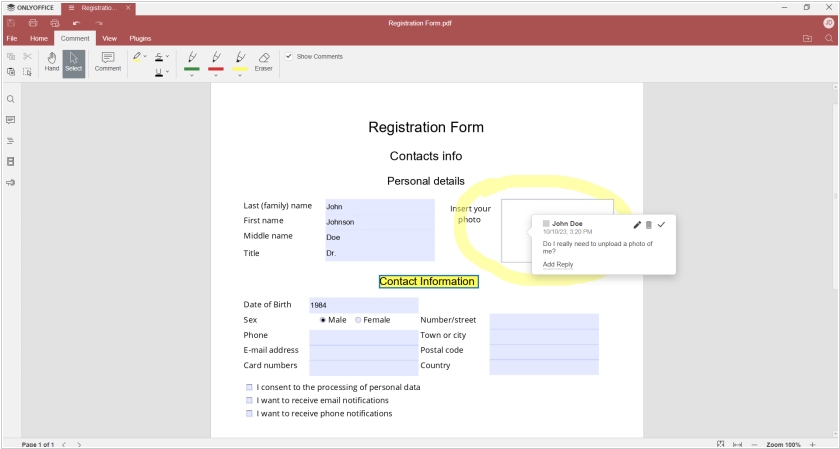
New version of the office suite ONLYOFFICE Docs 7.5 has been released. Both the online and desktop versions (for Mac, Linux, and Windows) now feature a PDF editor that supports annotations, form filling, text comments, and drawing. It can also display page thumbnails, extract headings, and easily "find" text in PDF files (case-sensitive and whole-word searches are available). The PDF editor does not yet have its own icon in the ONLYOFFICE Desktop sidebar, so opening a PDF file in ONLYOFFICE is only possible using the file manager. The new version also features automatic hyphenation, the ability to scale the interface beyond 200%, a warning when closing the application with multiple files open, support for SVG images, access to popular symbols from the Insert Symbols menu, and the ability to open password-protected files.
2018. ONLYOFFICE added internal links and expanded its work with forms

New version of the ONLYOFFICE online editors has been released. The developers have focused on usability and added a number of navigation tools. Bookmarks and internal links are now available in the text editor, and the creation of numbered and bulleted lists is now automatic. Form creation, introduced in the previous version, is now complemented by the ability to customize the appearance of fields. A new tab, Layout, has been added to the table editor, and cell settings can now be managed in the right panel. The File (for viewing document information and version history) and Plugins tabs are now available in Read-Only mode. Presenter Mode can now be enabled in Presentation View.
2018. ONLYOFFICE desktop editors have received a new interface
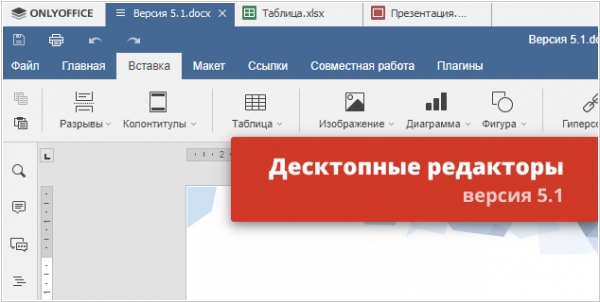
ONLYOFFICE desktop application for working with text documents, spreadsheets, and presentations has a new interface, previously available only in the online version. Tools are now grouped into thematic tabs for more intuitive navigation. The color scheme of the editors has also been changed, and new features have been added. The word processor now features a navigation bar for the Table of Contents (now accessible in the "References" tab) and RTF export. All collaboration tools, including review and commenting, are now located in a separate "Collaboration" tab. New features in the spreadsheet editor include 11 new formulas and expanded cell formatting capabilities, while the presentation editor now features Paste Special and comments not only for individual slides but for the entire presentation.
2017. ONLYOFFICE integrates with SharePoint
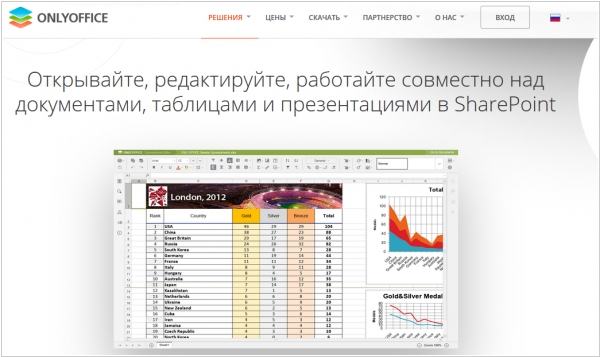
ONLYOFFICE, that competes with Microsoft Office and other alternatives, released an app for SharePoint. So from now companies running SharePoint Server can use the most complete online office suite in SharePoint web interface. ONLYOFFICE is an open-source solution, free for up to 20 users that can be deployed on your private network. It promises 100% compatible with Microsoft Office formats and allows to collaboratively work on Word and Excel documents with a really complex formatting. Besides document editors it provides document management, email client, calendar, project management and community.
2016. ONLYOFFICE released free open-source version
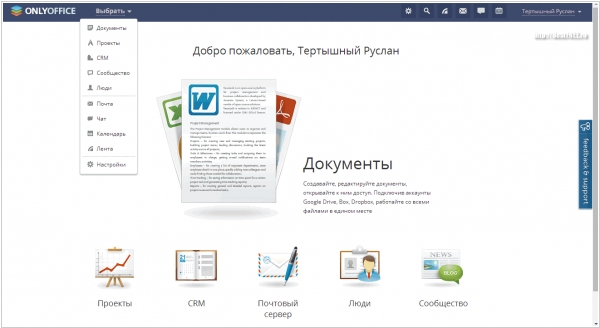
ONLYOFFICE, a collaboration service, has opened the source code for the latest version of its web-based office suite. The release includes the latest version of document editors with a "quick" collaborative editing mode similar to Google Docs, reviewing, and version control. Columns, text objects, named ranges, and field settings have been added. The latest version of the collaboration server, version 8.9, is also now available in the open-source version. It features email and calendar integration, an address book for storing personal contacts, and an autoresponder. It is now possible to add contacts to the CRM database directly from email threads. Why such generosity? The developers say they are simply happy to contribute to the open-source community and are looking for feedback and suggestions in return.
2014. Teamlab opens source code and changes name to ONLYOFFICE
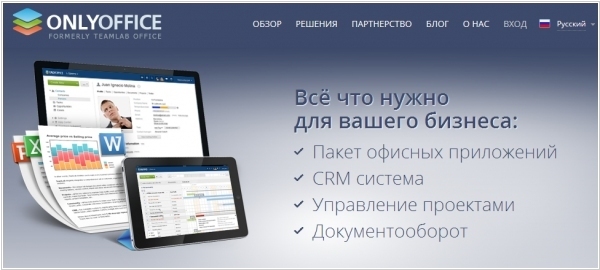
Teamlab, the collaboration service, has always dreamed of becoming Office—ever since it launched its own online office document editor. It's really quite good, and that's what Teamlab decided to focus on. At one point, they even changed their name to Teamlab Office. But even that wasn't enough. Yesterday (in honor of its 4th birthday), Teamlab was renamed to ONLYOFFICE. Although, as you can see from the website's main page, the developers don't hide the fact that, in addition to Office, the service includes CRM, project management tools, and document management. In addition to renaming, the developers decided to completely open-source the service. They say it's so users can be confident in the product's security. So now, if you want to install ONLYOFFICE on your own server, you can do so completely free of charge.
2013. Teamlab launches free alternative to Google Docs and MS Office
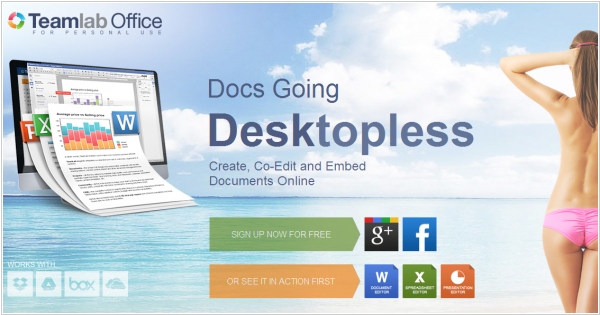
Online service Teamlab is know not only for its collaboration and business management features, but also for cool online document editors that can be well compared to Google Docs, MS Office Web Apps or Zoho Docs. But until now these editors where available only for Teamlab paid users. Today TeamLab is launching a free productivity tool Teamlab Personal - an alternative to Google Drive, Skydrive and Zoho Docs. It's a cloud file storage with office editors. Teamlab says that it combines reach formatting features from MS Office with collaboration tools from Google Docs. The service allows to upload and edit Word, Excel, PowerPoint from your computer and even pull docs from other online services: Dropbox, Google Drive, SkyDrive, Box (note that the last three services have their own document editors). You can share files with colleagues, co-edit and comment them in real time and embed documents to your web page.
2012. TeamLab updated its Projects module
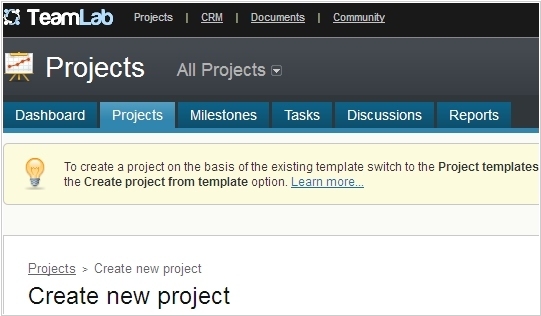
Teamlab, a web service for collaborative project, document and client relationship management, is launching an updated version of its Projects module. More flexible configuration options in the Projects module allow you to prioritize work, create subtasks and pause projects. Multiple assignees can now be assigned to each task. Each registered portal user now receives individual access rights for each module. This makes it possible to engage third-party specialists in project work and improves the security of business data stored in the system. More convenient data sorting has been implemented in all lists created using Ajax technology. Users who prefer to retain the familiar design of the service can quickly switch from the new version to the previous one.
2010. TeamLab - free alternative to Basecamp
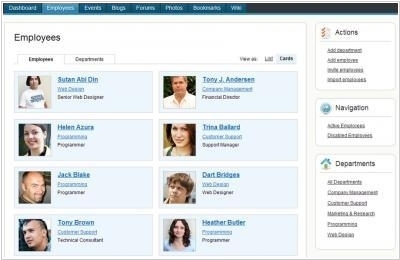
Latvian service Teamlab is now available. It's a very interesting solution for collaboration and project management, often compared to Basecamp. Teamlab is available either as a free SaaS service (with virtually no restrictions) or as an installable open-source system (again, free). Considering that Teamlab is a truly high-quality solution, comparable in functionality to Basecamp, one wonders: why such generosity? According to the developer, Teamlab was created for their own needs and they liked it so much that they decided to share their enthusiasm with others. The company hopes to attract third-party developers to develop the product and gain popularity through free users to truly compete with Basecamp in the global market. Then they plan to introduce paid features (while promising that the open-source version will remain free forever).