WordPress
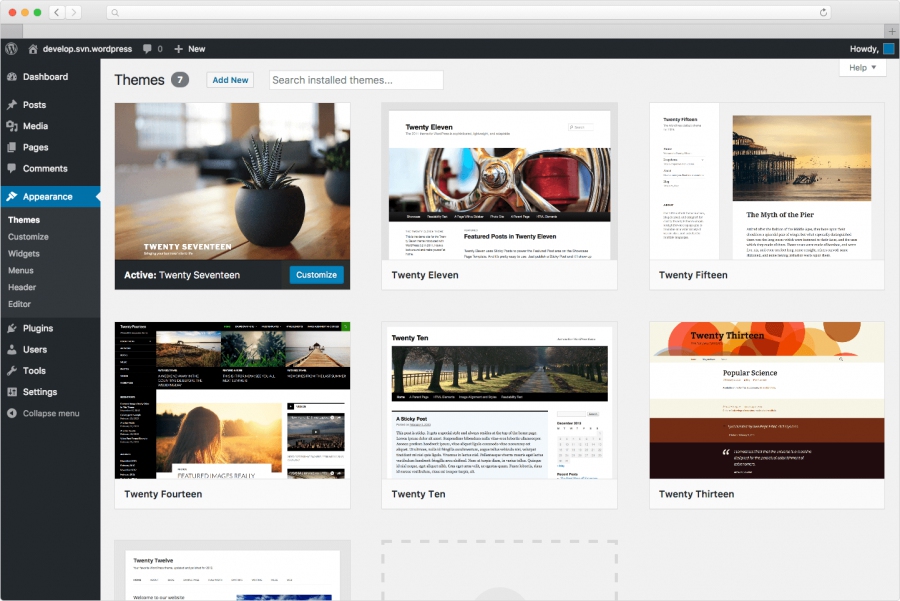
Free, open-source CMS. Suitable for everything from blogs to complex news resources and online stores. The built-in theme and plugin system, coupled with a well-designed architecture, allows for the creation of projects with a wide range of functional complexity. SaaS version is available on Wordpress.com
Add comment
Add comment
Alternatives and relevant products
Users who were interested in WordPress, then also viewed:
News about WordPress
14.03.26. Wordpress.com introduced personal offline version
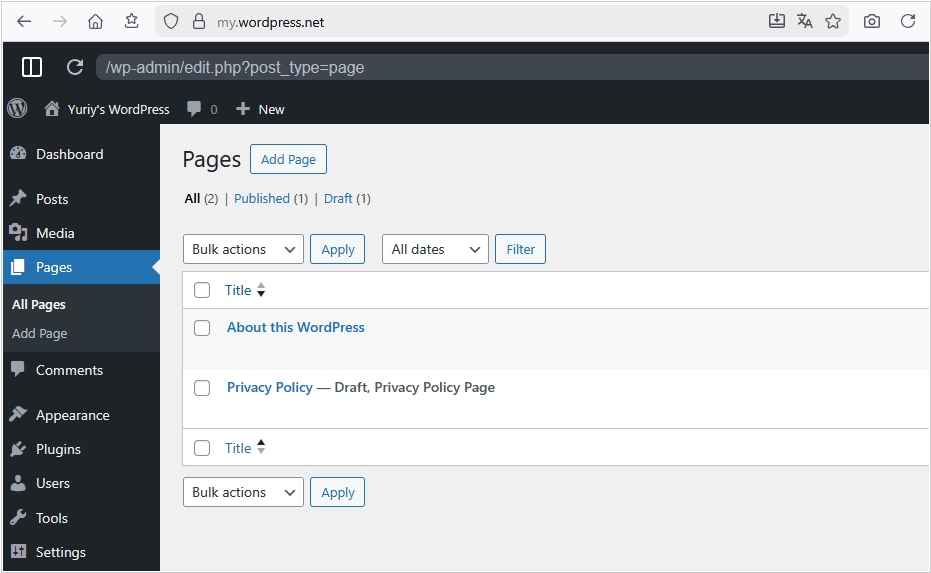
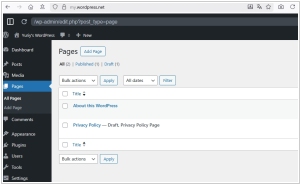
There are so many plugins for WordPress that it now makes sense to use it as a personal app, for example, an organizer, notepad, Helpdesk or a CRM system for an entrepreneur. But, of course, no one is going to buy hosting, domain and bother installing CMS just for that. That's why the creators of WordPress.com came up with a local offline version. You simply go to my.wordpress.net and wait for all the scripts to download for the first time. After that, the standard WordPress admin panel is saved in your browser. All posts and files are also saved there (in the browser's internal memory). Next, install the plugins. You can disconnect from the internet, but the app will continue to work. Of course, you need to understand the limitations: such an app will not work in another browser, will not be accessible over the internet on your phone, and if you reinstall the browser or accidentally clear site data, all data and files from the app will be lost.
2026. WordPress.com added AI assistant
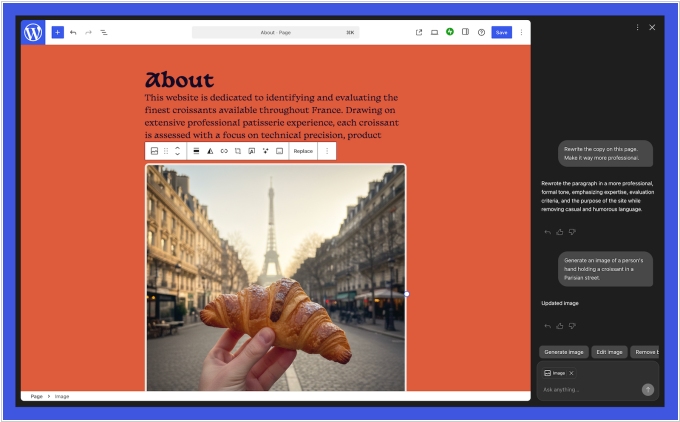
WordPress.com (the SaaS version of the CMS system from Automattic) has added a built-in AI assistant for editing websites in the context of their content and structure, allowing site owners to make changes using natural language commands. The new tool allows to adjust the site's structure and styles using specific or general statements, such as "make this section more modern or spacious" or "change the site's colors to be brighter and more saturated" or "add Contacts page". However, the assistant only works with block themes, not classic ones. The AI can also write/update website content, suggest headline variations, generate images and fact-check (if you trust AI). Google Gemini is used as the LLM.
2025. WordPress.com launched free AI-powered website builder
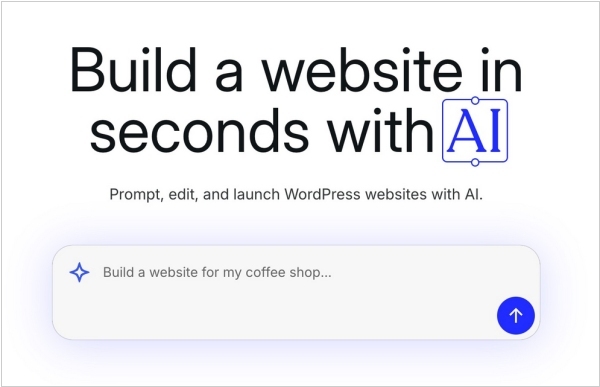
Hosting platform WordPress launched a new free AI website builder that allows anyone to create a functioning website. It's targeted at entrepreneurs, freelancers, bloggers and can't be used to create more advanced websites like e-commerce stores. To use the new tool, users engage with an AI chatbot in a conversational style to design the website with their own text and images and to configure the site’s layout. To get started, users first type in a prompt that explains their website idea — like “build a website for my coffee shop.” The new service may help WordPress better compete with companies like Squarespace and Wix, which offer AI builders to speed up site creation and design.
2021. WordPress 5.7 simplifies migration from HTTP to HTTPS
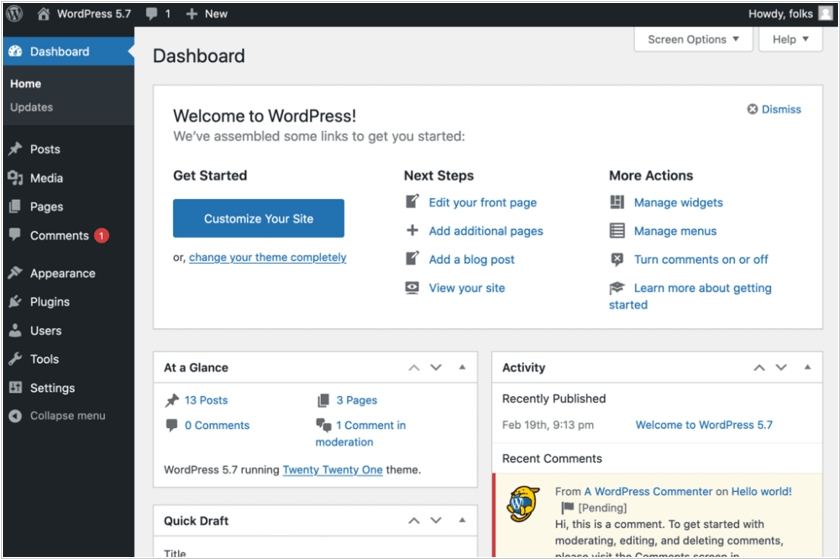
New version of the open-source CMS platform for WordPress 5.7 has been released. The new version offers a new color palette. Frequently used features, such as font sizing, are now instantly accessible when needed. You can also make layout changes, use the one-click HTTP to HTTPS migration feature (this is especially important, as using HTTPS on websites encrypts data and improves user security), and change the design of icons and buttons without using HTML markup or CSS.
2019. Google unveiled Site Kit plugin for WordPress
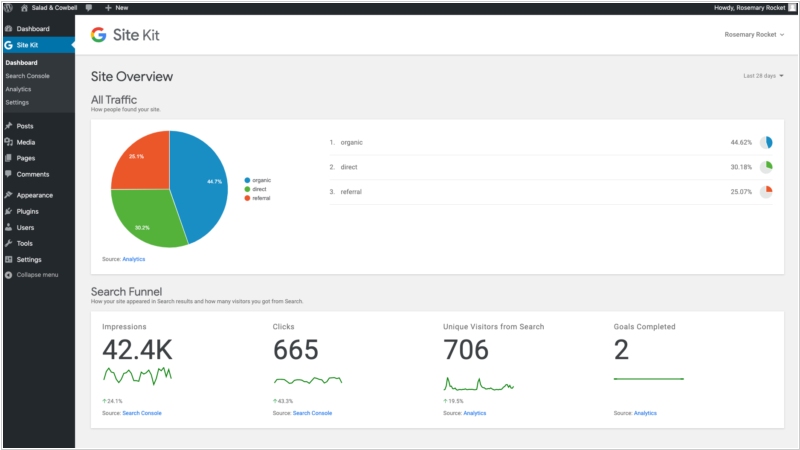
Google has released the Site Kit plugin for WordPress sites. It allows webmasters to connect their WordPress admin panel with Google Search Console, Google Analytics, PageSpeed Insights and AdSense to get all analytics in one place. The main Overview dashboard provides a high-level view of significant changes and how users find your site: clicks and impressions in search, list of the top-performing pages, AdSense revenue, site speed metrics provided by PageSpeed Insights and a comparison of new and returning visitors. Perhaps most useful are the individual page reports, which are available in a drop-down box when viewing a specific page or post. Overall, Site Kit does not replace Google Analytics, but only provides quick analytics data. You do not have access to reports on sales funnels, attribution models, or filters. You can't edit events or view forecast metrics, and there's no audience support.
2017. WordPress app for Android has been improved for Jetpack-based sites.
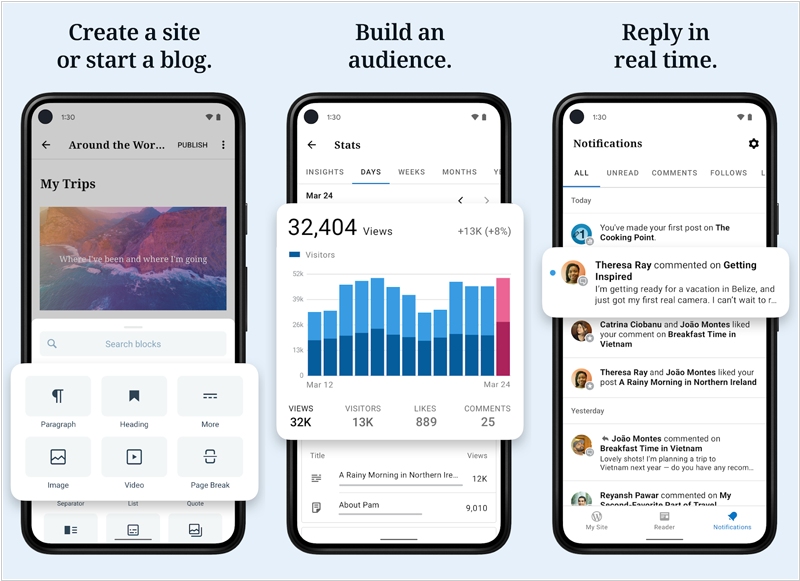
Automattic has released a major update to its WordPress mobile app for Android, which allows to manage website from smartphone. Last year, app users faced a growing gap between the features available to self-hosted sites and those available on WordPress.com paid service. The lack of a WP REST API in the app's core prevented them from using the same site management features that WordPress.com site owners already enjoy. The upcoming release closes this gap with improved support for Jetpack-based sites. Jetpack is a universal WordPress plugin developed by Automattic to attract users of the open-source CMS to its paid service. Self-hosted WordPress site owners will now have access to user management and site settings features within the app. Completely redesigned network layer ensures faster performance of statistics and other features. The app also enables adding new blog posts and pages, commenting, moderating comments, replying to comments.
2015. WordPress.com goes Open Source and gets a desktop app
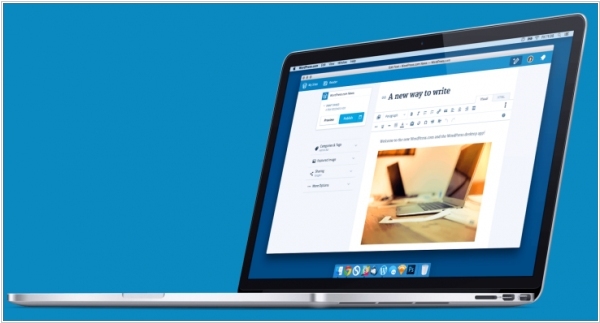
WordPress.com, the WordPress hosting service has unveiled one of its biggest updates. First, WordPress.com (i.e. its admin interface) is now fully separated from the WordPress CMS. It interacts with the CMS via REST API to fetch your posts, publish new ones, upload photos and more. Second, the team behind WordPress.com switched to an entirely new stack. Instead of using PHP and MySQL, the developers built the admin console on JavaScript. It means that when you go to the website - you download full WordPress.com client that runs in your browser. Finally, everything is open source now and available on GitHub. Also the company unveiled new Mac desktop app for WordPress.com. In many ways, this app works like the browser app. It leverages web technologies and desktop features so that you get more or less the exact same thing, but with a few goodies, such as notifications. Windows and Linux apps are in the works.