Evernote

A suite of software and services designed for notetaking and archiving. Allows organizing notes with notebooks, tags, and customizable templates. Offers built-in task management with reminders and to-do lists.
Add comment
Add comment
Alternatives and relevant products
Users who were interested in Evernote, then also viewed:

Video about Evernote
News about Evernote
2023. Evernote to restrict free users to 50 notes
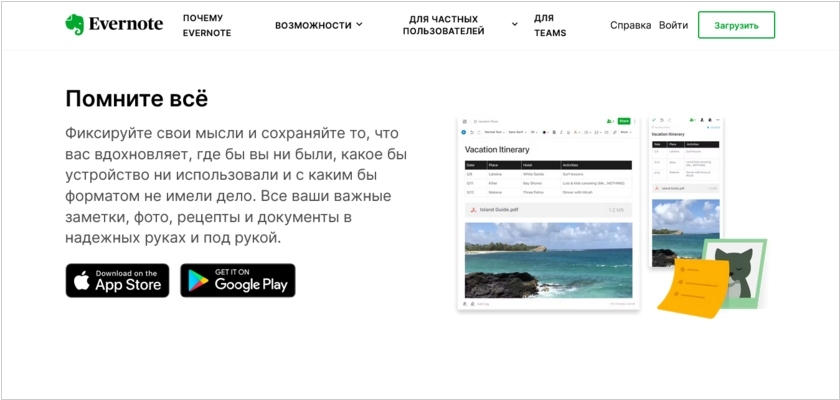
In a move that could only be described as the digital equivalent of having your towel stolen just before a hyperspace jump, Evernote has reimagined its free plan with a charmingly modest limit: one notebook and a generous 50 notes. This grand shift in cosmic balance will come into effect for both new and existing free users on December 4. Evernote, in its infinite wisdom, kindly suggests that users might manage this newfound scarcity by deleting notes to create space, as if tidying up a cluttered mind was as simple as clicking 'delete.' From this point onward, users will be tethered to the unyielding reality of fifty notes and one notebook—total. Should your digital hoard exceed this, you’ll be encouraged to export the extras, a process that may well feel like jettisoning cargo before a major hyperspace bypass.
2017. Evernote integrates with Slack

Evernote built a new integration with the highly popular messaging app Slack. Evernote is where you keep all your ideas, and Slack connects your ideas to other people. By removing the friction between these two tools, you can now spend less time searching and more time doing. By using the /note command in Slack you can jot down your notes, create a to-do list or a reminder—all without leaving the conversation. Or you can use the /clip command to capture messages from Slack and save them (based on date, importance, or URL) as a note in Evernote. With the /find command you can now search for the specific note you need and share a snapshot with the team without leaving Slack.
2014. Evernote and LinkedIn integrate business cards into social network
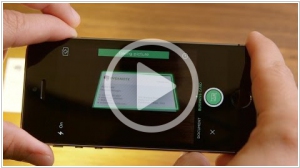
Business card scanning apps were already on the market for some time (i.e. Evernote). They rescue business people from card-full wallets, but don't solve another problem: contacts may change over time. Fortunately, this problem is solved by social networks (especially LinkedIn), where people update their own contact information, and it's automatically updated in their friends' address books. A few days ago LinkedIn integrated with Evernote. Now you just make a photo of business card and your smartphone immediately shows you the person's LinkedIn profile. You're then given the option to connect with that CEO, secretary or digital prophet on LinkedIn or add their contact info to your address book. However, things get interesting as your business relationship blossoms. Over time, you can add things like audio from a meeting, documents, or even key emails with him or her to the card's page in Evernote.
2013. Evernote Business 2.0: intranet social network + Salesforce integration
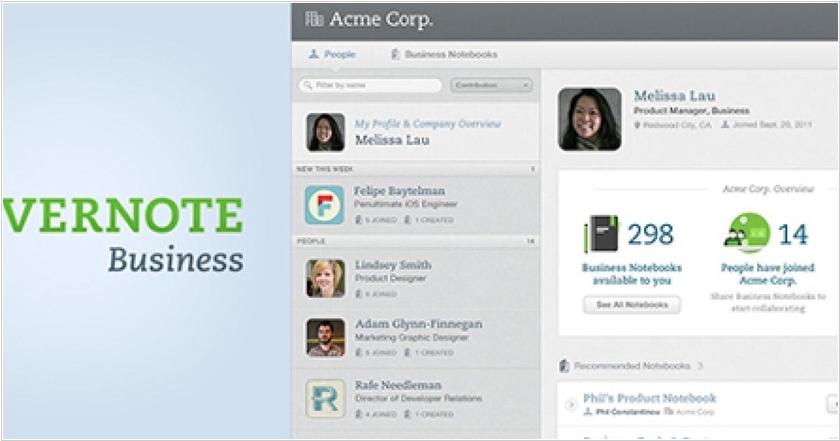
Evernote has launched the new version of its business edition - Evernote Business 2.0. As usual the business version (unlike the personal) allows to create shared (corporate) notebooks and pages that are suitable for collaboration (for example, creating plans, projects , ...) or storing knowledge (instructions , documents ... ), useful for business. In the new version on top of this content layer Evernote started to build a social network. It added user profiles with pictures. When you open your collegue's profile, you can see the notes she works with. Also, when you are looking for something in the corporate notebooks, Evernote provides not only found pages, but also people who may be experts in this question (that frequently use this word in their notebooks). Shared notebooks are now like communities. You can join them or invite your colleagues to notebook. ***
2012. Evernote to launch Business version
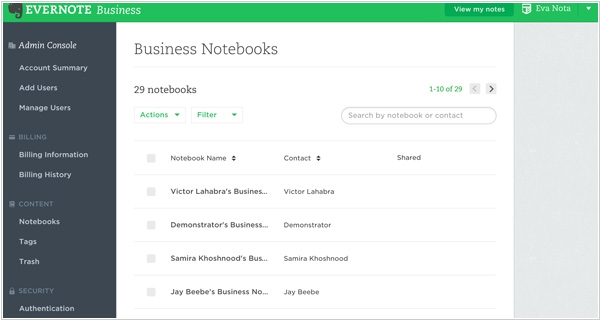
Сервис Evernote Business will be a useful tool for small companies enabling super-simple information sharing: notes, plans, drafts, pictures, files, etc. Moreover, employees who already have a personal Evernote account will be able to use it for business-purposes also. All personal records will remain personal and noone can access them. While the records saved into business notebooks will be available for co-workers and can be collaboratively edited (business account administrator will configure access rights to business notebooks). In addition, all employees that are added to business account will get all benefits of the Evernote's premium plan (versions history, offline access, 1 GB of data upload pet month). Administrator will pay for all users. Recall the price of the premium plan is $5/month (but maybe they'll give discounts for the business version). The service will be available in December.