Top 10: Remote-desktop support software for Eastern Europe
Updated: 18.03.2026
Like
23
Remote-desktop support software that enables IT professionals and support specialists to provide assistance and troubleshoot issues for users remotely.
1
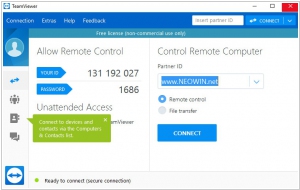
TeamViewer connects to any PC or server around the world within a few seconds. You can remote control your partner's PC as if you were sitting right in front of it.
2
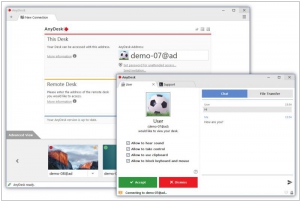
Remote Desktop Software That Actually Works. Connect to a computer remotely, be it from the other end of the office or halfway around the world. AnyDesk ensures secure and reliable remote desktop connections for IT professionals and on-the-go individuals alike.
3
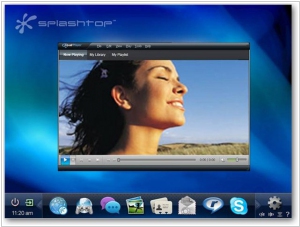
Top-rated and highest-performing Remote Desktop, Remote Support, and App Delivery solution. 16 Million Users. Supports Windows, Mac, iOS, Android
4
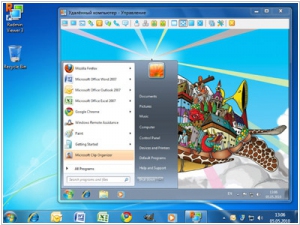
Software for remote technical support of employees. Allows to provide internal IT support across organization regardless of its size
5
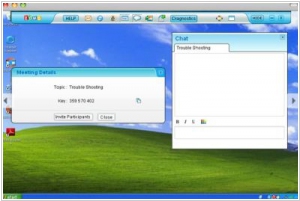
Zoho Assist provides a simple and straight forward user interface to connect to remote computers anywhere on the globe, as long as they are hooked to the internet, even through firewalls and proxies. Once your customer approves access, control the remote computer as if it were in front of you, provide fast support and impress, without leaving your seat. Moreover, with online remote support you save time and all that money involved in travel.
6
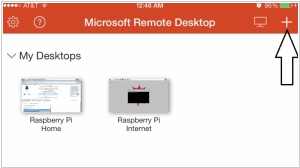
With the Microsoft Remote Desktop app, you can connect to a remote PC and your work resources from almost anywhere. Experience the power of Windows with RemoteFX in a Remote Desktop client designed to help you get your work done wherever you are.
7
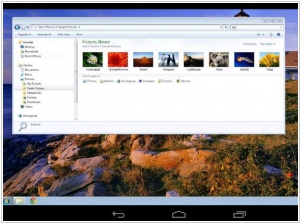
Chrome Remote Desktop allows users to remotely access another computer through Chrome browser or a Chromebook. Computers can be made available on an short-term basis for scenarios such as ad hoc remote support, or on a more long-term basis for remote access to your applications and files. All connections are fully secured.
8
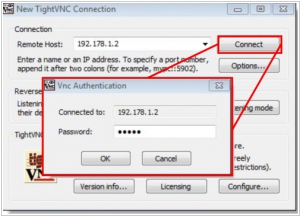
TightVNC is a free remote control software package. With TightVNC, you can see the desktop of a remote machine and control it with your local mouse and keyboard, just like you would do it sitting in the front of that computer.
9
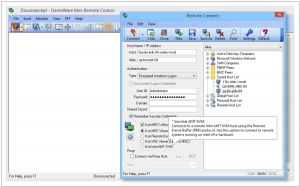
Solarwinds' suite of administration utilities, united by a centralized interface for remote management of Windows servers and workstations. Remote access tool designed for technical staff. It helps remotely gather information on Windows devices via Active Directory, Standard Properties, or WMI.
10
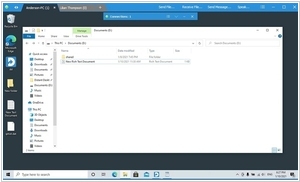
Remote desktop control software for Windows. No installation or registration required. Multiple simultaneous connections are possible, for both the controlling and controlled parties. File transfer between connected computers. Text chat. Send messages to your partners using the built-in chat. Voice communication with the remote user.
Latest news related to rating "Remote-desktop support software for Eastern Europe":
TeamViewer integrated with Google Meet
17.03.2025
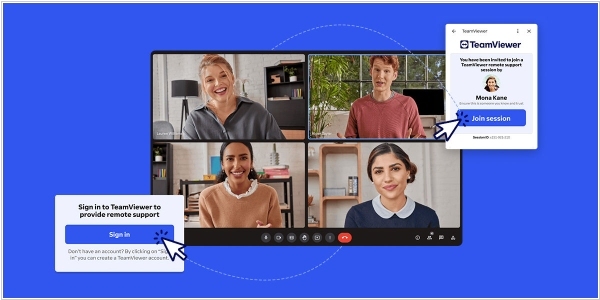
TeamViewer has implemented integration with Google Meet, simplifying remote support and improving collaboration between admins and agents and their employees. Now, instead of the traditional "Have you tried turning it off and on again?" question, IT specialists can take control of a problematic computer and repair it directly during a video call without having to install anything or open a second application. For example, an admin can initiate a discussion with a remote sales manager in Google Meet. Once the cause of the issue is determined, they can start a TeamViewer session without leaving Google Meet. From there, they can remotely access the sales manager's computer, troubleshoot the problem, and resolve it immediately.
Microsoft launches a new remote help service for IT teams
06.04.2022
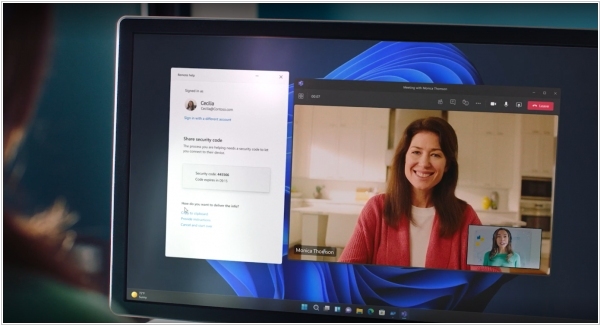
Microsoft has launched some updates to Endpoint Manager that go beyond some of the traditional feature sets for similar services. Microsoft Endpoint Manager is the company’s platform for helping IT admins manage and secure large fleets of devices, something that’s become increasingly complicated since the start of the pandemic. The main new feature Microsoft is adding to the platform is “Microsoft Advanced Management” - an alternative to Teamviewer with all of the enterprise bells and whistles and identity controls through a tight integration with Azure Active Directory.
LogMeIn rebrands to GoTo
02.02.2022
LogMeIn has announced that it's being rebranded to GoTo. This makes sense, as the company's core products currently - are a line of video conferencing and remote support systems: GoToMeeting, GoToWebinar, GoToAssist and GoToMyPC (which the company acquired from Citrix in 2016 for $1.8B). Furthermore, along with the rebranding, they launched a couple more GoTo services: GoToResolve for IT infrastructure management and support, and GoToConnect, an online unified communications system (UCaaS). The company also offers collaborative corporate social network Jive and password management service LastPass. LogMeIn itself in 2019 was sold by its previous owners to investment firms Francisco Partners and Evergreen Coast Capital Corporation for $4.3B.
Zoho Assist adds voice and video chat
04.06.2019
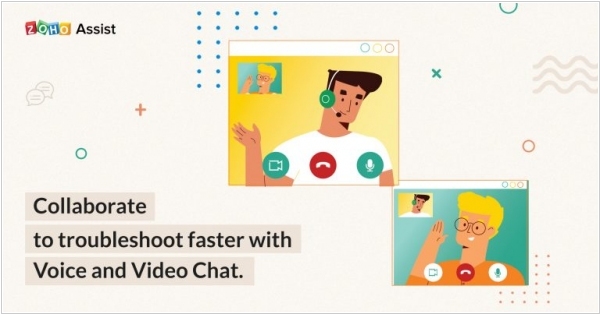
Zoho Assist now has the complete communication kit, with voice and video chat in addition to the existing text chat. Remote support technicians can start a voice or video chat while working on their troubleshooting or demo sessions in Zoho Assist without switching applications. Communication with a client or an employee via phone or video call overcomes communication barriers and helps to understand the problem faster. In addition, if it is about international companies, the new function will save costs for international calls.
Remote desktop software AnyDesk gets €6.5M funding
18.05.2018
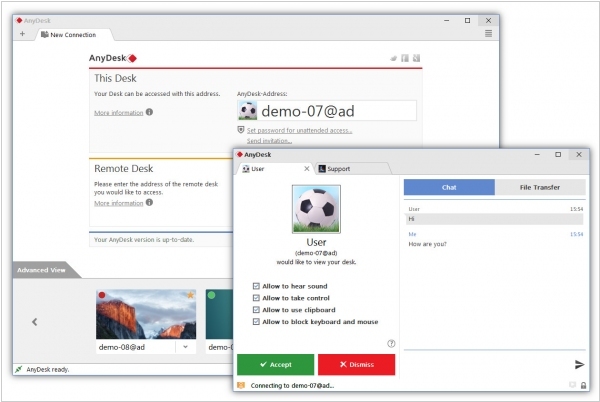
AnyDesk, Germany-based service that offers remote desktop software, has scored €6.5 million funding. To that end, as well as modern-day apps for Windows, MacOS, various flavours of Linux/Unix, Android and iOS, the AnyDesk team has created a proprietary video codec called “DeskRT” that has been engineered especially for graphical user interfaces. It transmits 60 frames per seconds and prioritises low latency. As a result users generally experience high quality video and sound, and image transmission that is fast and fluid enough to forget that you are using a different computer. That’s because, unlike traditional screen sharing, AnyDesk is built for collaboration.