Google Chrome
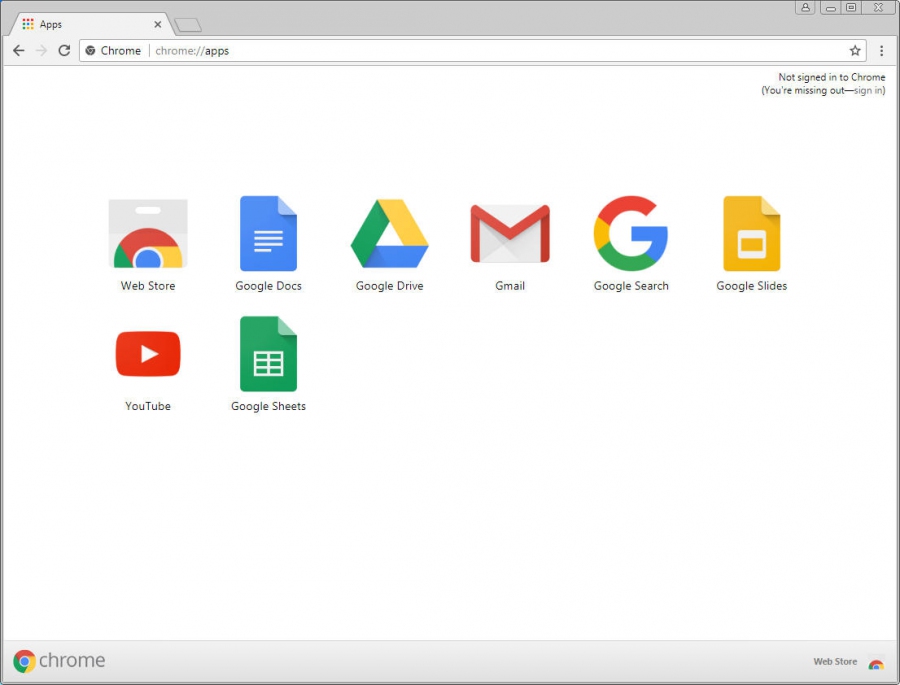
Google Chrome is a browser that combines a minimal design with sophisticated technology to make the web faster, safer, and easier. Syncs seamlessly across devices, allowing users to access bookmarks, history, and settings anywhere. Implements strong security features, including sandboxing and automatic updates to protect against threats.
Add comment
Add comment
Alternatives and relevant products
Users who were interested in Google Chrome, then also viewed:
News about Google Chrome
22.02.26. Chrome adds split-screen mode

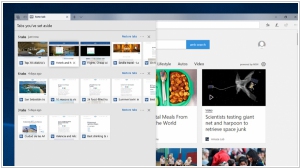
Three new features have been added to Google Chrome: Split View, PDF annotations and Save to Google Drive. Split View lets you work on two webpages at once, for example watch a video while taking notes. PDF annotation lets you annotate a PDF or highlight text directly in the browser. This means you don't have to download PDF and then open it in another app to work with its content. Save to Google Drive lets you save any PDF directly to your Drive account, rather than to your computer where it could get lost. When you use this feature, saved files will appear in the Saved from Chrome folder in your Drive, making them easy to find.
2017. Google launched Chrome OS for Enterprise
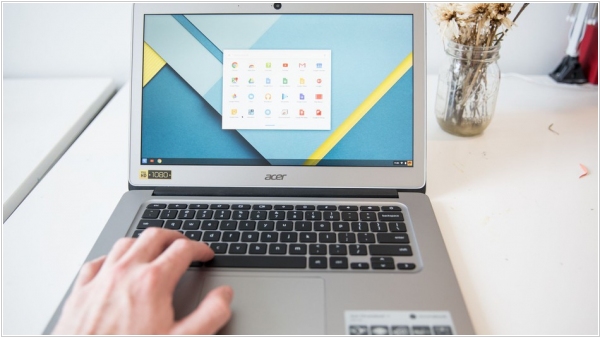
Google launched enterprise service for large businesses that want to adopt Chrome OS devices. The new Chrome Enterprise subscription, which will cost $50 per device and year, is essentially a rebrand of Chrome Device Management, but with a number of additional capabilities. For enterprises, the main advantage here is that Chrome Enterprise is fully compatible with their existing on-premise Microsoft Active Directory infrastructure. With this update, enterprise users will be able to use their existing credentials to log into their Chrome OS devices and access their Google Cloud services — and IT admins will be able to manage their access to these devices and services.
2015. Google to stop supporting Chrome for Windows XP and Vista
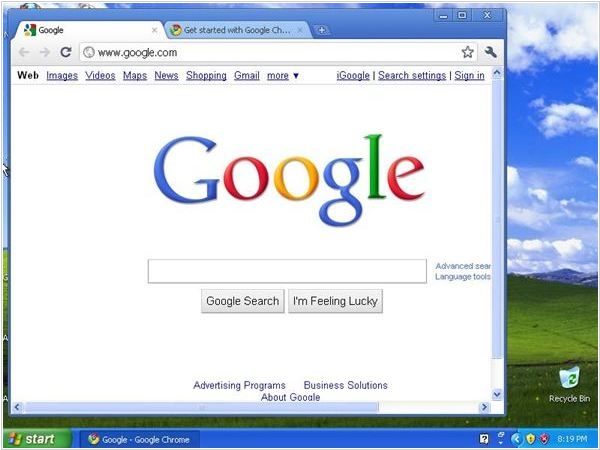
Google announced the end of Chrome support for Windows XP. Starting April 2016, users who still use Chrome on XP will no longer get updates and security fixes. Ending XP support is not a massive surprise, but as Google also announced today, Windows Vista and Mac OS X 10.6, 10.7 and 10.8. will also no longer be supported “since these platforms are no longer actively supported by Microsoft and Apple.” Google, Microsoft and others have long continued to support their software on some of these old platforms long beyond their useful life because they often became vectors for viruses and malware — and with unpatched versions of Chrome or Internet Explorer running on them, they would have become even more dangerous.
2012. Chrome hits Android
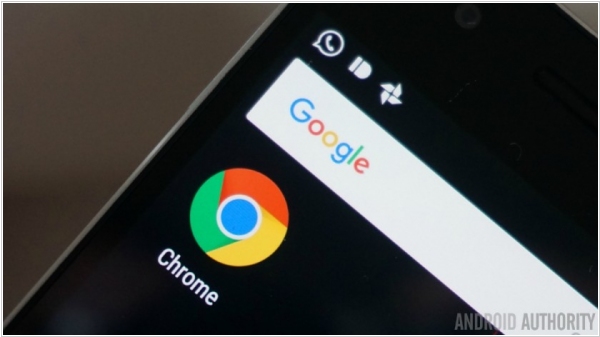
As you know, Google develops two operating systems (with competing philosophy): Android (focused on native apps) and Chrome OS (focused on web-apps and browser). And even Google's management could never explain which of these philosophies corresponds to their strategy. Moreover, Android and Chrome are developed in the company by two separate teams which are competing with each other rather than collaborating. Today's news informs that the Chrome team managed to strike the opponent. Chrome browser is now available on Android. However, only on Android 4.0 (Ice Cream Sandwich). Judging by the first reviews, the speed and usability of the mobile Chrome - is very cool. But it doesn't support flash. So the future OS forecast shifts towards the web-based apps based on HTML5.
2010. Google Chrome Web Store is open
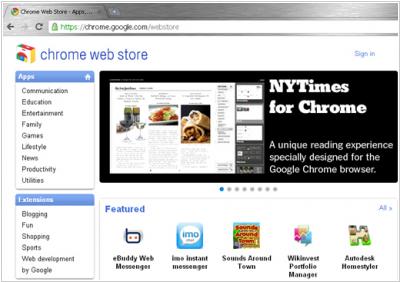
Last week, Google was expected to officially release its web-based operating system for netbooks Google Chrome OS, but this didn't happen. Google decided to delay the launch until the summer 2011. But the company opened Chrome Web Store - the online marketplace, that is a part of the operating system. It's not a new technology or platform for web apps. Rather, it is another opportunity for developers to promote their products on the market. And for Google - it's also a way to promote its products - Google Checkout and Google ID. Here's how it works: ***
2010. Google Chrome OS will support desktop applications
One of the Google Chrome OS developers noted in Chromium Google Group, that this lightweight OS for netbooks will include a terminal client, which enables Chrome-netbooks to run not only web-applications, but also legacy desktop applications. I.e. netbooks with Chrome OS will be able to connect to another computer (or server) with a terminal server and run applications from this computer in a browser. Similarly the well-known Windows Remote Desktop works. What operating systems will the Chrome OS terminal server support - is unknown, but most likely Windows and Windows Server will be in the list . ***