Top 10: Browsers for Business (for Eastern Europe)
Web browsers for business that provide additional security and administration features.
1
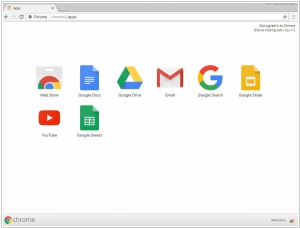
Google Chrome is a browser that combines a minimal design with sophisticated technology to make the web faster, safer, and easier. Syncs seamlessly across devices, allowing users to access bookmarks, history, and settings anywhere. Implements strong security features, including sandboxing and automatic updates to protect against threats.
2
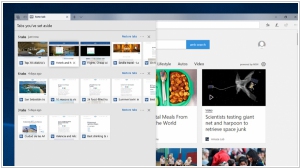
Microsoft Edge is the only browser that lets you take notes, write, doodle, and highlight directly on webpages. Features vertical tabs for improved organization and easy navigation of multiple open pages. Offers a built-in (PDF) reading mode that simplifies web pages for distraction-free reading.
3
The free, non-profit browser for your desktop and mobile devices. Firefox is created by a global non-profit dedicated to putting individuals in control online. Designed to protect and respect your private information. Supports a wide range of extensions and themes for enhanced customization and functionality.
4
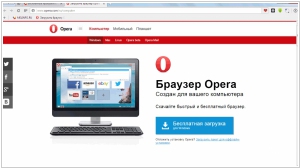
The Opera browser is a fast, simple and safe way to get around on the web. Features a built-in VPN for enhanced privacy and security while browsing. Offers a customizable sidebar for quick access to social media and messaging apps.
5
Apple Safari is faster and more energy efficient than other browsers. Innovative features make your experience on the web better than ever. Seamlessly integrates with Apple's ecosystem.
6
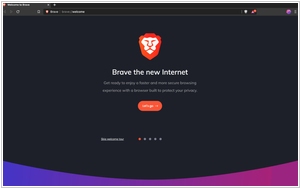
Paid, privacy-focused browser with ad blocking. Includes a dedicated search engine and video conferencing.
7
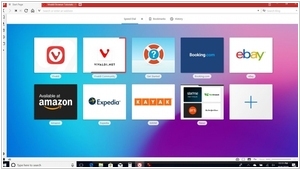
Vivaldi browser is a fast, private and secure browser that blocks ads and trackers. It puts you in control with unique features. Offers extensive customization options for the user interface, including themes and layouts.
8
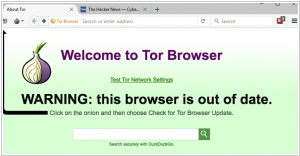
Tor is a secure browser that routes internet traffic through a network of volunteer-operated servers to conceal user locations. Includes a built-in security level slider to adjust protection settings for different browsing scenarios.
9
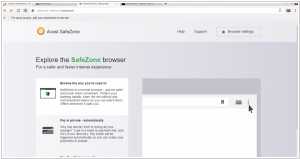
Secure browser from Avast, the antivirus company. Built-in privacy features protect against malware, phishing attacks, and identity theft. Ad blocking.
10
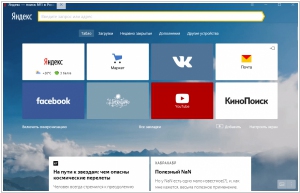
Lightweight browser with a built-in voice assistant. Support for Yandex services. Design customization. Built-in password storage. Enterprise version available.
Latest news related to rating "Browsers for Business (for Eastern Europe)":
Chrome adds split-screen mode
22.02.2026

Three new features have been added to Google Chrome: Split View, PDF annotations and Save to Google Drive. Split View lets you work on two webpages at once, for example watch a video while taking notes. PDF annotation lets you annotate a PDF or highlight text directly in the browser. This means you don't have to download PDF and then open it in another app to work with its content. Save to Google Drive lets you save any PDF directly to your Drive account, rather than to your computer where it could get lost. When you use this feature, saved files will appear in the Saved from Chrome folder in your Drive, making them easy to find.
Microsoft Edge Mobile gets full support for desktop extensions
23.10.2025
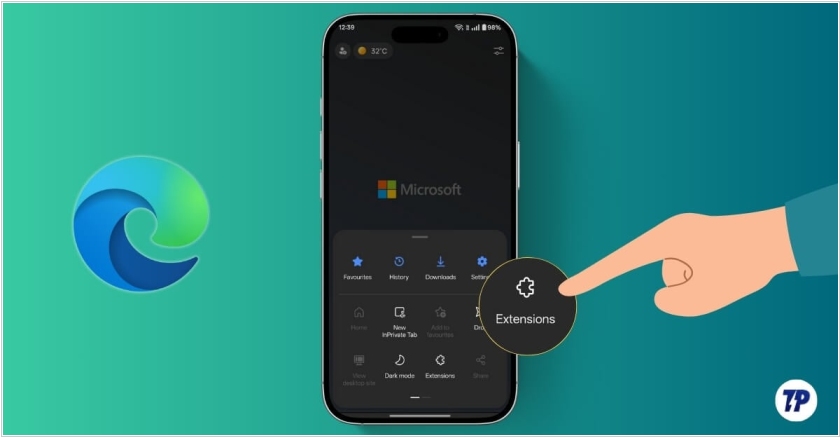
Microsoft has added support for all desktop extensions to its mobile Edge browser. This feature is unique among major browser developers – even Google hasn't yet realised it. Mobile Edge for Android and iOS already supported extensions, but only those created specifically for it (not for the desktop version). For now desktop add-ons currently only available on Android. To make it easier to find the extension you need in Edge for smartphones, you'll need to enable the search bar – it's disabled by default. Type Edge://flags in the address bar and go to that page. There, you'll need to manually enable the Android Extension Search flag, then restart the browser.
OpenAI unveiled its own browser, ChatGPT Atlas
22.10.2025
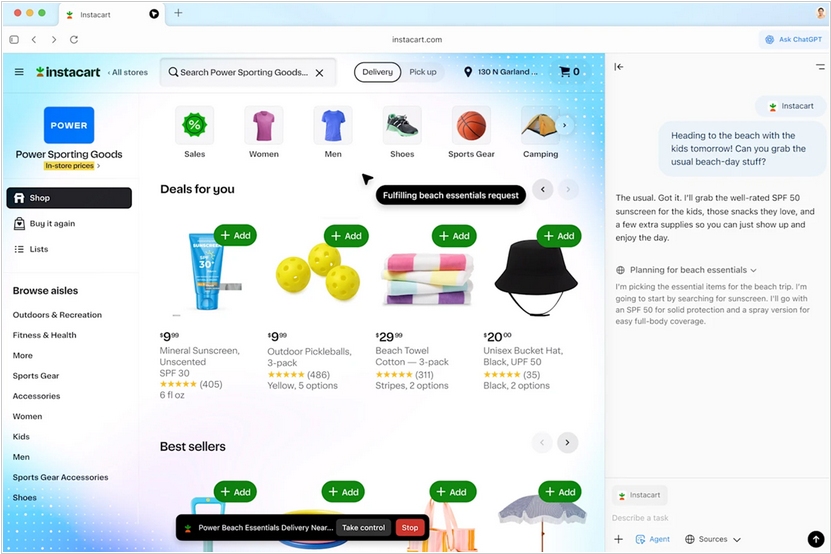
OpenAI has unveiled its own AI-powered browser ChatGPT Atlas, which aims to compete with Google Chrome (which has over 3 billion users worldwide). How can it win? ChatGPT Atlas users can interact with search results, similar to Perplexity. The built-in chatbot resides in the sidebar and takes into account the context of what's displayed on the screen, as well as your recent browsing history. Using "agent mode," users can ask ChatGPT to perform small tasks in the browser on their behalf (this feature is available only to paid users). But the main advantage is that having a separate application for ChatGPT on your computer is convenient. That's why many have already installed the ChatGPT desktop client. Apparently, after some time, the company will merge it with the browser and then Chrome (and Google search) will have problems, since ChatGPT uses Microsoft's Bing search engine by default.
Perplexity launches own browser Comet
09.07.2025
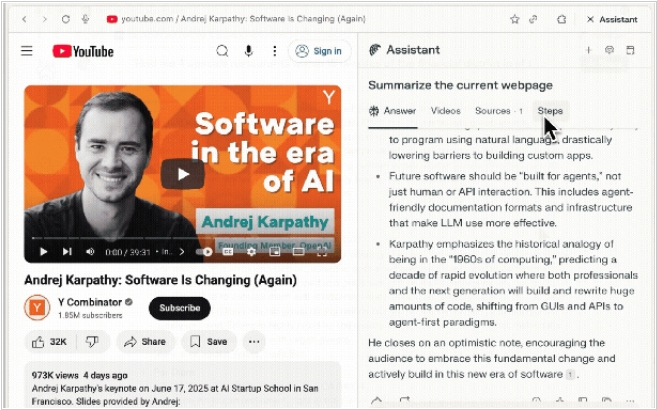
AI search engine Perplexity wants to compete with Google. But it's an inherently uneven fight, as long as Google controls the Chrome browser (used by 80% of users) and its default search engine. So the guys at Perplexity decided to launch their own browser – Comet. How does it want to beat Chrome? Well, it has a sidebar assistant that can respond and even perform actions based on the context of the open page and even within the context of browsing history. Will it succeed? No. And even if Google gets lazy and doesn't implement a similar sidebar assistant in Chrome. A browser's primary job is to display web pages correctly, and no one can compete with Chrome in this area, because Google sets web standards. And although Comet uses the open-source Chromium engine, it needs Microsoft-like capabilities to barely keep up with Google. However, there's a catch. A lawsuit is currently underway in the US that could force Google to sell the Chrome browser, and then Comet's Perplexity bet could pay off.
Opera redesigned Opera Mini for Android
06.02.2025
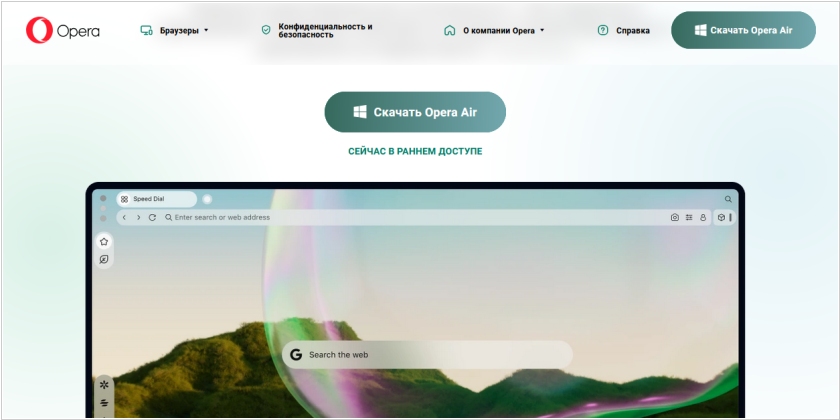
Opera Mini, the little brother to Opera’s regular mobile browser, is getting a major makeover on Android. The new design, which is pretty much in line with the regular Opera mobile browser, is meant to give the browser a more native look and feel. As you know, Opera offers both its regular mobile browser and Opera Mini on Android. The major difference between the two is that Opera Mini features an always-on data saving mode that compresses data very aggressively. For the most part, Opera Mini manages to do so without breaking the layout of most sites, but sites will look a little bit sparser than usual because Opera’s proxies strips out some design elements and web fonts to save bandwidth. The regular Opera browser for Android also features a similar “turbo” mode, but it’s quite a bit more conservative in its approach.