Opera
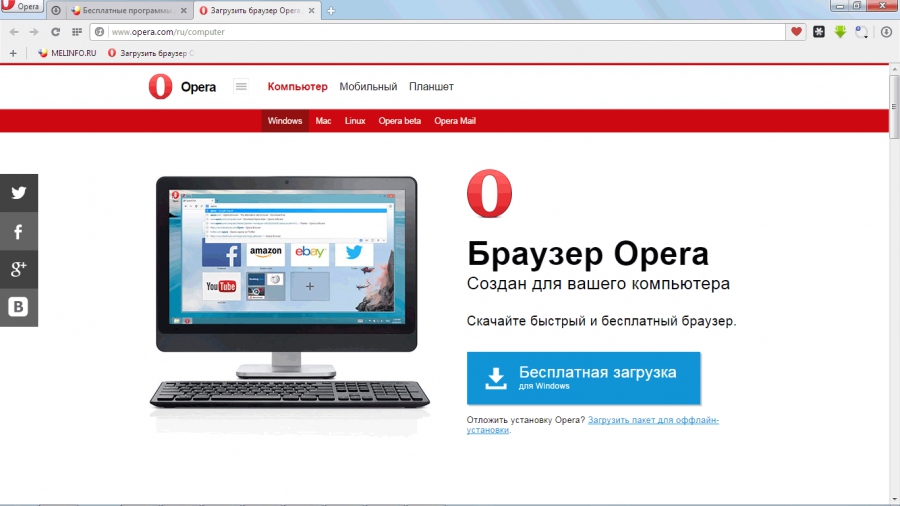
The Opera browser is a fast, simple and safe way to get around on the web. Features a built-in VPN for enhanced privacy and security while browsing. Offers a customizable sidebar for quick access to social media and messaging apps.
Add comment
Add comment
Alternatives and relevant products
Users who were interested in Opera, then also viewed:
News about Opera
31.05.25. Opera unveiled Neon - AI browser that can build websites
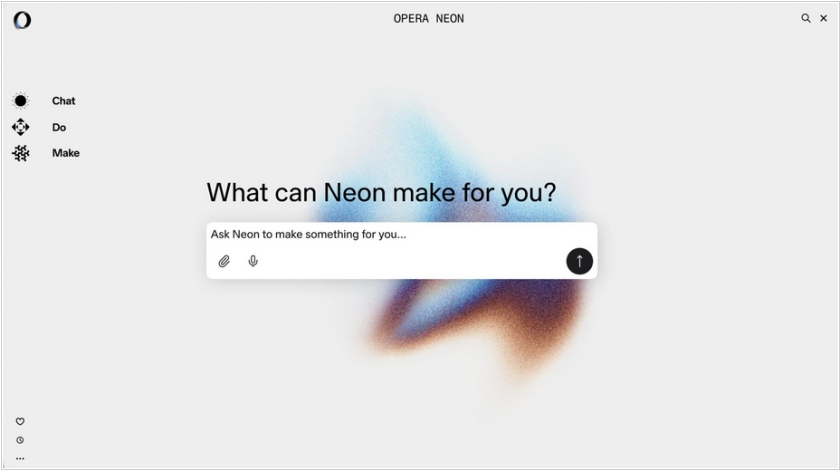
Opera has unveiled a new browser called Opera Neon, focused on automating tasks using AI. Opera Neon features three tools: Chat, a chat feature that lets you search for information online, ask questions, and learn details about the pages you're viewing. Do, a tool based on the previously announced Browser Operator AI agent, can fill out forms, book tickets, and perform other actions locally in the browser. Make, one of the most interesting features, allows you to create websites based on text queries. Tasks are executed in a virtual machine in the cloud, so Neon can operate autonomously even offline and run multiple processes simultaneously.
2025. Opera redesigned Opera Mini for Android
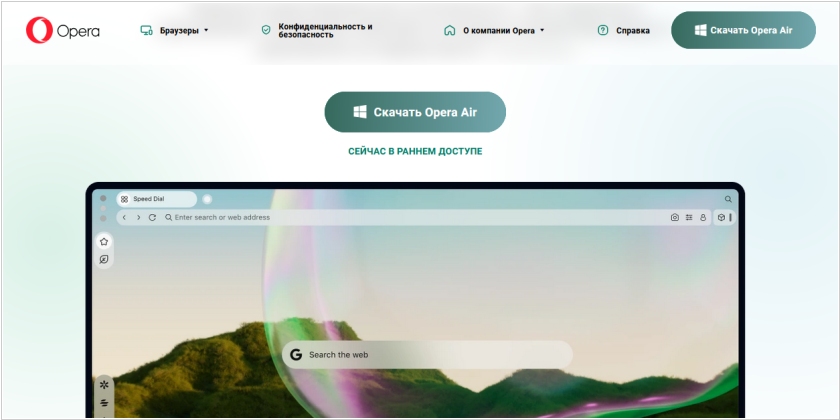
Opera Mini, the little brother to Opera’s regular mobile browser, is getting a major makeover on Android. The new design, which is pretty much in line with the regular Opera mobile browser, is meant to give the browser a more native look and feel. As you know, Opera offers both its regular mobile browser and Opera Mini on Android. The major difference between the two is that Opera Mini features an always-on data saving mode that compresses data very aggressively. For the most part, Opera Mini manages to do so without breaking the layout of most sites, but sites will look a little bit sparser than usual because Opera’s proxies strips out some design elements and web fonts to save bandwidth. The regular Opera browser for Android also features a similar “turbo” mode, but it’s quite a bit more conservative in its approach.
2024. Opera browser now features AI chatbot Aria
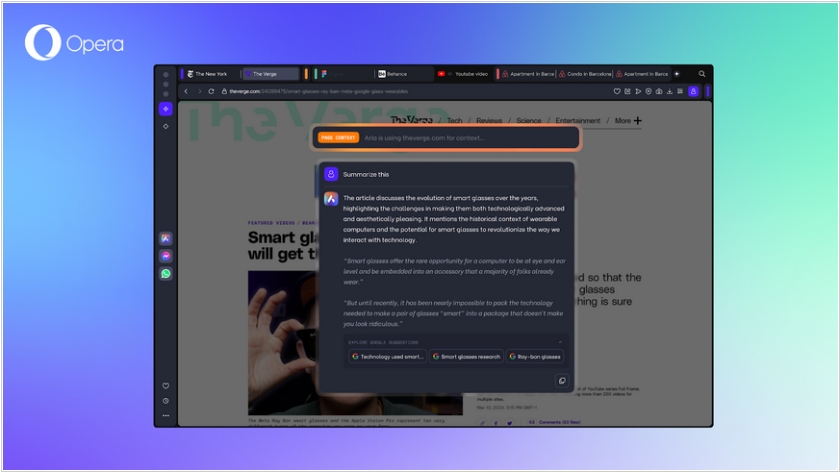
Opera has released a major browser update called Opera One R2. The browser now features an AI-powered chatbot called Aria AI, integrated with Google's Imagen 2 image generator. The AI assistant can create an image based on a text query or sample, and also describe the content of the image. Animated themes with background music have also been added, as well as a split-screen feature that allows you to open two pages side by side, which is more convenient than opening two windows. Users will be able to see the five most recently viewed tabs, provided they have more than 30 tabs open. Tab islands allow you to group tabs. Other new features include a built-in pop-up media player and an ad blocker.
2019. Opera for Android added built-in VPN
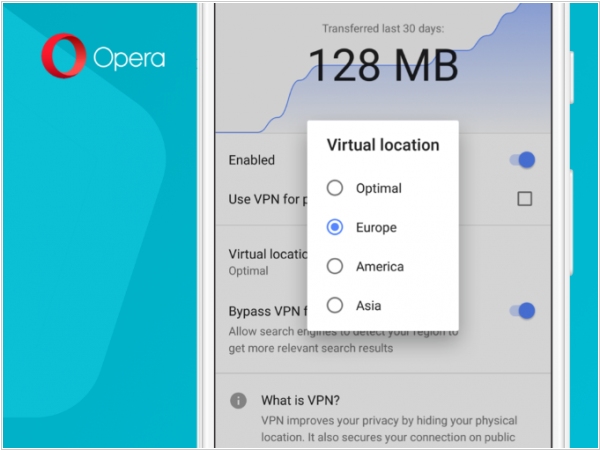
In 2016 Opera launched a free VPN app for Android (followed by an iOS launch) but the app was discontinued last year. Now Opera will offer the free VPN service again, as part of its Opera browser for Android. The feature is currently undergoing testing and is slowly rolling out to Opera beta users. Once you turn the option on, you can choose your virtual location — the choices aren't as good as you'd get from a commercial VPN service, but you do get to choose whether you want to be virtually located in Europe, America or Asia. Opera claims it's not keeping any usage logs. Opera already offers a free, unlimited VPN as part of its desktop web browser. Just like that version, the mobile browser also offers you to bypass VPN when accessing search engines.
2017. Opera unveiled browser of the future
Opera, the Norwegian browser maker acquired last year by a Chinese investment consortium, has introduced a new experimental browser called Opera Neon. Neon’s changes are largely cosmetic - under the hood it uses the same Blink rendering engine forked from WebKit and currently used by Google Chrome, Opera, and Amazon Silk - but it is visually appealing. It launches into a start page that copies your desktop wallpaper, giving you a window that looks like your desktop. Meanwhile, on the left hand side is a set of tools including a video pop-out that lets you play videos whilst you browse other pages, and a snap-to gallery that can crop any part of a web page and save it to the gallery for later. However, of all the new capabilities added to Neon perhaps the most obviously useful is side by side browsing of two pages.