Microsoft Edge
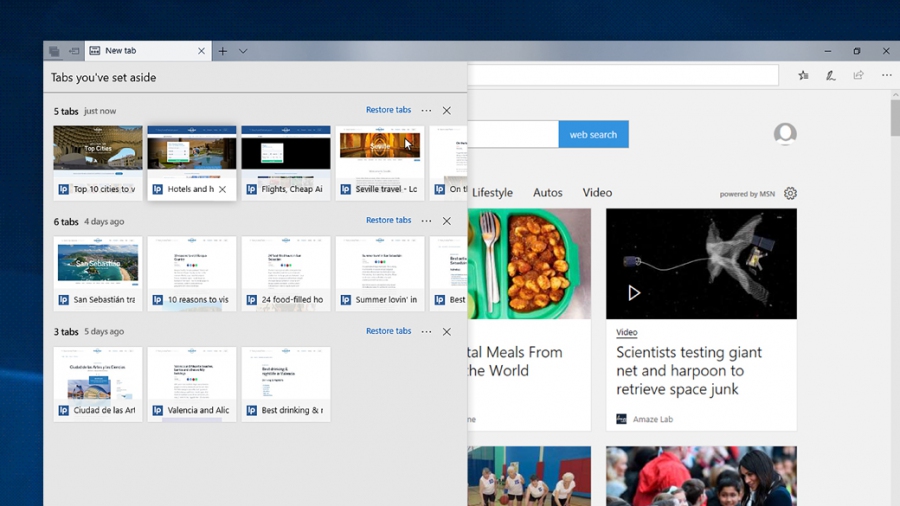
Microsoft Edge is the only browser that lets you take notes, write, doodle, and highlight directly on webpages. Features vertical tabs for improved organization and easy navigation of multiple open pages. Offers a built-in (PDF) reading mode that simplifies web pages for distraction-free reading.
Add comment
Add comment
Alternatives and relevant products
Users who were interested in Microsoft Edge, then also viewed:

News about Microsoft Edge
23.10.25. Microsoft Edge Mobile gets full support for desktop extensions
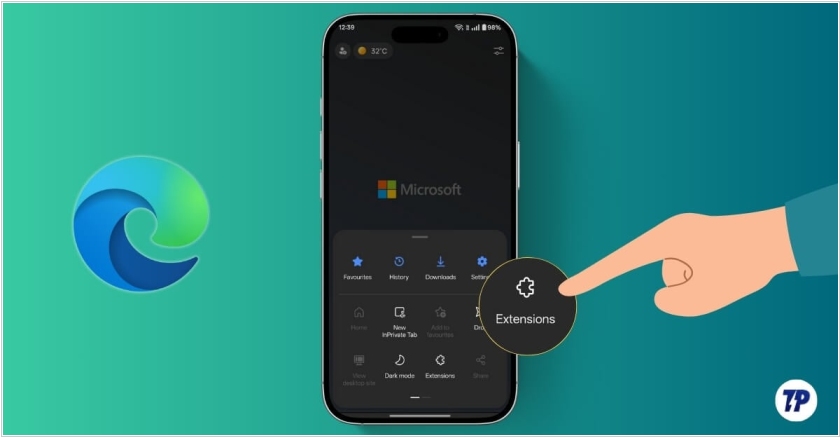
Microsoft has added support for all desktop extensions to its mobile Edge browser. This feature is unique among major browser developers – even Google hasn't yet realised it. Mobile Edge for Android and iOS already supported extensions, but only those created specifically for it (not for the desktop version). For now desktop add-ons currently only available on Android. To make it easier to find the extension you need in Edge for smartphones, you'll need to enable the search bar – it's disabled by default. Type Edge://flags in the address bar and go to that page. There, you'll need to manually enable the Android Extension Search flag, then restart the browser.
2025. Microsoft Edge is now an AI browser with Copilot mode
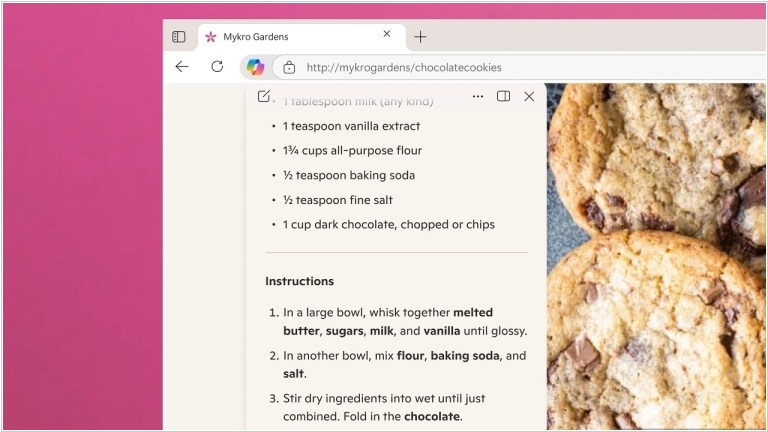
Microsoft has not stayed aside from the AI browser craze and has launched a new feature called Copilot Mode in its Edge browser, which allows users to work with web pages using AI. The idea is that AI can become an assistant that understands what the user is looking for, predicts their actions and performs actions on their behalf. Copilot appears in a modal window on top of the page and can be asked in the context of the content of the current page. For example, the user can ask the AI assistant if the recipe they are viewing can be made vegan. In addition, Copilot can perform various tasks on behalf of the user, such as booking an appointment, creating shopping lists and (of course) writing content. Copilot supports voice input, so you can command via voice. The company emphasizes that Copilot will be able to access the browser content only with the user's consent.
2023. Microsoft launches new Bing and Edge browser with ChatGPT
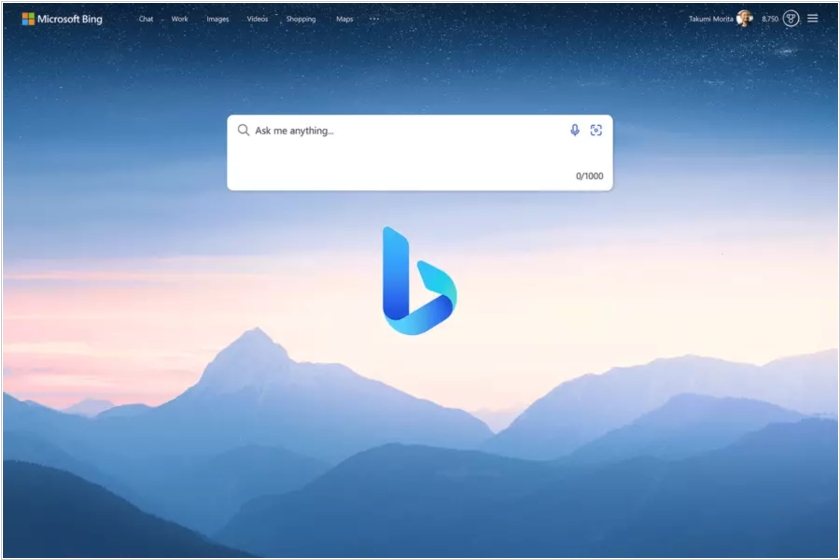
Microsoft is pulling out all the stops in an effort to better compete with Google. The company has announced its long-rumored integration of OpenAI’s GPT-4 model into Bing, providing a ChatGPT-like experience within the search engine. As expected, the new Bing now features the option to start a chat in its toolbar, which then brings you to a ChatGPT-like conversational experience. Microsoft is also launching a new version of its Edge browser, with these new AI features built into the sidebar. With the new browser, web users are able to do things like summarize search results with AI’s help and converse with AI chatbots to get their questions answered, among other things.
2017. Microsoft Edge comes to Android and iPhone
Microsoft announced the general availability of its Edge Browser (the followup to Internet Explorer) for iOS and Android. The mobile version offers many of its familiar desktop/tablet features, including Favorites, Reading Lists and New Tab Pages. The company’s also added some new tools. Roaming Passwords are now on-board, giving users the ability to sync passwords cross platform on mobile and desktop. There’s also dark theme. That’s basically what it sounds like, offering a black desktop instead of the default white/gray one, which should be easier on some eyes. The addition of Edge is an important piece of Microsoft’s new mobile strategy. At the very least additions like Edge and Cortana to iOS and Android will make it easier for Windows 10 users to have their existing smartphones play nice with their PCs.