Microsoft Teams
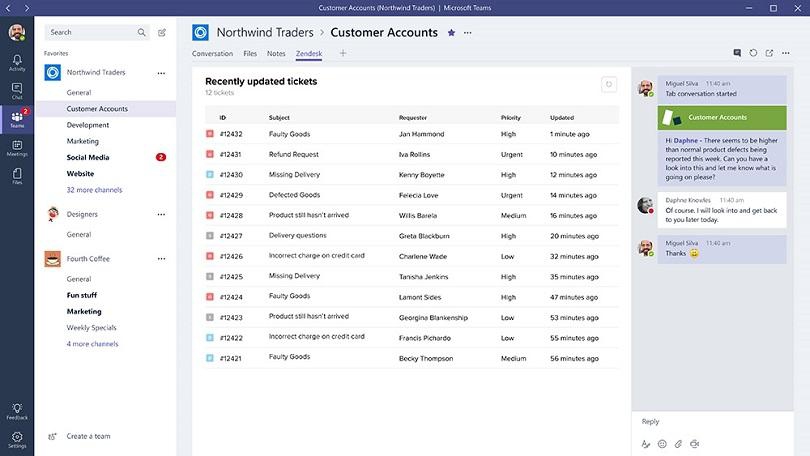
Microsoft Teams is the chat-based workspace in Office 365 that integrates all the people, content, and tools your team needs to be more engaged and effective. Supports video meetings with up to 1,000 participants.
Comments: 1
Comments: 1
Alternatives and relevant products
Users who were interested in Microsoft Teams, then also viewed:
Video about Microsoft Teams
News about Microsoft Teams
06.09.25. Microsoft to cut Teams from Office 365 to avoid EU sanctions

Microsoft has decided to spin off the corporate messenger Teams from the Office 365 suite to avoid an EU fine of 10% of its global annual turnover. In addition, prices for Teams plans without video conferencing will be reduced and compatibility with competing software will be improved. The antitrust investigation against Microsoft began after a complaint from Teams competitor Slack in July 2020. The European Commission then pointed out that the integration of Microsoft's IT platforms creates an unfair advantage over other market players. In 2024, the European Commission accused Microsoft of violating antitrust laws due to the fact that the IT company sold the Teams messenger in Office 365 and Microsoft 365 packages for several years.
2024. Copilot in Teams will be able to provide simultaneous translation
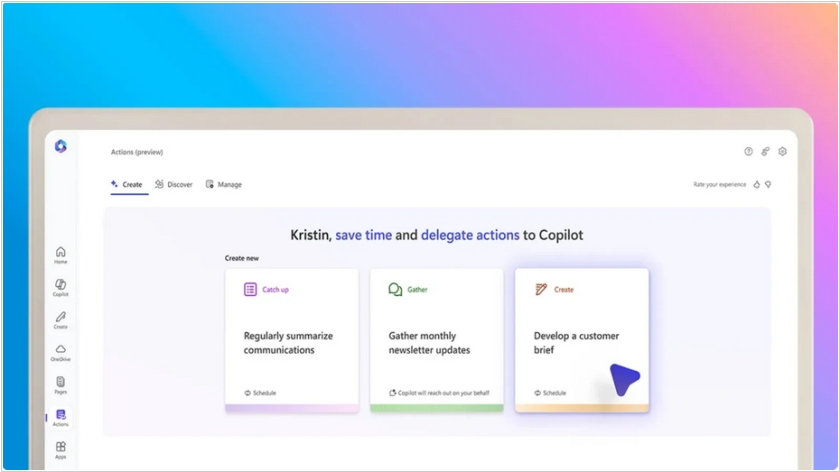
Microsoft has introduced new AI agents for its Office suite. Copilot in Teams will provide real-time simultaneous (oral) translation during meetings, mimicking the user's voice. It can also summarize Teams meetings, create weekly reports, review and answer questions based on visual content shared on the screen during a meeting, and provide a brief overview of a sent file. Copilot in PowerPoint can translate entire presentations into one of 40 languages while maintaining the overall design of each slide. Copilot in Outlook can help schedule a face-to-face meeting with a colleague by reviewing both calendars to find the best time.
2024. Microsoft to remove Teams from Office enterprise subscriptions in Europe
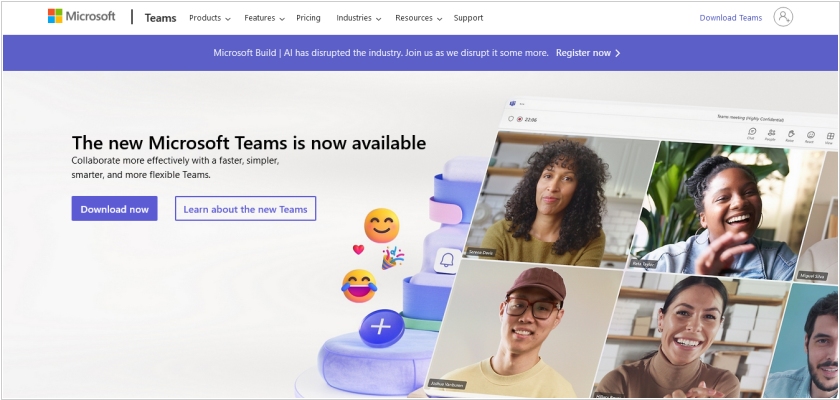
Microsoft will begin selling its corporate messaging app Teams separately from its Office productivity suite worldwide. This comes six months after the company separated the two products in Europe (to avoid a potential antitrust fine from the EU). Customers who received Teams as part of their Microsoft 365 and Office 365 plans can continue to use those plans or switch to plans without Teams. Microsoft 365 offerings for small and medium businesses will include both Teams-equipped and Teams-free options. Consumers and academic license holders will not be affected by this change.
2024. Microsoft integrated mixed reality platform into Teams

Microsoft has integrated its Mesh mixed reality platform into the business version of Teams. It features virtual meeting spaces accessible with or without a VR headset, allowing users to participate in immersive 3D meetings. While Mesh 3D meetings work best with a VR headset, Microsoft currently supports only Meta Quest* devices. The integration brings customized 3D environments to Teams, reminiscent of the enterprise version of AltspaceVR, a social VR platform acquired by Microsoft in 2017. Participants can enjoy spatial audio features that simulate private conversations while distancing themselves from others in the virtual space. 3D environments offer customization options, including interactive activities like bean bag tosses and icebreaker questions for remote colleagues. Creating your own immersive spaces requires a Teams Premium license.
2022. Microsoft is ending support for Teams desktop client for Linux
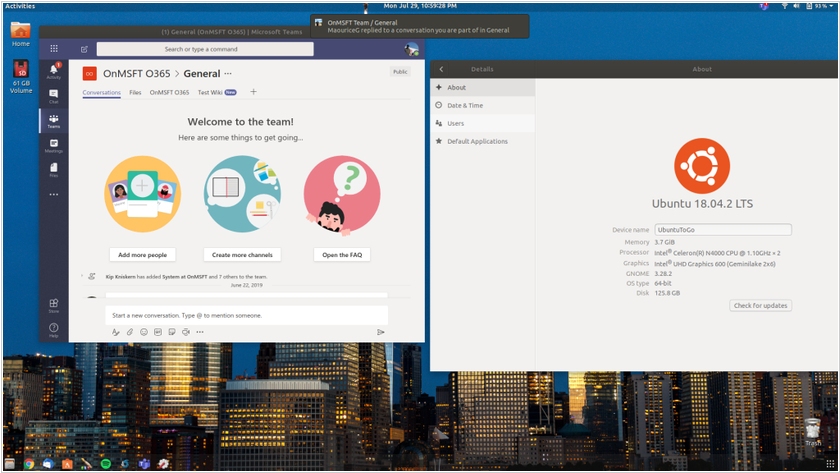
In August, Microsoft announced that it's ending support for the Teams desktop client for Linux. It will remain in use until early December, after which it is recommended to use the Teams PWA (Progressive Web App). The Linux client is buggy and lacks some features found in the Windows and macOS desktop clients. Experts believe few people use it fully, so no one will be significantly impacted. The Teams PWA runs in Chrome or Edge. Firefox users can continue to use the existing browser version of Teams, as Firefox does not support progressive web apps.
2021. Microsoft upgraded the free version of Microsoft Teams
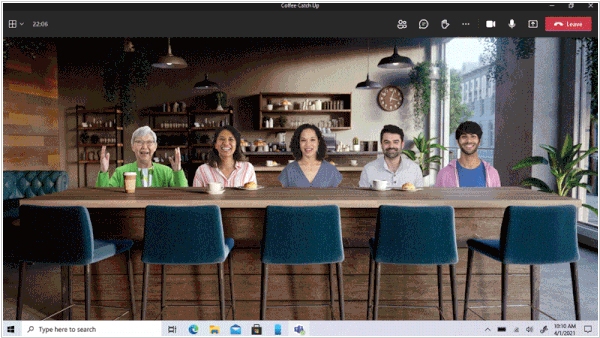
Microsoft has unveiled a major update to the personal version of Microsoft Teams, which had been in preview for almost a year. Now (until the end of the pandemic), any Teams user will be able to communicate for free in groups of up to 300 people for 24 hours. After quarantine restrictions are lifted, group calls will be limited to 100 people and 60 minutes, while personal conversations will remain unlimited. In addition, Teams for personal use now includes several features available in the enterprise version of the messenger. These include calendaring, document and location sharing, and text chat. There is also a "Together" feature that allows all conversation participants to be connected in a single virtual background.
2021. Microsoft Teams optimized for webinars and online presentations
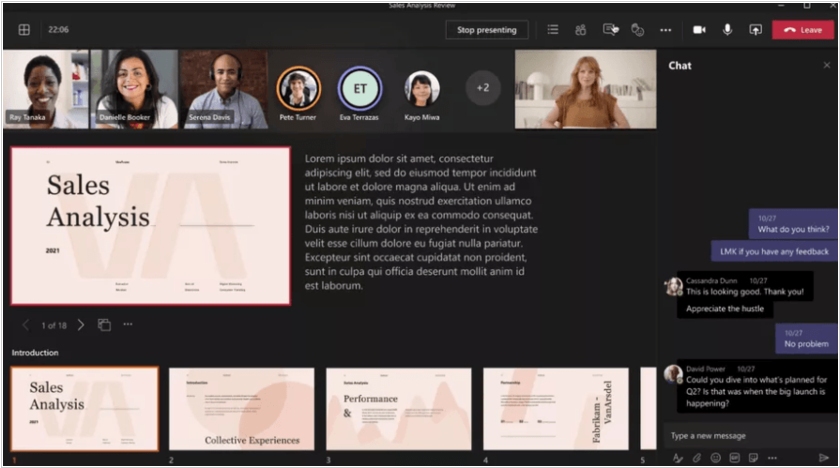
Microsoft Teams users can now host interactive webinars for up to 1,000 participants. Presenters can manage webinar registration and track webinar reports. A new online presentation mode, PowerPoint Live, has also been added. Presenters can access notes, slides, chat, and a participant list in a single window, while viewers can adjust viewing speed and contrast. Presenter mode allows you to customize the display of video and other content for your audience. Microsoft also promises to add end-to-end encryption for one-on-one calls in Teams for business customers in the first half of 2021.
2020. Microsoft Teams offers free video conferencing for up to 300 participants.
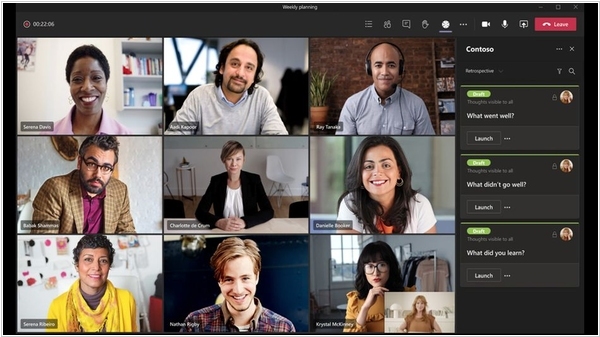
Microsoft has decided to make video conferencing in its Teams service effectively free for personal use. The only restrictions: 300 participants and 24 hours per video call - practically unlimited. Compared to this, the free versions of Zoom and Google Meet don't seem so attractive. And Microsoft won't strictly verify the "personality" of video conferences. Video calling in Teams works on both desktops and mobile devices. A Microsoft account is not required to participate in a video call (only the meeting creator will need one). You also don't need to install the app - you can access it from any browser.
2017. Microsoft Teams will replace Skype for Business
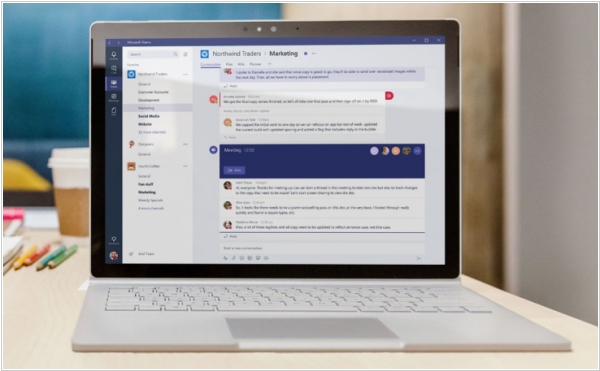
Microsoft announced that its new groupchat Teams will become its core communications platform for users running Office 365. Until now, Skype for Business was the company’s product for this. According to Ron Markezich, the company’s corporate VP for Office 365, Teams will become the “hero and primary experience for all voice, video and meetings.” Over time, Teams will replace the current Skype for Business client. Microsoft obviously knows that enterprises don’t move fast, so for those who don’t want to do away with their existing PBX systems and calling capabilities to the cloud, it’ll launch a new version of the Skype for Business server in 2018. For those who do make the transition to Teams, Microsoft promises lots of new calling features and meeting enhancements with outbound and inbound calls to and from regular phones, support for voicemail, call holding, call transfers and other standard telephony features.